

Best Excel alternatives and how to choose the right one for your business
Excel is versatile, but it's not always the right fit. This guide covers when to move on from Excel, what to look for in a replacement, and which tools are worth considering, from free spreadsheet alternatives like Google Sheets and Zoho Sheet to purpose-built dashboard and database tools.
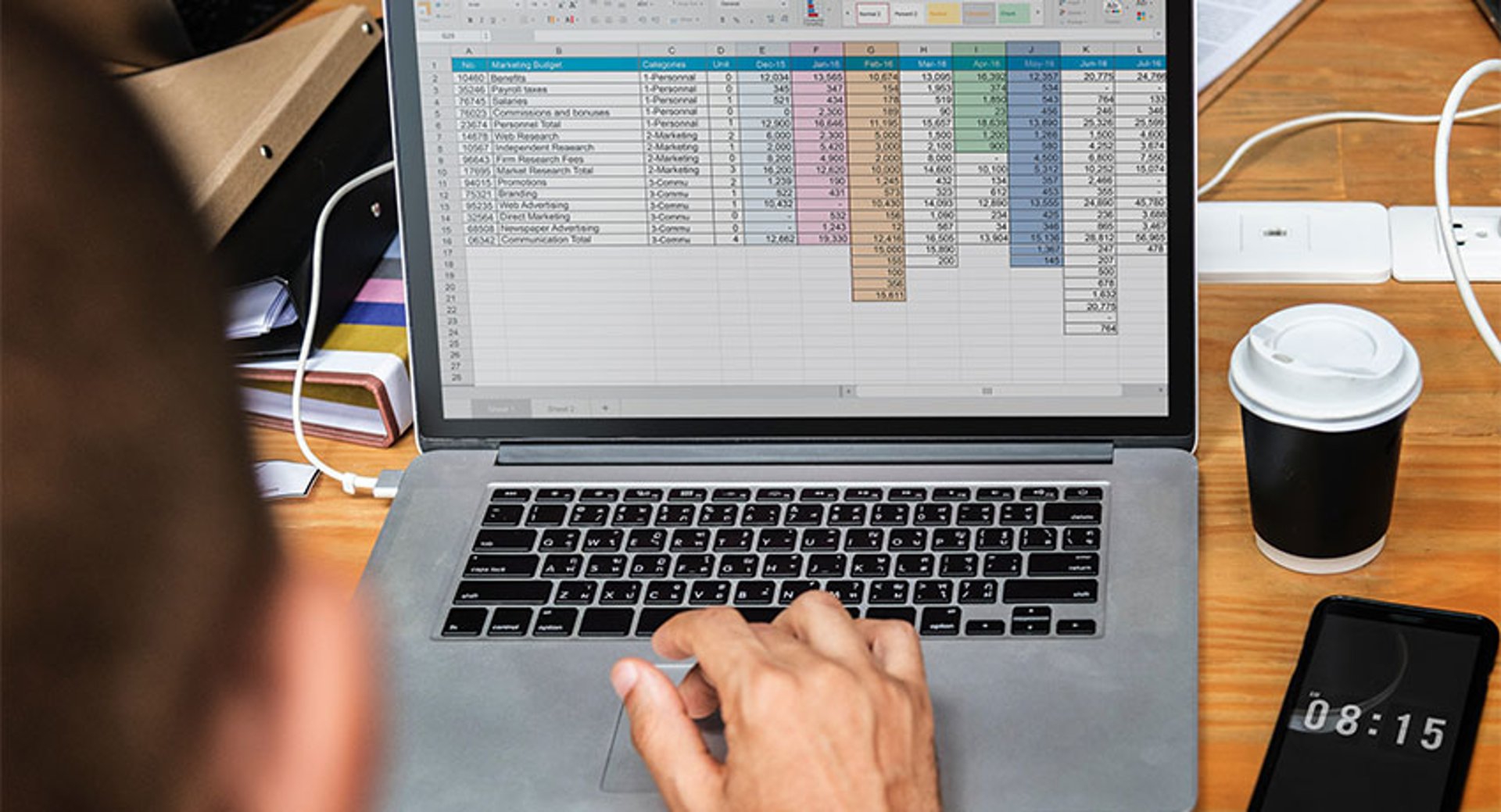
Microsoft Excel is one of the most versatile business tools in the world. But versatility isn't the same as fit. For many teams, Excel is the default, not the right choice. If you're spending more time maintaining spreadsheets than acting on what's in them, it's worth asking whether a purpose-built alternative would serve you better.
Below, you'll find a breakdown of when to move on from Excel, what to look for in a replacement, and which tools are worth considering.
When to use an Excel alternative
Excel is powerful and familiar. It handles data management, bookkeeping, project management, and more. If you're already in the Microsoft ecosystem, it's a natural fit.
But it has real limits. It can be costly, difficult to navigate, and poorly suited to complex data management or real-time reporting. Here's when those limits start to matter.
When you need a more cost-effective option
Microsoft 365 charges per user per month. Basic packages start around $6 per user, and costs compound quickly when multiple people need access to the same files.
Free alternatives like Google Sheets, LibreOffice Calc, and Zoho Sheet offer comparable core functionality at no cost. For many growing teams, the free tier is more than enough.
When collaboration is slowing you down
Excel supports simultaneous editing through OneDrive or SharePoint, but only if every collaborator has a licensed copy of Excel. That's a real constraint for lean teams or external partners.
Browser-based tools like Google Sheets and Zoho Sheet remove that friction. Anyone with a link and an internet connection can view or edit, regardless of device or location.
When the learning curve is costing you time
Excel's depth is also its drawback. The sheer number of features overwhelms many users, and onboarding takes time your team may not have.
Newer tools like Google Sheets and Zoho Sheet were built with modern usability in mind. They cover the essentials without the complexity, which means faster onboarding and fewer errors from people working around features they don't understand.
When your data has outgrown a spreadsheet
Excel stores data in tabular format. That works well for simple datasets, but it can't scale to handle large volumes, and it doesn't support non-tabular structures like hierarchical or networked data.
If your data needs have grown beyond what a spreadsheet can manage reliably, a dedicated database management system, such as MySQL, Oracle Database, or PostgreSQL, gives you the processing power and structure to handle it properly.
When you need real-time reporting
Excel wasn't built for live dashboards. It has data visualization templates, but no dedicated layout tools for dashboards and no efficient mechanism for continuous data updates.
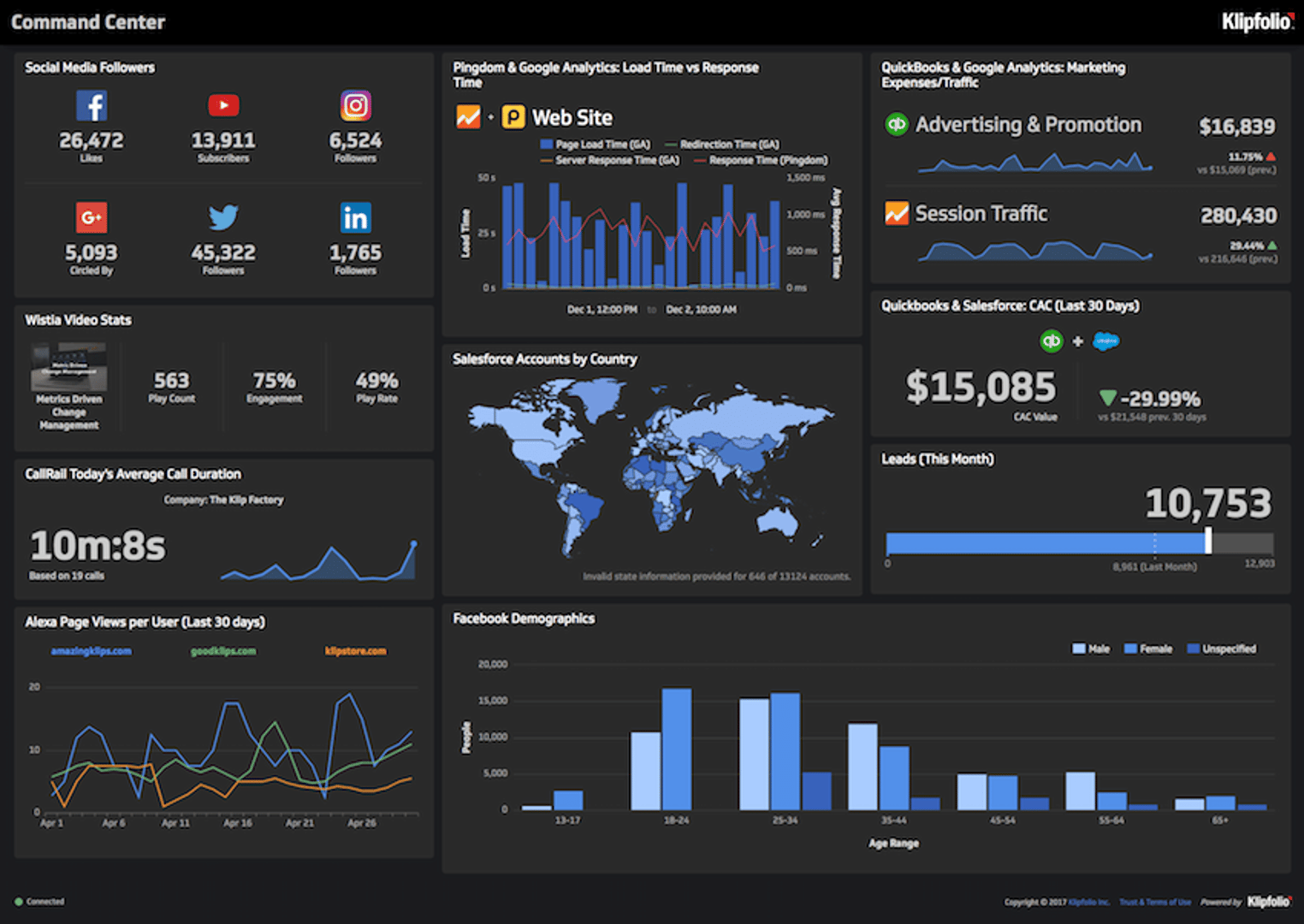
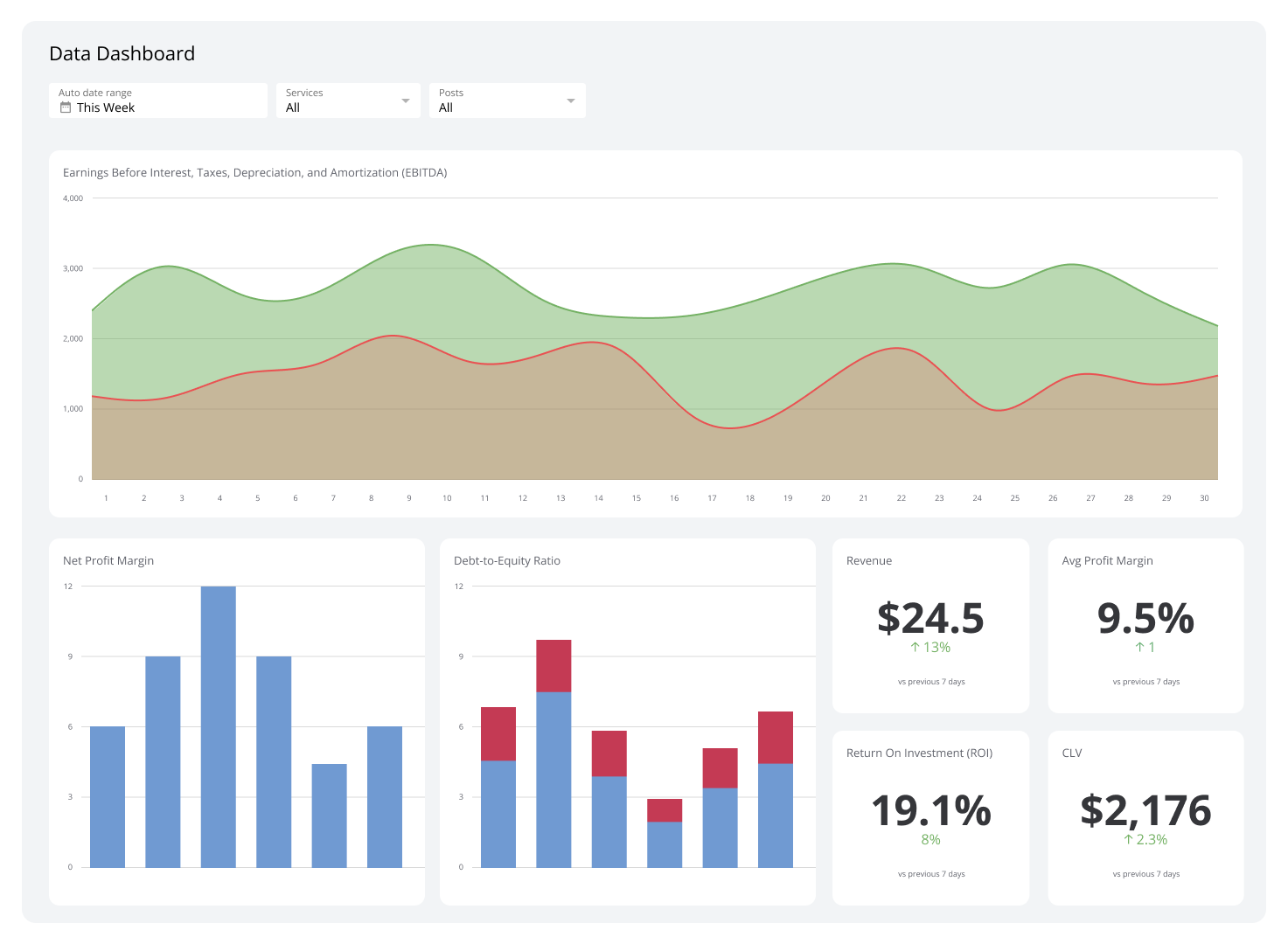
If you're pasting numbers into Excel to build a report, you're already behind. A purpose-built dashboard tool like Klips connects directly to your data sources and keeps visualizations current, so you know what's happening without having to go looking for it.
When you're working outside the Microsoft ecosystem
Excel integrates naturally with Microsoft 365. If your team runs on Google Workspace or Zoho, you'll get more out of staying within that ecosystem's native tools. Familiarity with the interface reduces friction, and cross-application workflows, like embedding Google Sheets data into Google Slides, are much smoother when you're not bridging platforms.
When a purpose-specific tool would do the job better
Excel is a capable stopgap for bookkeeping, project tracking, and customer management. But "capable stopgap" is different from "right tool." When the volume or complexity of work grows, purpose-built software handles it with less manual effort and fewer errors.
What to look for in a spreadsheet program
If you're replacing Excel with another spreadsheet tool, the decision usually comes down to six factors: features, price, usability, online and offline access, collaboration, and file compatibility.
Features
A solid spreadsheet program lets you store, organize, manage, and analyze data. Look for:
- Templates: Prebuilt layouts for common tasks like budgeting, invoicing, scheduling, and project tracking.
- Functions and formulas: A full library of built-in functions, including conditional logic, sorting, filtering, and aggregation.
- Macros: The ability to automate repetitive tasks, either by recording actions or writing scripts.
- Pivot tables: Summarize and aggregate data from large datasets without manual work.
- Data visualization: Charts, graphs, and maps, ideally with smart recommendations based on your data.
Price and inclusions
Most spreadsheet programs offer a capable free tier. Paid plans typically add storage, AI tools, and integrations, but they're usually bundled with a full office suite. Before upgrading, consider whether you actually need the extra applications, or just the spreadsheet.
Usability
A tool your team won't use is no tool at all. Look for a clean interface, customizable layouts, and an onboarding path that doesn't require a training program. Most platforms offer demos or free trials; use them.
Create custom dashboards for you and your team.
Get started with KlipsOnline and offline functionality
If your team is always connected, an online-only tool works fine. If you work in environments with unreliable internet, offline editing and auto-sync on reconnection matter. The best tools offer both.
Collaboration features
Look for simultaneous editing, granular sharing permissions (view, comment, edit), and easy file distribution in multiple formats, including PDF, CSV, and native spreadsheet formats.
File format compatibility
You'll likely need to exchange files with people using other tools. Make sure your platform can import and export:
- .xlsx and .xls (Excel formats)
- .csv and .tsv (plain data formats)
- .ods (OpenDocument Spreadsheet)
- .xlsm, .xlsb, .xltx, .xltm (macro-enabled and template formats)
Best non-spreadsheet Excel alternatives
Sometimes a spreadsheet isn't the right tool at all. Here are purpose-built alternatives for common business functions that Excel handles poorly at scale.
Best dashboard and reporting tool: Klips
| Pros | Cons |
|---|---|
| 130+ built-in data source connectors | Faster refresh rates require higher-tier plans |
| Extensive visualization and customization options | No free version |
| Unlimited users on every plan | Focused on business metrics, not general-purpose data |
Price: Starting at $80/month (billed annually)
Excel can handle basic data analysis, but it can't automate the collection, integration, and live reporting of business data. If you're manually updating a spreadsheet to track performance, you're spending time on work that a dashboard tool should be doing for you.
Klips connects to 130+ data sources, including AWS, Google Analytics, and MySQL, and streams data directly into custom dashboards. Visualizations stay current without anyone having to pull a number or paste it in. That means your team sees accurate, up-to-date information when they need it, not a snapshot from last week.
Key advantages:
- Predictable pricing: Klips doesn't charge per user. Every plan includes unlimited users, starting at $80/month billed annually.
- Direct data connections: Pull live data from 130+ services, upload spreadsheets, or connect via REST/URL. No manual data entry.
- Flexible visualization: Choose from charts, graphs, scatter plots, tables, and more. Customize appearance with built-in options, JavaScript, or inline CSS.
- Reliable numbers: Because data flows in automatically, you're not relying on someone to remember to update a file. The numbers you see are the numbers you can trust.
For a leader who needs to know how the business is performing without asking someone to pull a report, Klips replaces the guesswork with clarity.
Best database management system: MySQL
| Pros | Cons |
|---|---|
| Strong performance at scale | High learning curve |
| Supports complex, non-tabular data relationships | Paid plans start at $2,140/server |
| Free community version available | Not suited for large enterprise deployments |
Price: Free (Community Edition); paid plans from $2,140/server
Excel stores data in rows and columns. That's fine for small, simple datasets. As data volume grows, or as data relationships become more complex, Excel slows down, breaks, and limits what you can do.
MySQL is an open-source relational database that handles large datasets efficiently and supports schemas that describe relationships between tables. This makes it far better suited to complex data structures and growing data needs.
Additional benefits:
- Cost-effective entry point: The Community Edition is free and open source.
- High performance: Cluster-based architecture delivers fast processing even at scale.
- Security controls: Built-in authentication and configurable IP-level access restrictions protect your data.
Best purpose-specific business applications
Excel is a common stand-in for tools that would do the job better. A few worth considering:
- Finance and accounting: QuickBooks connects directly to bank accounts and credit cards, automates expense categorization, and generates financial reports without manual data entry.
- Project management: Monday, Asana, and Trello automate task dependencies, timelines, and progress tracking, replacing the manual formatting Excel requires.
- Customer relationship management: Pipedrive, Salesforce, and HubSpot handle lead nurturing, forecasting, email tracking, and reporting in ways Excel simply can't replicate.
Microsoft Excel spreadsheet alternatives
If you need a spreadsheet tool, not a purpose-built application, these are the strongest alternatives to Excel.
Google Sheets
| Pros | Cons |
|---|---|
| Free for all Gmail users | 15 GB storage limit on free accounts |
| Natural integration with Google Workspace | Limited custom functions and advanced analysis tools |
| Auto-saves to the cloud | Slower with large datasets |
Price: Free; paid Google Workspace plans from $6.30/user/month
Google Sheets is the most widely used Excel alternative, and for good reason. It adapts Excel's familiar interface for the browser, removes the licensing barrier, and makes collaboration the default rather than an add-on.
It's free for any Gmail user, and all core features are available without a paid plan. Upgrading to Google Workspace adds storage, AI assistance, and Google Support.
Standout features:
- Ready-made templates: Pre-designed templates for budgets, schedules, and trackers, plus the ability to import existing Excel files.
- Cloud storage: Files save automatically and are accessible from any device with an internet connection.
- Real-time collaboration: Multiple users can edit simultaneously, with changes reflected instantly. Share via link, email, or Slack.
- Google Workspace integrations: Pull data directly from web URLs using built-in functions like ImportData and ImportFeed.
Apple Numbers
| Pros | Cons |
|---|---|
| Free for all Mac users | MacOS and iOS only |
| Intuitive interface with strong visualization tools | Limited advanced analysis features |
| Exports to Excel formats | Poor compatibility with non-Apple platforms |
Price: Free
Numbers comes pre-installed on every Mac and is free for all Apple users. It trades Excel's grid-first approach for a canvas-style layout, which makes it easier to build clean, presentation-ready sheets.
It's not the right choice if your team uses a mix of Windows and Mac devices, but for Apple-only workflows, it's a capable and visually polished option.
Standout features:
- Rich visualization library: Dynamic charts, graphs, and 600+ shapes to turn data into presentation-ready visuals.
- Cross-device Apple access: Works across Mac, iPhone, and iPad, including Apple Pencil support for diagrams on iPad.
- Excel export: Save files in Excel formats to share with colleagues on other platforms.
Zoho Sheet
| Pros | Cons |
|---|---|
| Built-in AI assistant | Upgraded storage requires full Zoho Workdrive or Workplace subscription |
| 350+ functions | 10 GB upload limit |
| Free with Zoho ecosystem integrations | Only 5 GB storage on the free plan |
Price: Free; paid plans from $3/user/month
Zoho Sheet is a strong option for teams already using Zoho's suite of business applications. It integrates naturally across the Zoho ecosystem and includes a built-in AI assistant, Zia, at no extra cost.
Paid upgrades are only available through Zoho's full Workplace or Workdrive packages, so it's best evaluated as part of a broader Zoho investment.
Standout features:
- 350+ functions: Comprehensive formula library for filtering, analysis, and data transformation.
- Zia AI assistant: Flags duplicate values, corrects inconsistencies, recommends charts, and builds pivot tables automatically.
- Cloud collaboration: Simultaneous editing from any device with an internet connection.
LibreOffice Calc
| Pros | Cons |
|---|---|
| Free and open source | Reported stability issues with large files |
| Runs on Windows, Mac, and Linux | Limited formatting options |
| Built-in wizard guides | Few integrations |
Price: Free
LibreOffice Calc is a free, open-source spreadsheet program that covers the essentials: pivot tables, forecasting, a full function library, and built-in guides that help new users find their way around. It reads and writes Excel file formats, making it easy to exchange files with Excel users.
It's a practical choice for basic tasks and personal use. For complex analysis or heavy formatting, its limitations show.
Standout features:
- Cross-platform: Runs on Windows, MacOS, and Linux, and is available as an online office suite.
- Excel compatibility: Opens and saves .xlsx and .xls files without conversion.
- In-program guides: Built-in wizards lower the barrier to entry for new users.
Apache OpenOffice Calc
| Pros | Cons |
|---|---|
| Free and open source | Outdated interface |
| Runs on Windows, Mac, and Linux | Collaboration doesn't update in real time |
| Scenario manager for forecasting | No mobile app |
Price: Free
Apache OpenOffice Calc is another open-source option built from the same lineage as LibreOffice. It's a capable tool for number-heavy analysis on smaller datasets, with a scenario manager for forecasting based on historical data.
Its interface is dated and collaboration features lag behind modern tools, but it's a solid offline option for users who need a free, downloadable spreadsheet program.
Standout features:
- Open source and customizable: Modify the program to fit your workflow.
- Offline access: No internet connection required.
- Broad file compatibility: Reads and writes files from other common office software packages.
Create custom dashboards for you and your team.
Get started with KlipsChoosing the right Excel alternative
The right alternative depends entirely on what you're trying to do.
For spreadsheet work, Google Sheets is the strongest all-around replacement. It's free, familiar, and built for collaboration. Apple Numbers suits Mac-only teams who want clean visuals. Zoho Sheet fits teams already in the Zoho ecosystem. LibreOffice Calc and Apache OpenOffice Calc work for offline, budget-conscious users with straightforward needs.
For real-time reporting and business performance tracking, a spreadsheet tool won't get you there. You need a dashboard tool that connects to your data directly, keeps numbers current automatically, and gives your team a clear picture of what's happening without anyone having to pull a report.
That's what Klips is built for. Connect 130+ data sources, build dashboards your whole team can use, and stop spending time on reports you should be reading, not making. See pricing and start a free trial today.
Published 2026-08-22




Most recent
- AUG 11Beyond simple sign-ups: how True Trials and Activation predict growth
- JUL 7Why business leaders miss important trends in their dashboards
- JUN 19The best chart for the job: Visualizing data for non-technical users
- JUN 95 tips to understand (and organize) your restaurant data
- MAY 26Think in Horizons, Not Seconds
- MAY 2010 Cloud BI Dashboard Tools for Small Businesses in 2026