
Social Media Dashboard
Monitor your social media metrics on a dashboard so you can track Facebook, Instagram, TikTok, and YouTube all in one place.
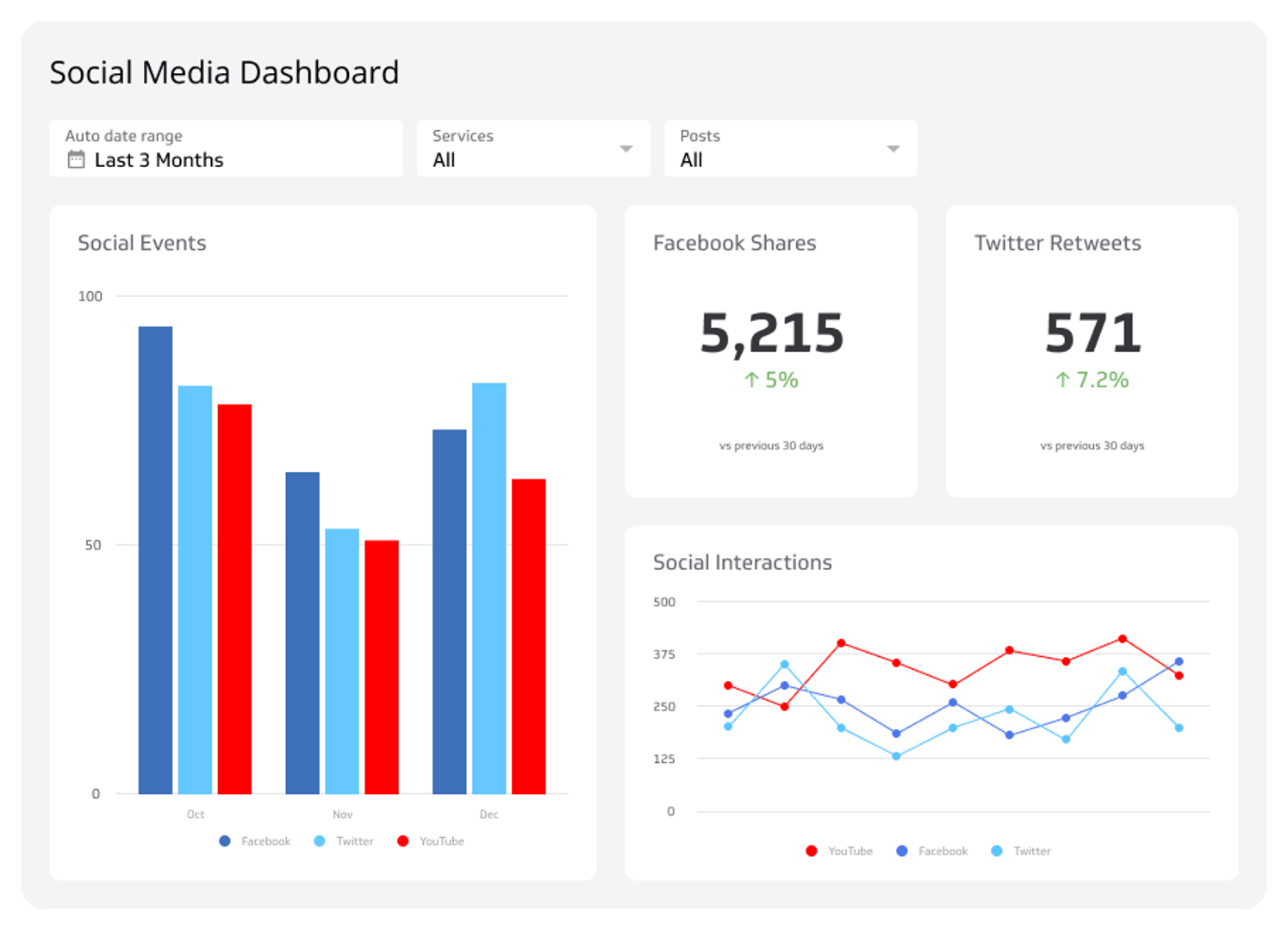
What is a social media dashboard?
A social media dashboard is a centralized view that pulls performance metrics from your social networks — Facebook, Instagram, YouTube, TikTok, and more — into one place. Instead of logging into each platform separately or pasting numbers into a spreadsheet, you see everything at a glance and can act on it.
Key metrics include followers, content engagement, reach, impressions, likes, comments, shares, post clicks, average video watch time, and mentions. A well-built dashboard makes these numbers consistent, reliable, and easy to share with your team.
Social Media Dashboard Examples
- Social Media
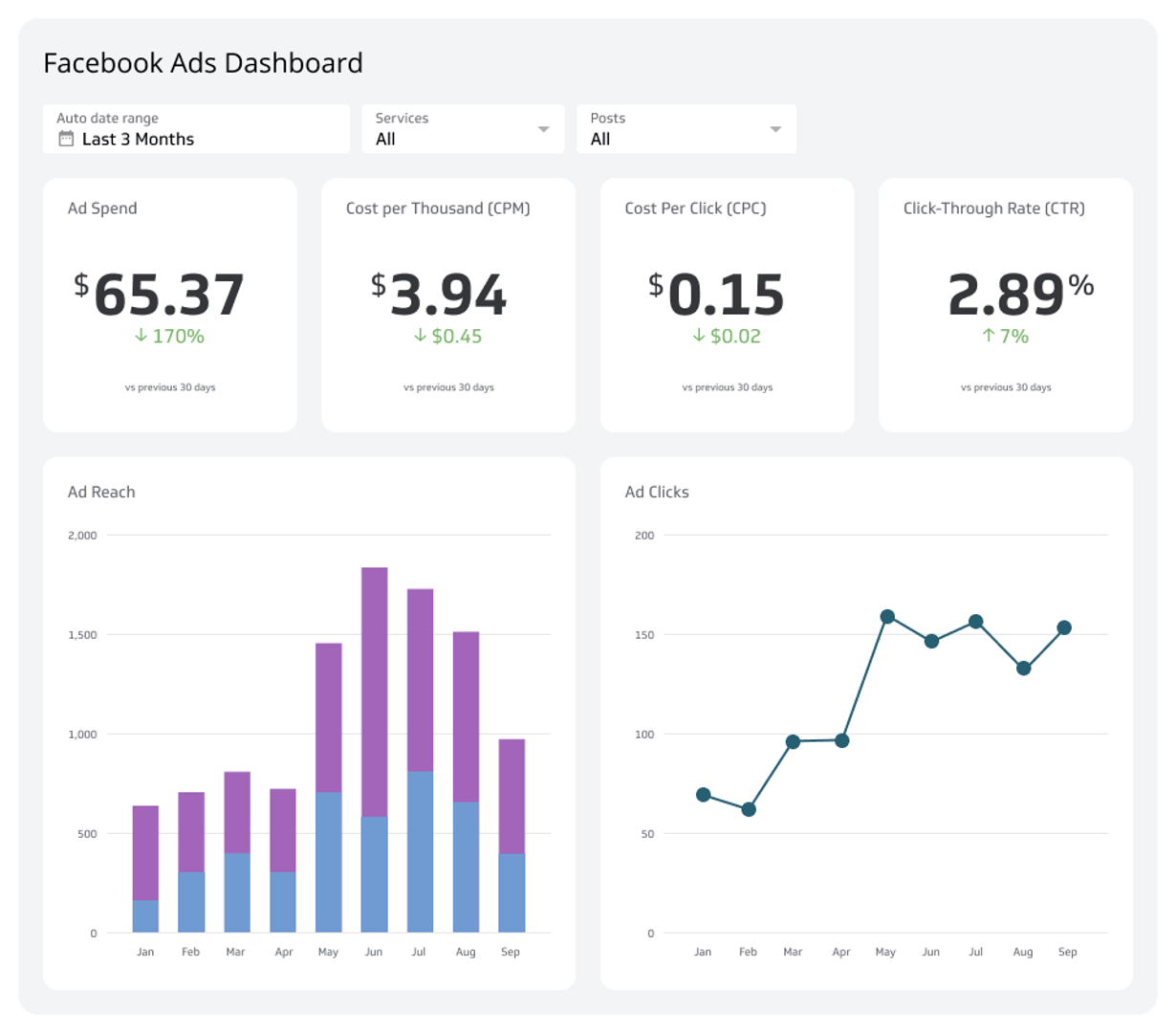
Facebook Ads Dashboard
Track campaign performance, ad spend, and ROI with a Facebook Ads dashboard built for your whole team.
- Social Media
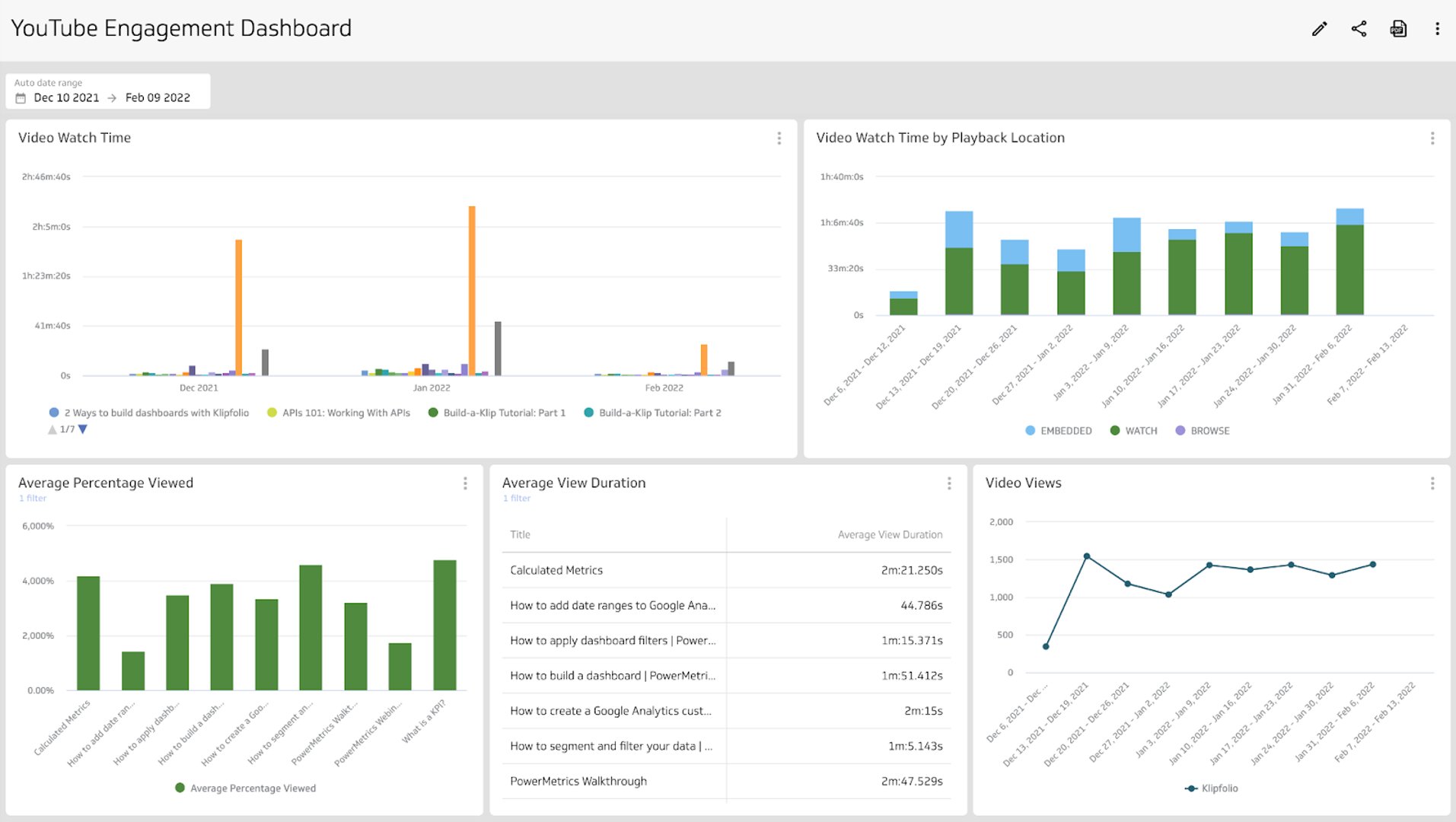
YouTube Analytics Dashboard
Track views, watch time, and subscriber growth in a clear YouTube dashboard.
- Social Media
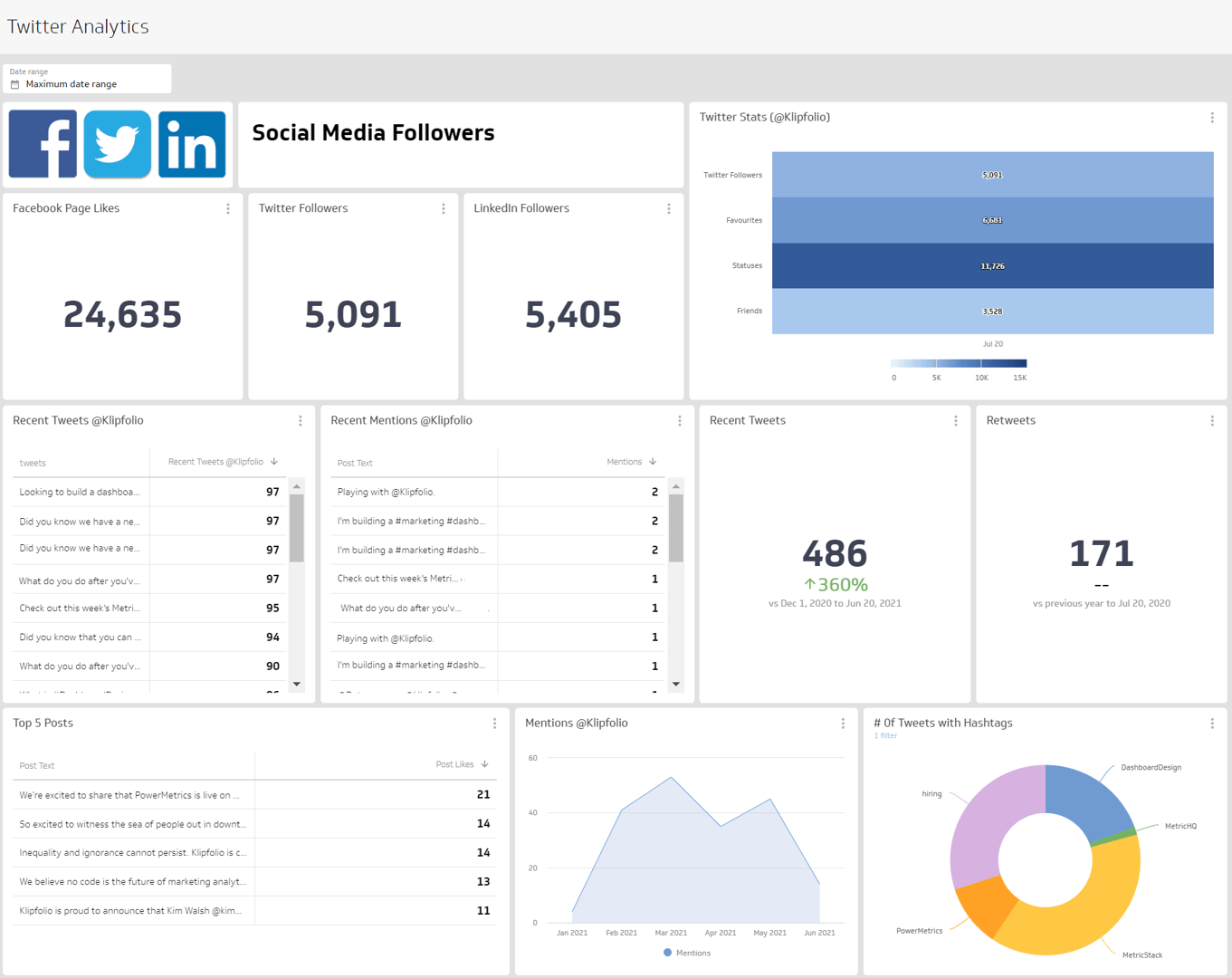
X (Twitter) Analytics Dashboard
Boost your X (Twitter) performance by monitoring key engagement metrics in a dashboard.
- Social Media
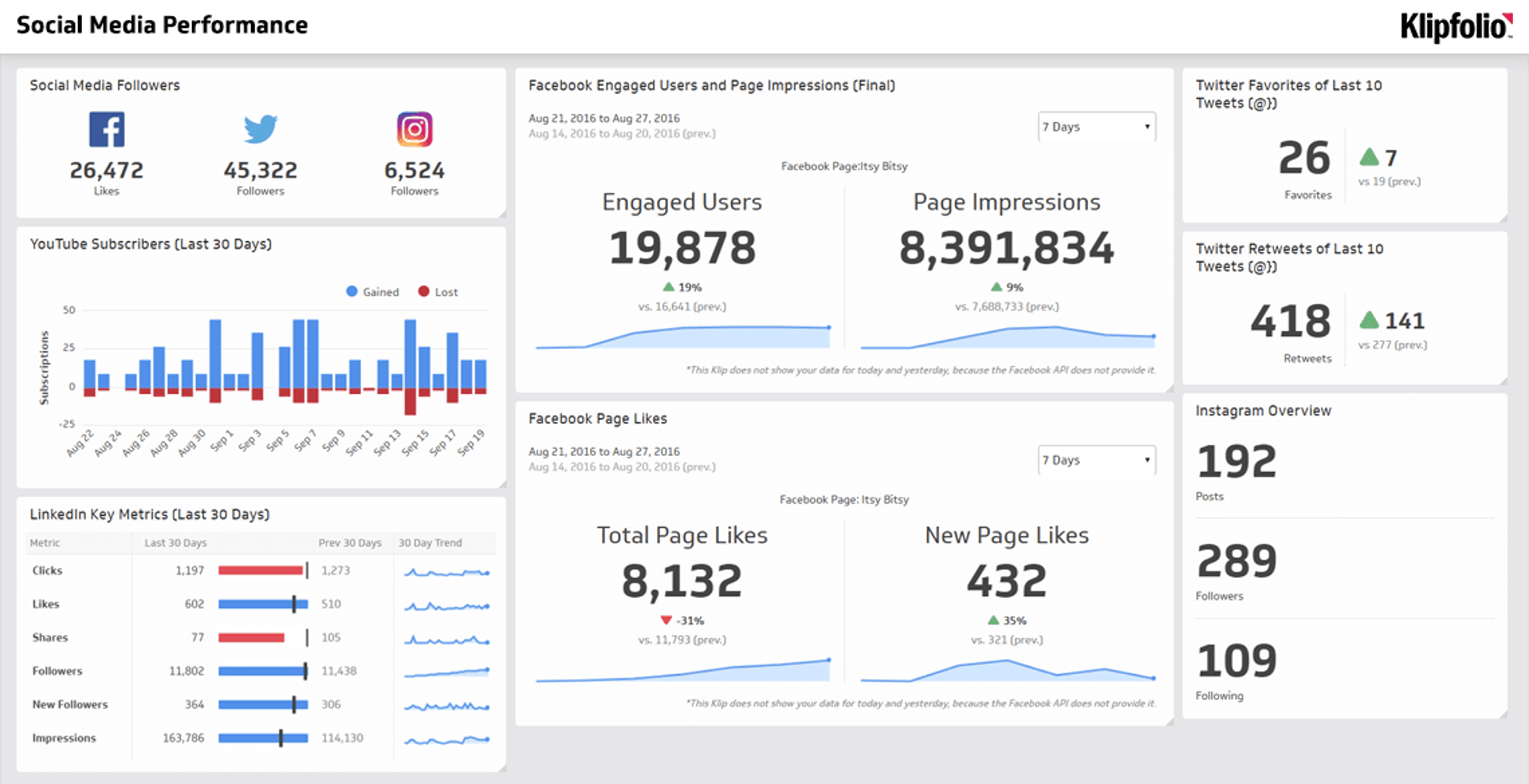
Social Media Performance Dashboard
Unify your social channels and track what matters most.
- Social Media
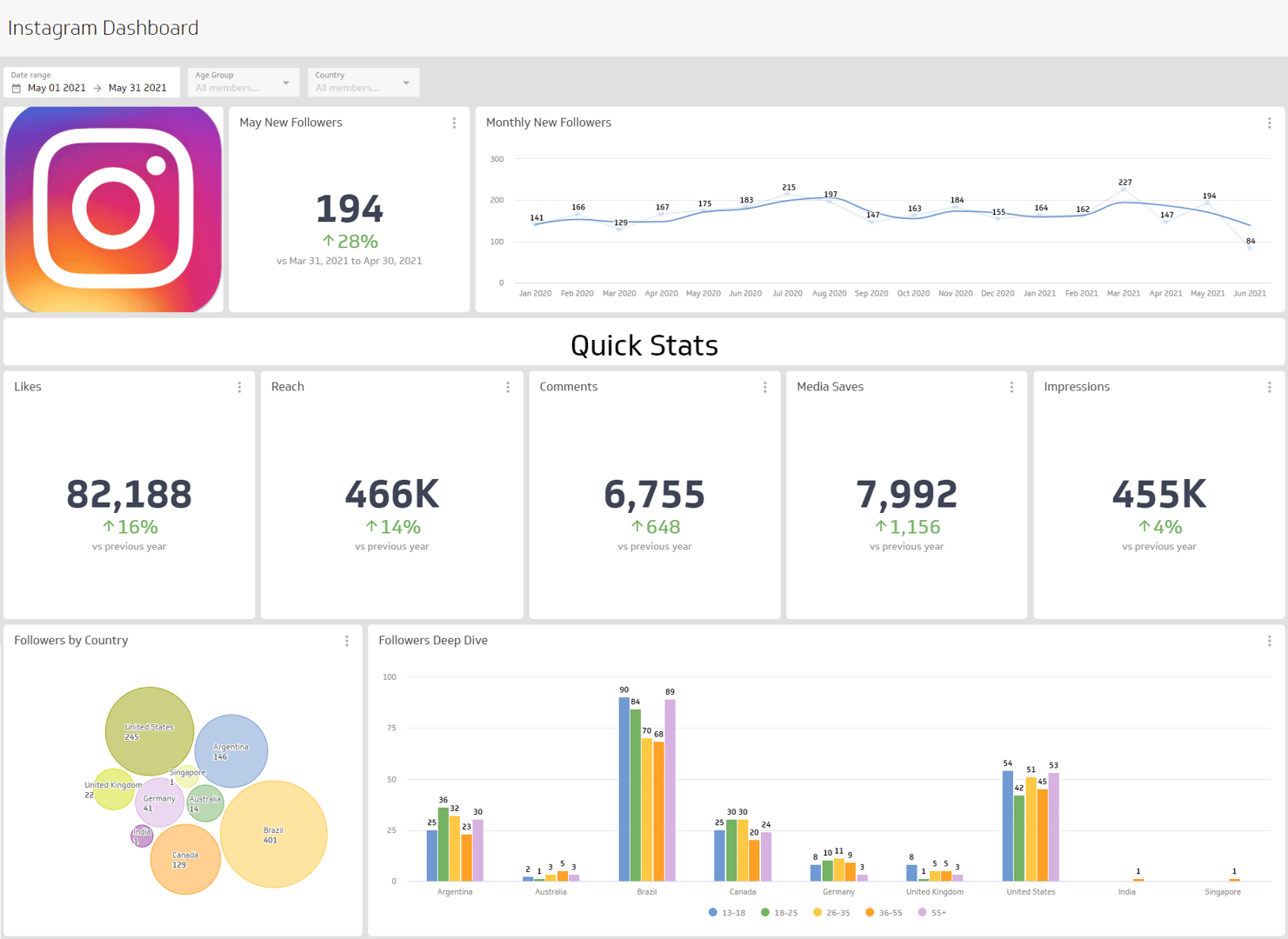
Instagram Dashboard
An Instagram dashboard is a visual reporting tool that displays the metrics and KPIs for your Instagram account.
- Social Media
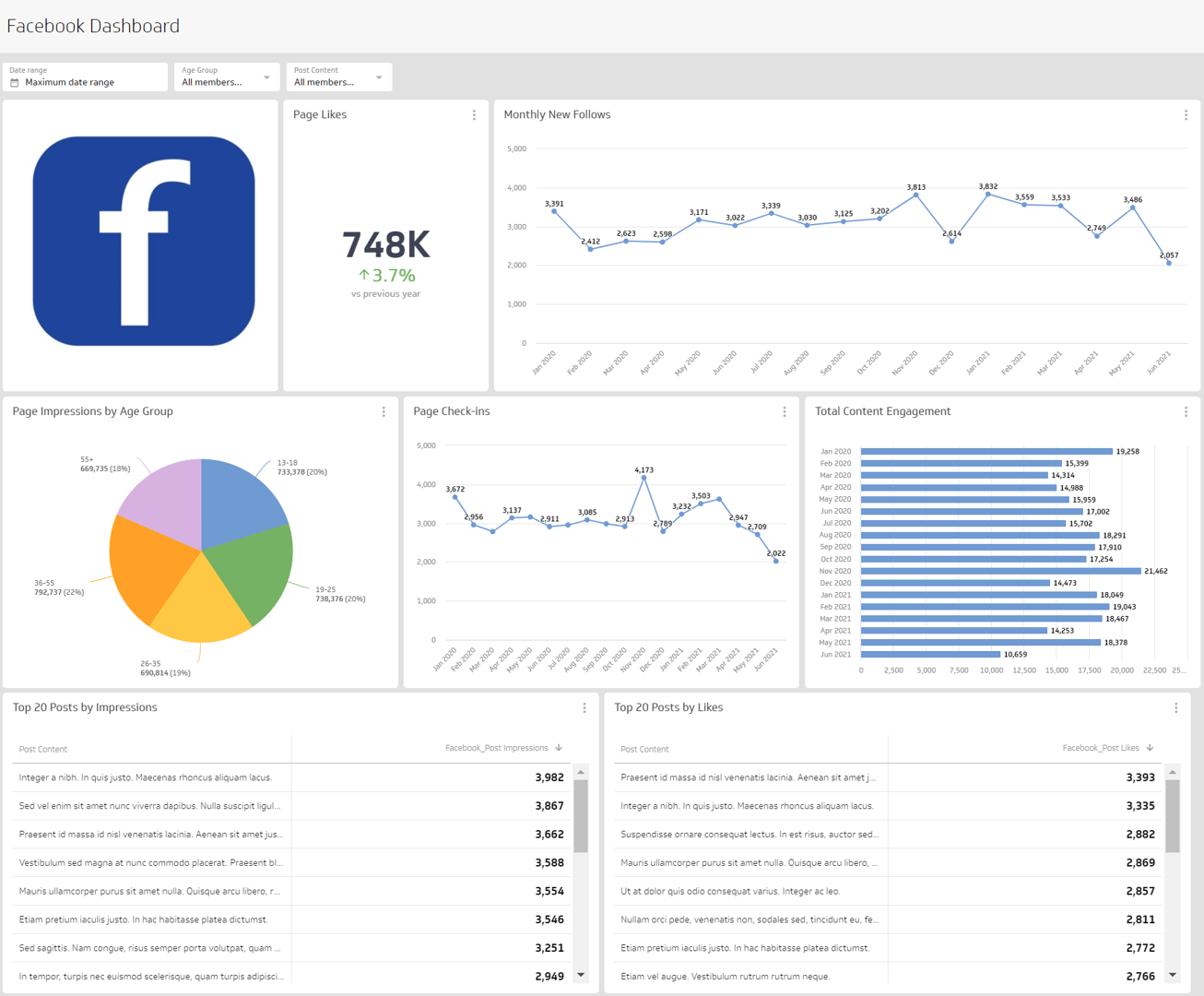
Facebook Analytics Dashboard
A Facebook Analytics dashboard is a visual reporting tool that displays the metrics and KPIs related to your Facebook Page.
- Social Media
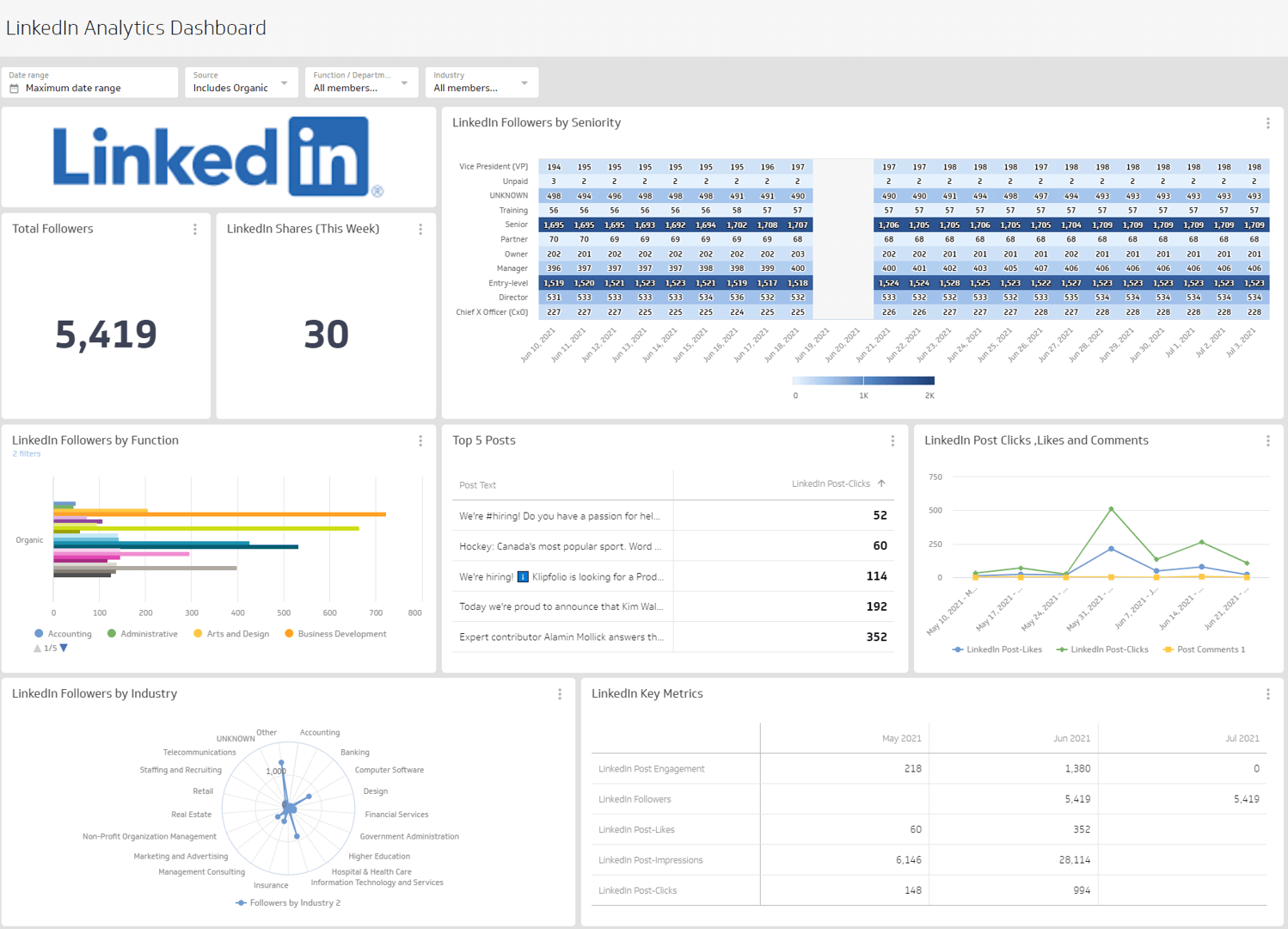
LinkedIn Analytics Dashboard
Measure your organic LinkedIn content strategy.
- Social Media
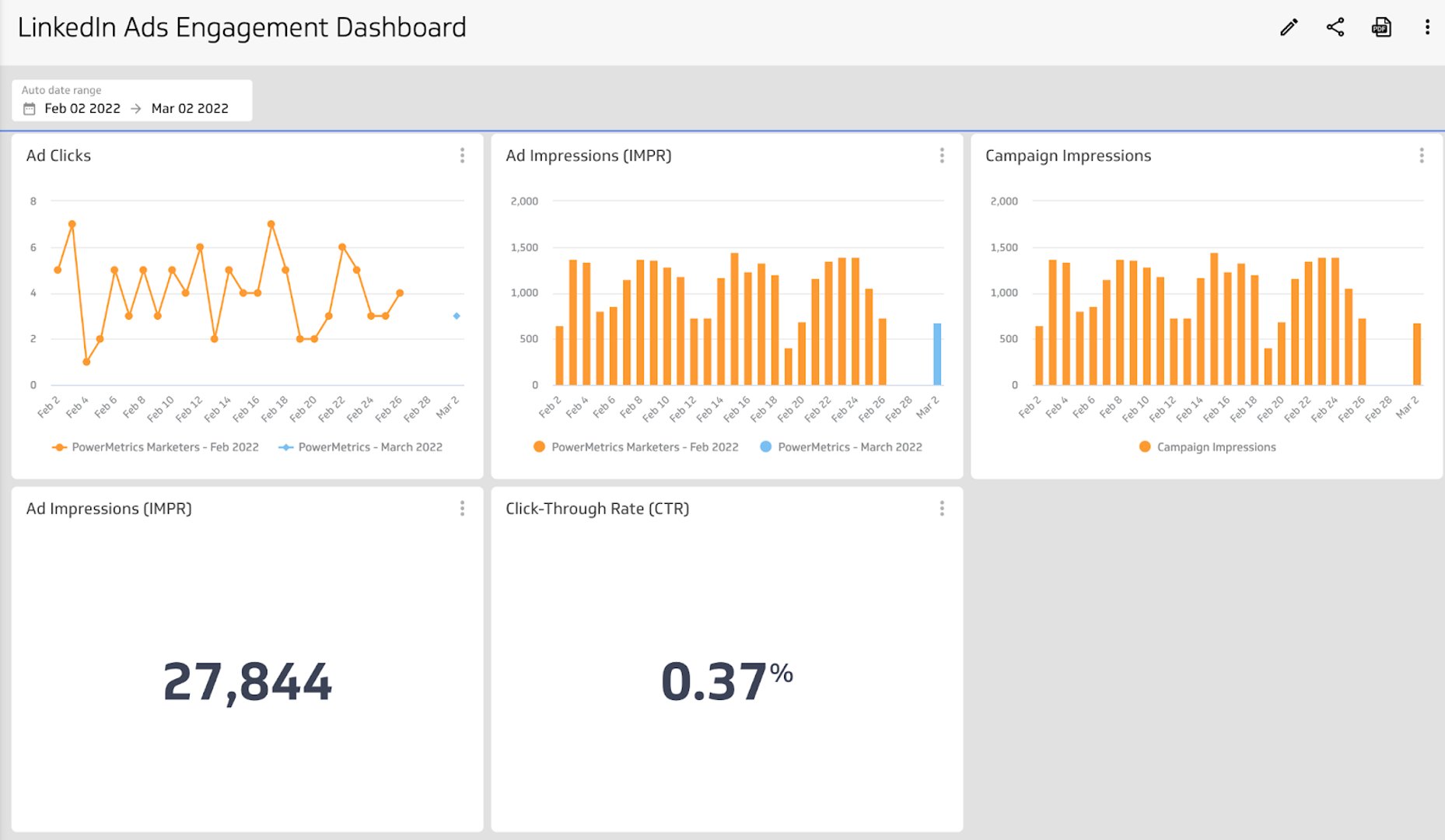
LinkedIn Ads Dashboard
Track your ad spend, engagement, and campaign performance in one place.
- Social Media
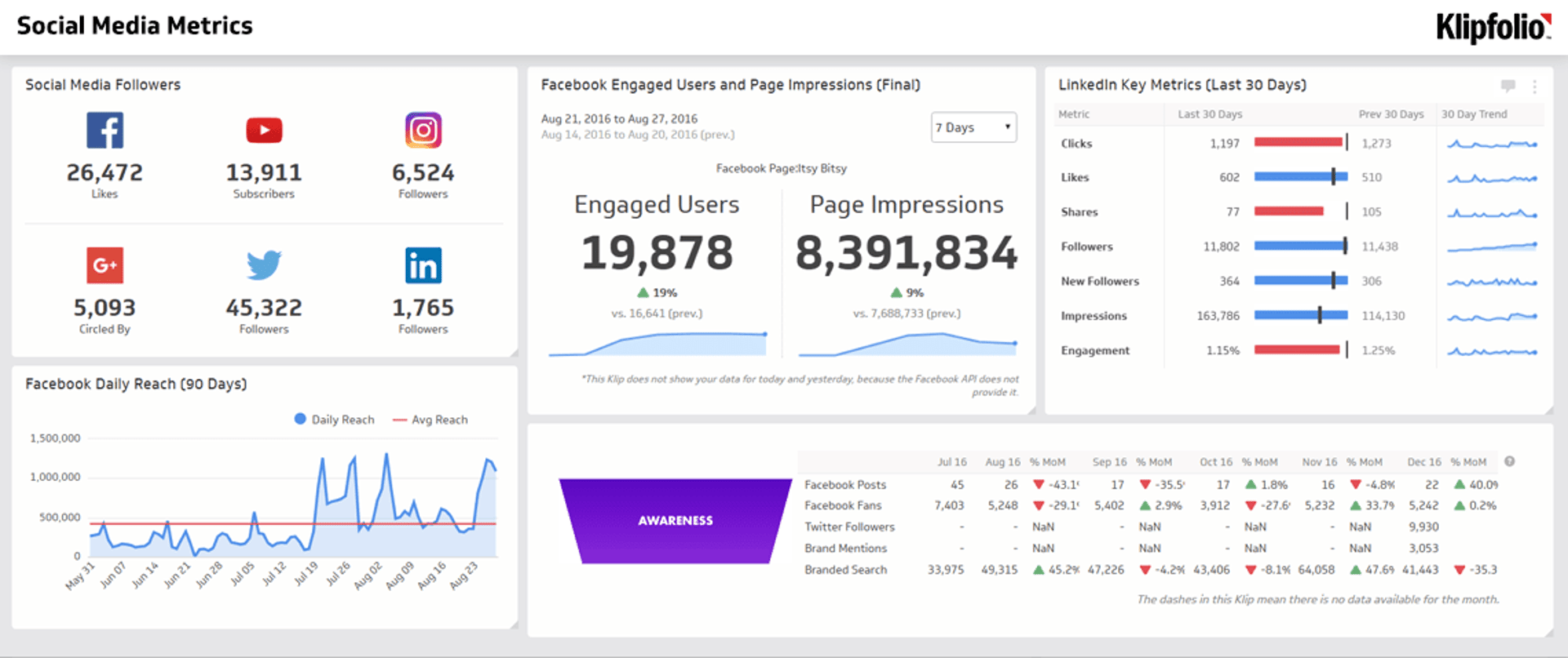
Social Media Metrics Dashboard
Track performance across every social platform in one reliable view — no tab-switching, no manual data wrangling.
Why use a social media dashboard?
Jumping between platforms to piece together your performance wastes time and introduces errors. A social media dashboard gives your team a single, reliable view of what's working across every channel.
Use your social media metrics to shape your marketing strategy, engage your audience, improve conversion rates, and drive revenue. When everyone is looking at the same numbers, decisions get faster and alignment gets easier.
How to create a social media dashboard
Before you start building, answer a few questions to define scope and focus.
- Who is the audience? A social media manager needs different detail than an executive.
- What decisions will this dashboard support? Know the outcome before choosing the metrics.
- What do they already know? Match the complexity of the data to the audience's familiarity.
- Which channels matter? Only include platforms that are active and relevant to your goals.
Your answers will help you narrow the scope of your dashboard and identify the metrics worth tracking. From there, choose visualizations that communicate clearly and keep the layout easy to read at a glance.
What should be on a social media dashboard?
The metrics that matter most for data-driven marketers:
- Followers: Track growth over time, not just total count
- Content Engagement: Likes, comments, shares, and saves
- Reach and Impressions: How far your content travels
- Post Clicks: Measure intent and interest beyond passive views
- Average Video Watch Time: A strong signal of content quality
- Mentions: Monitor brand conversations across platforms
Create custom dashboards for you and your team.
Get started with KlipsHow to get more from your dashboard
A good dashboard does more than display numbers. These additions turn it into a tool for confident decisions.
- Connect all your channels: Link Instagram, LinkedIn, Pinterest, TikTok, Facebook, YouTube, and Google Analytics so every source feeds into one view. No more switching tabs or reconciling conflicting reports.
- Track competitors: Monitor competitor accounts alongside your own. Spot trends, benchmark your results, and identify gaps before they become problems.
- Monitor sentiment: Go beyond engagement counts. Sentiment analysis surfaces what people actually think about your brand, helping you respond faster and protect your reputation.
- Build shareable reports: Export custom reports as PDF or CSV for stakeholders who need the context without the dashboard access. Scheduled delivery means the right people always have current numbers.
- Connect your team: When your dashboard feeds into shared workflows, your social media team stays aligned on priorities, campaign status, and next steps — without waiting for someone to pull a number.
The goal isn't a beautiful report. It's knowing what's happening, trusting the numbers, and deciding what to do next.