

Klipfolio Partner How-To #1: Duplicating dashboards across client accounts
We all know maintaining strong partnerships is crucial to a business’ success. Forming and nurturing these relationships is a delicate process, and one that needs our undivided attention. In this blog, we break down the keys to ensuring your partnerships flourish.

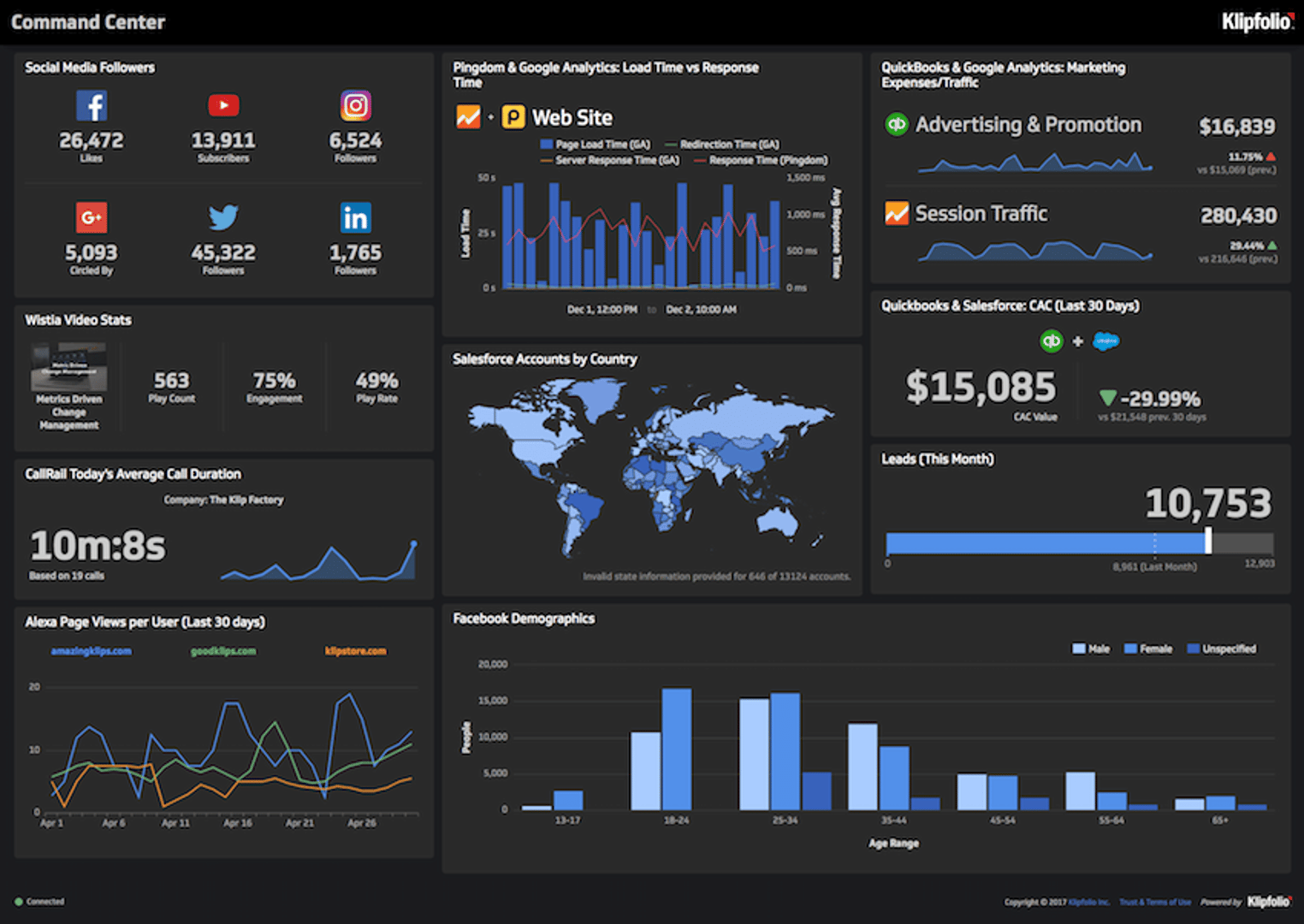
Why start from scratch when you can use your pre-built dashboards for multiple client accounts?
As a business managing numerous client accounts, we understand that your time is valuable (and limited!). Which is why with Klipfolio Klips you can clone your dashboard designs across multiple accounts.
With this feature you avoid re-creating dashboards from scratch, which is especially useful for Partners who manage multiple clients and intend on using the same dashboard across different accounts, with data unique to each client.
It’s simple. Follow these steps:
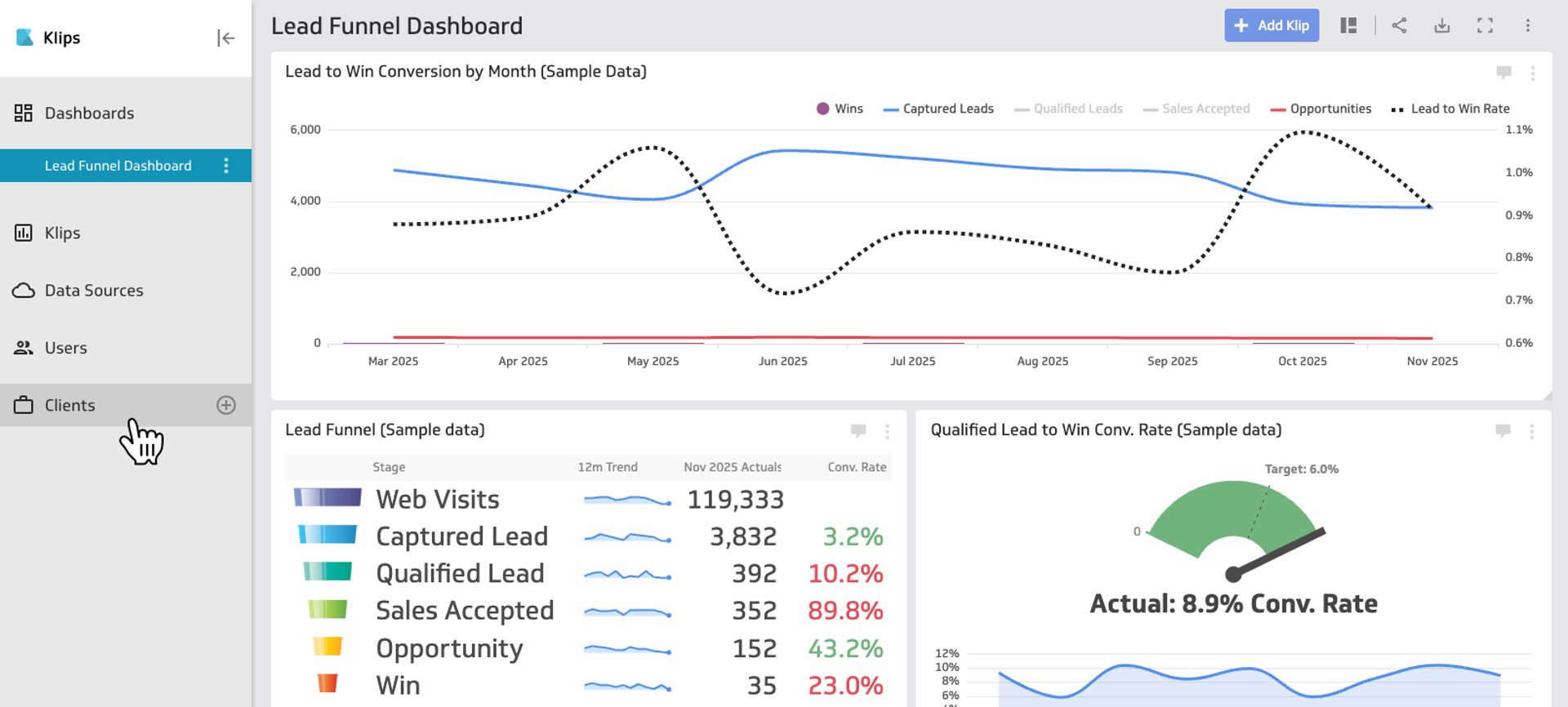
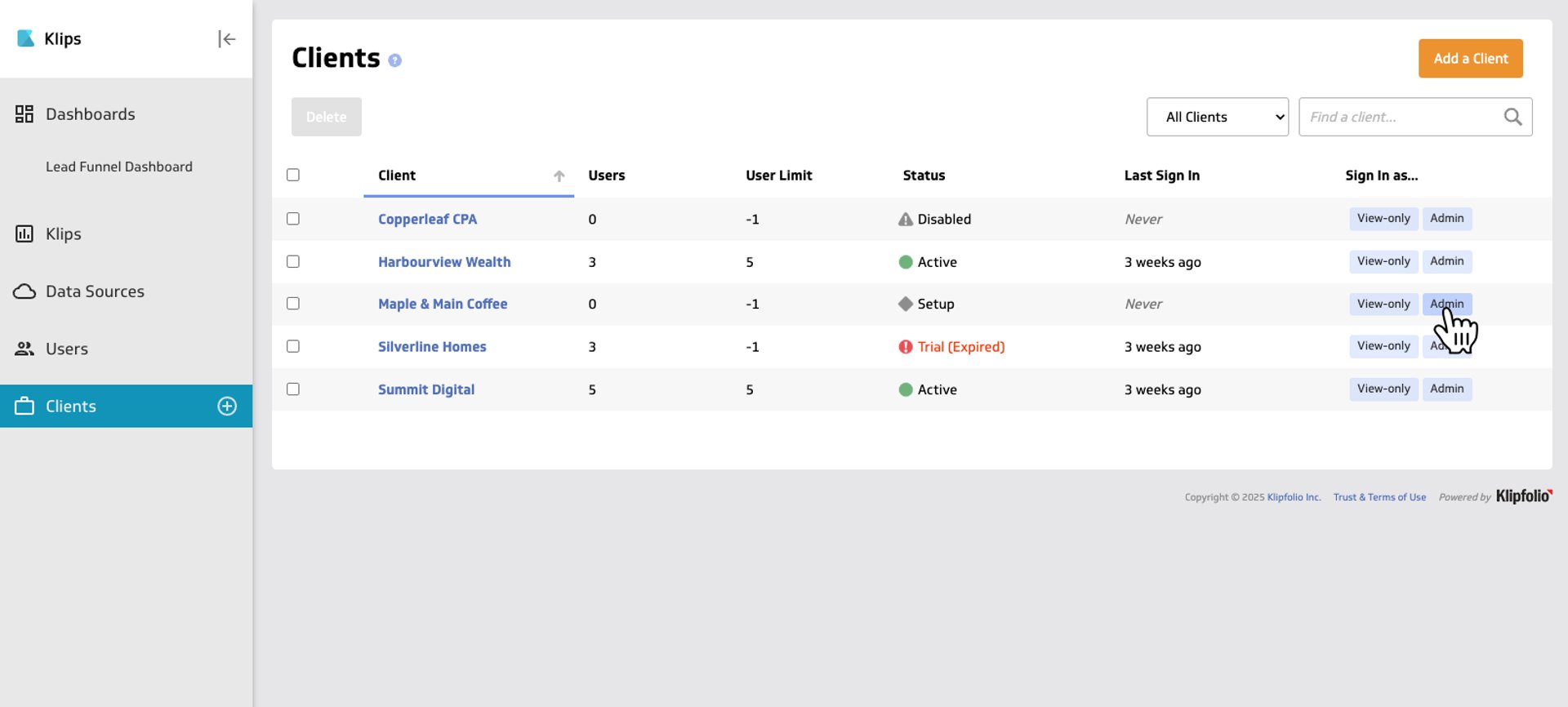
- Once you’ve logged into Klipfolio Klips click on the Clients section in the left-hand nav
- Sign in as an administrator for one of your clients
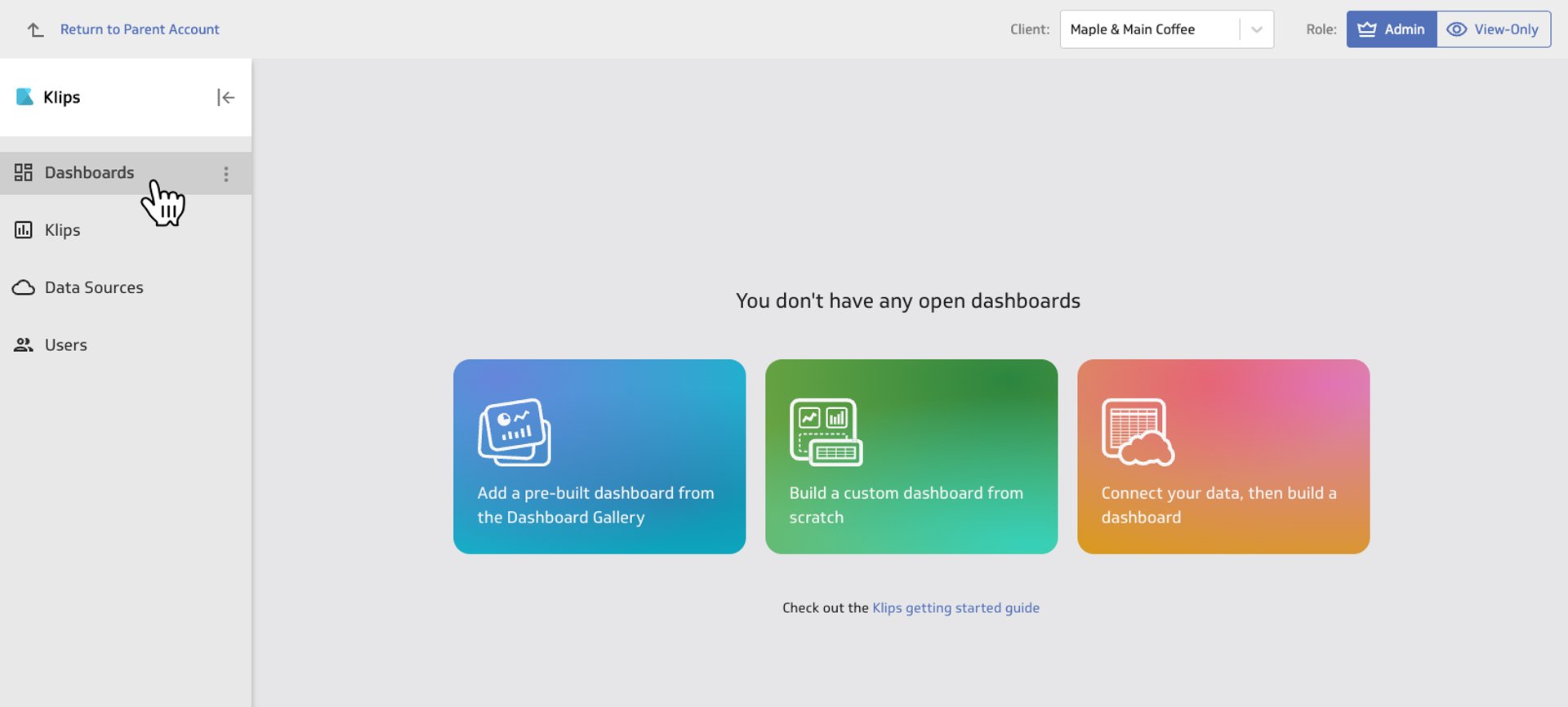
- Once you’ve signed in, click on the Dashboards section
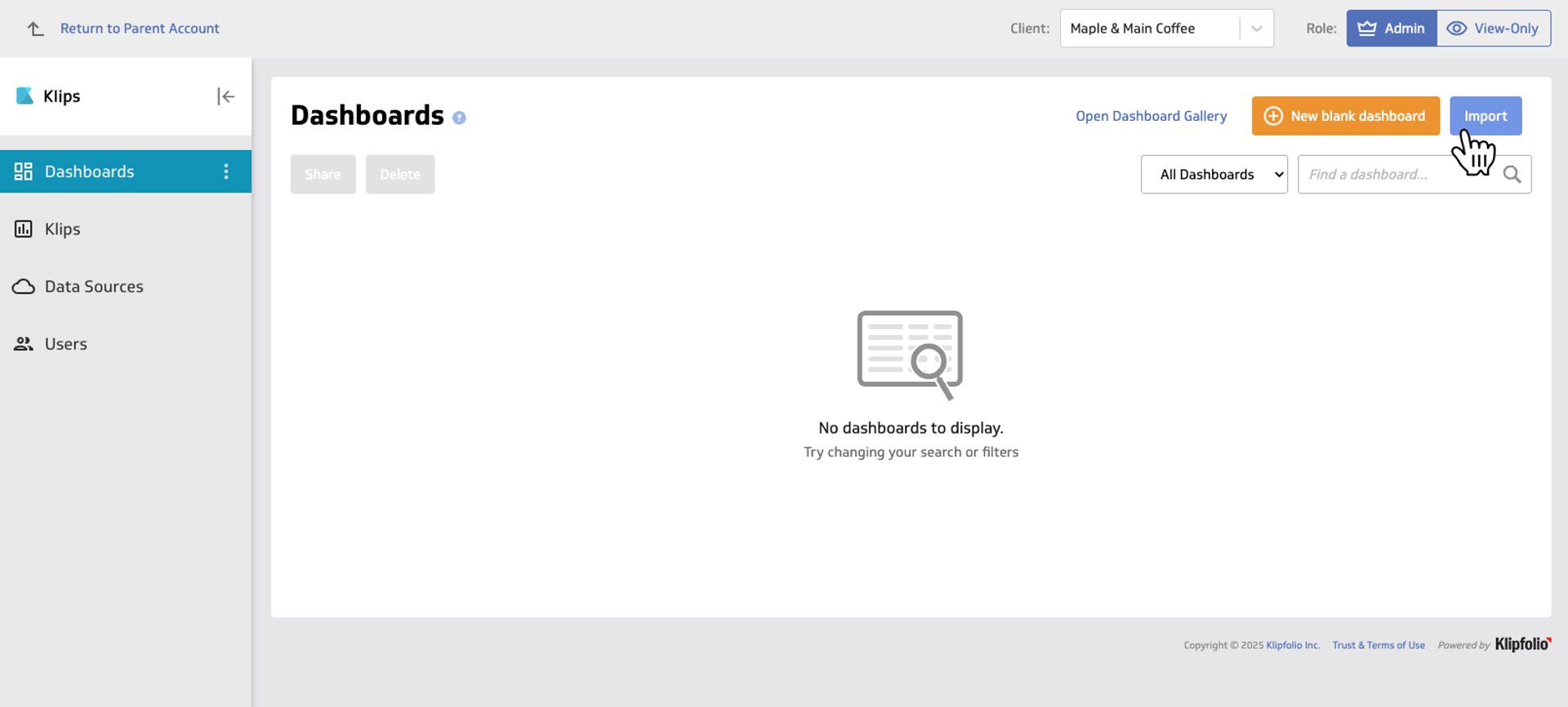
- Ensure that the Dashboards section is selected and then click Import in the top right-hand corner
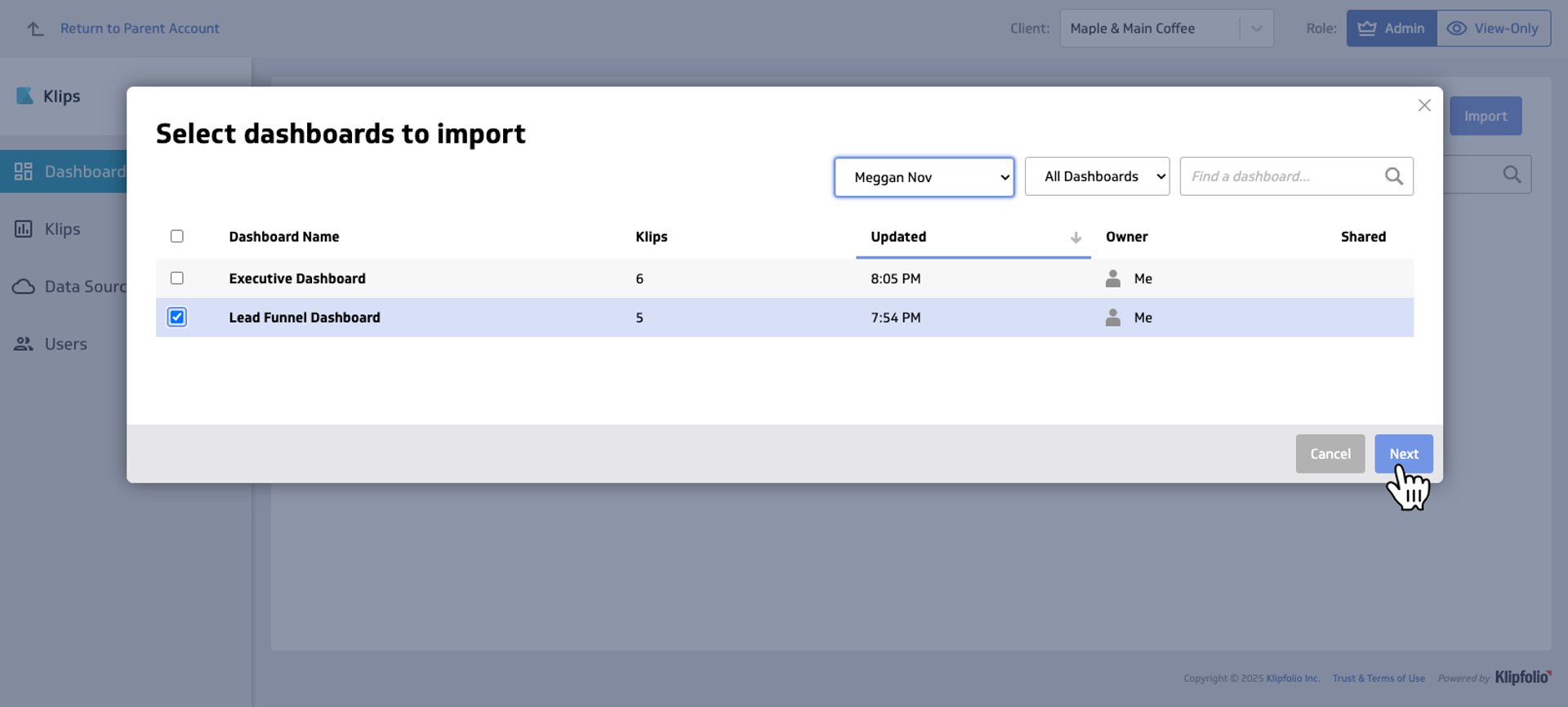
- Search for the dashboard you want to import and select it by checking its corresponding box and click Next
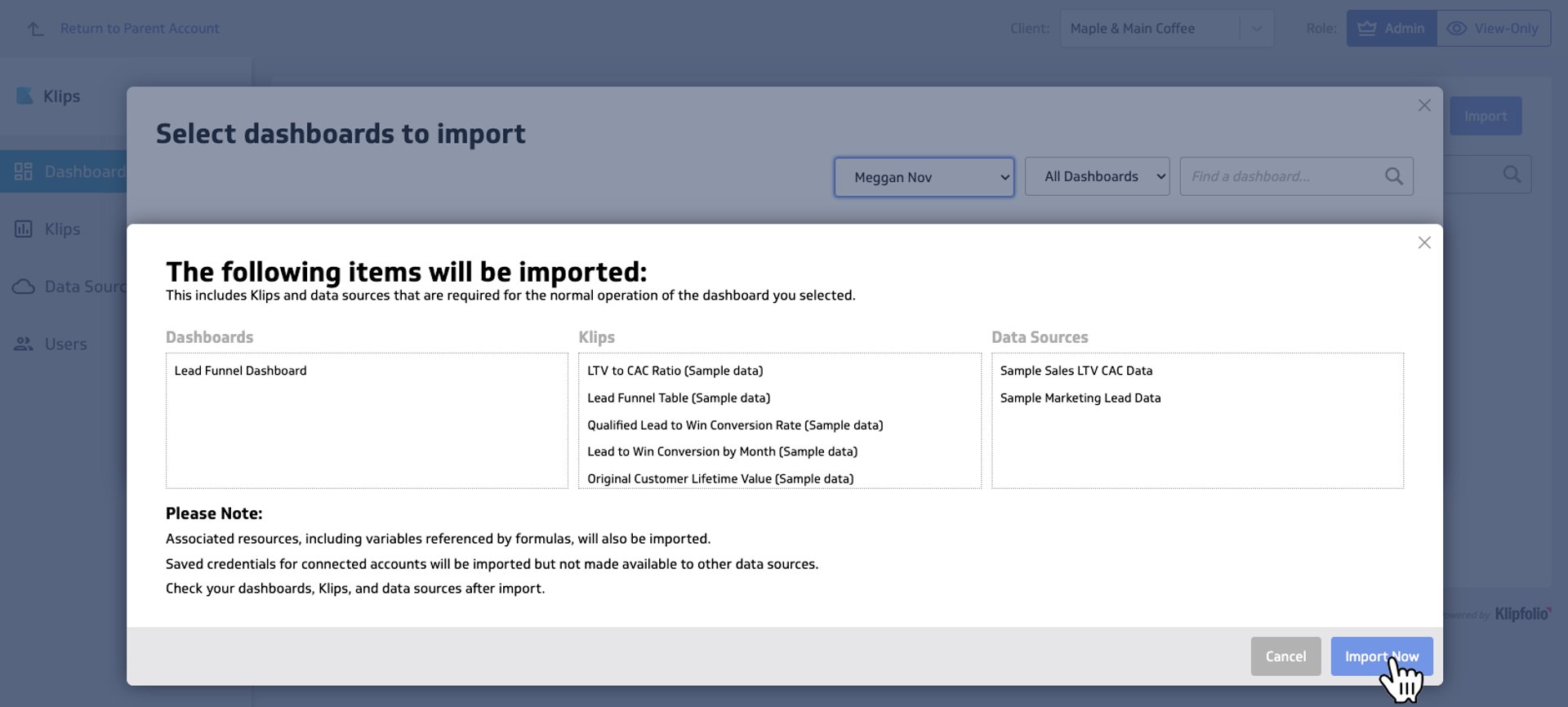
- A window will appear showing the Klips and Data Sources that are associated with the selected dashboard. Proceed to the next step by clicking Import Now
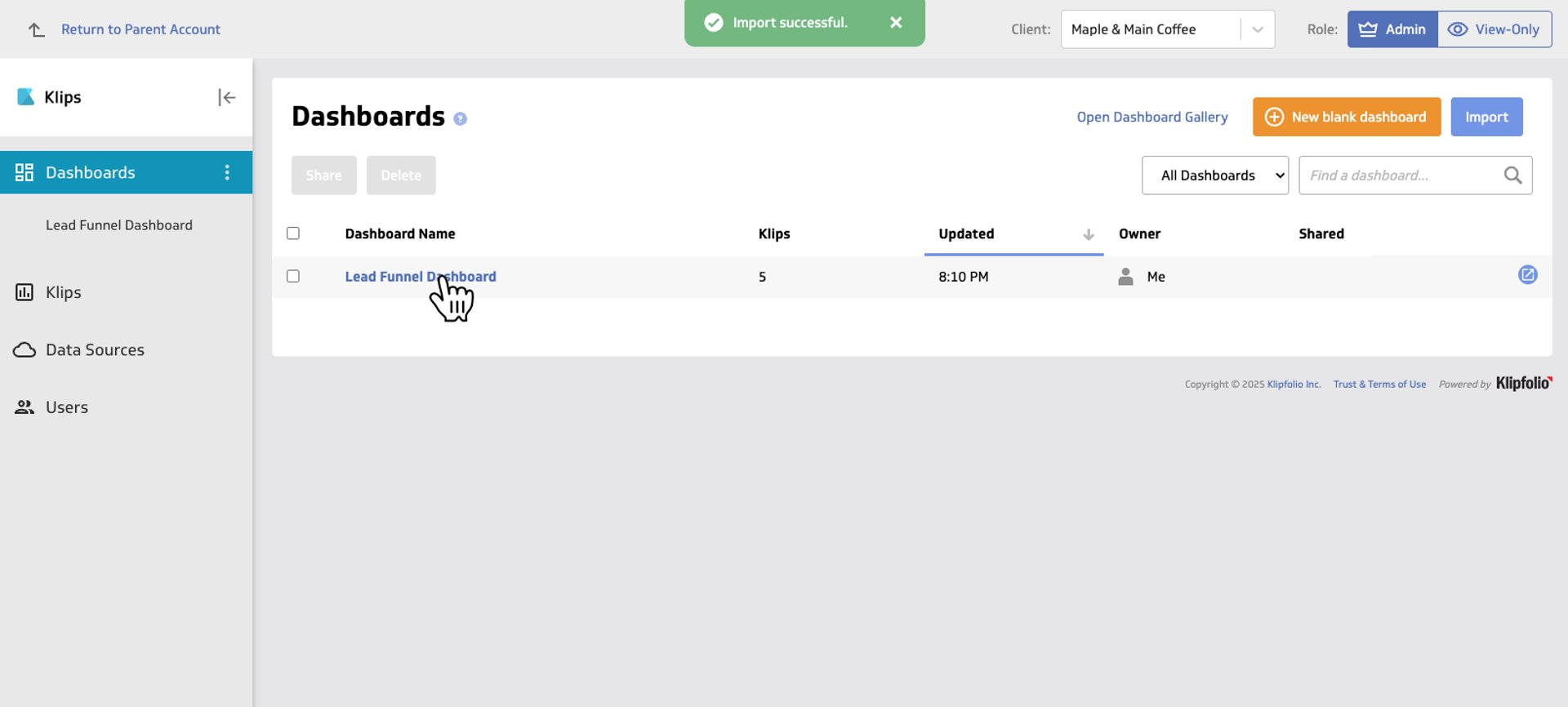
- Click on the dashboard you have imported
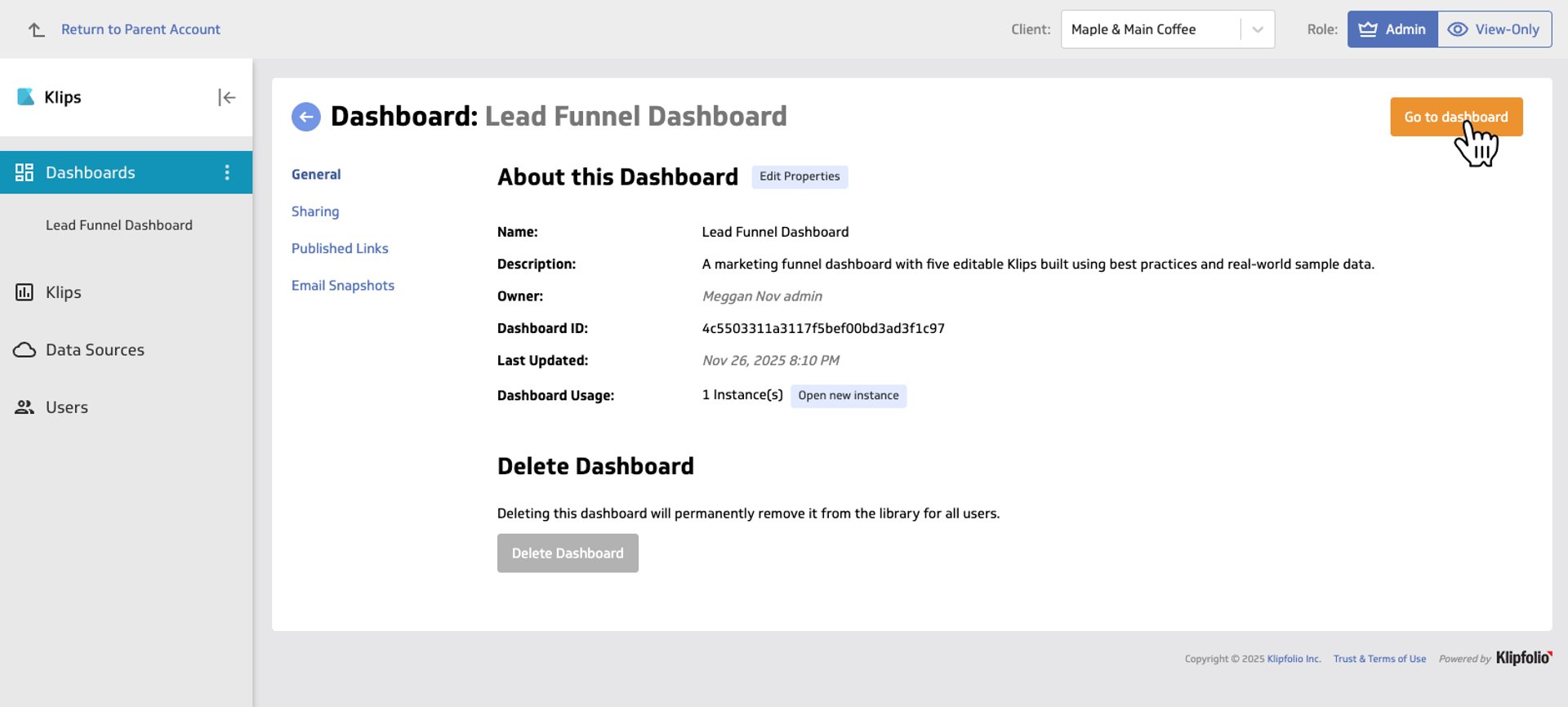
- From here, click Add to My Dashboards. You can now link your client’s data sources to your newly created dashboard.
- You’re ready to go live!
"Update Client Instances" makes client reporting easier
After sharing dashboard templates from your master account to client accounts, you can manage updates with even less effort.
- If you update formulas in an original Klip after importing, push those updates to clients using Update Client Instances.
- If you change or add a data source, re-import those Klips. Importing creates a new copy of an asset. When possible, import whole dashboards rather than individual Klips or data sources so every client gets the most recent updates.
To learn more about this feature, click here.
Published 2025-11-27




Most recent
- AUG 11Beyond simple sign-ups: how True Trials and Activation predict growth
- JUL 7Why business leaders miss important trends in their dashboards
- JUN 19The best chart for the job: Visualizing data for non-technical users
- JUN 95 tips to understand (and organize) your restaurant data
- MAY 26Think in Horizons, Not Seconds
- MAY 2010 Cloud BI Dashboard Tools for Small Businesses in 2026