

How to get the most out of your data with the right dashboard display
Remote work and lean teams demand that data stays visible without anyone having to ask for a report. This article covers the main dashboard display options, including TV screens, web browsers, mobile devices, and scheduled PDF reports, and explains when each format works best. With Klipfolio Klips, you can build a dashboard once and distribute it however your team actually works.
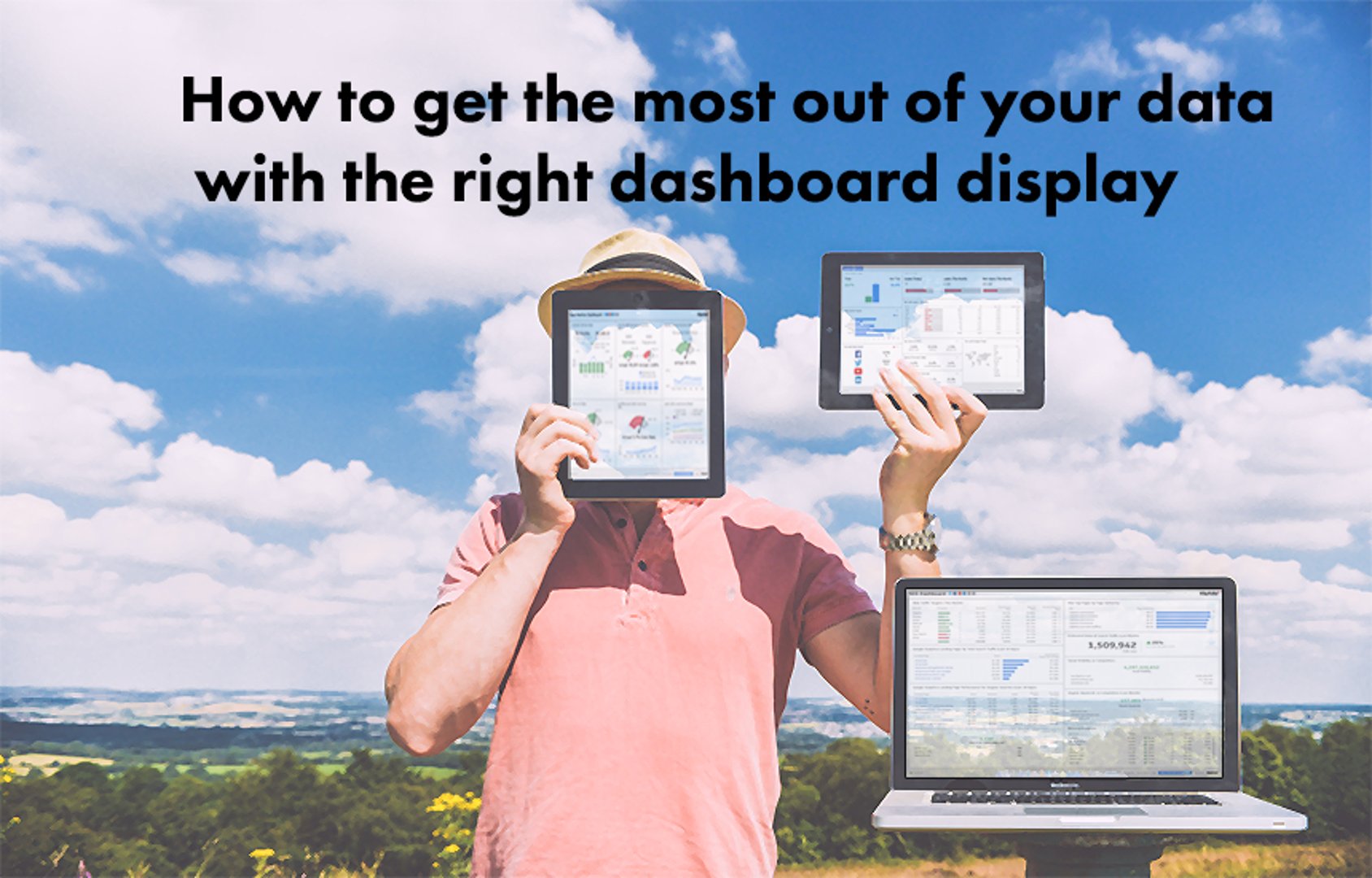
Keep your data visible, wherever your team works
Remote work, open offices, and lean teams have made one thing clear: if your data isn't visible, it isn't useful. A dashboard display puts your most important numbers in front of the right people, on the right screen, without anyone having to ask for a report or paste numbers into a chat window.
With Klipfolio Klips, you can share dashboards on TV screens, in a browser, on mobile, or as scheduled PDF reports. The format you choose shapes how quickly your team can act on what they see.
Dashboard display in the office
Businesses of all sizes find that visible dashboards improve performance. The right display depends on your layout, your team's workflow, and what you need people to do with the information. The following options cover the most common ways to show dashboards in an office, along with what to consider before you choose.
TV dashboard display
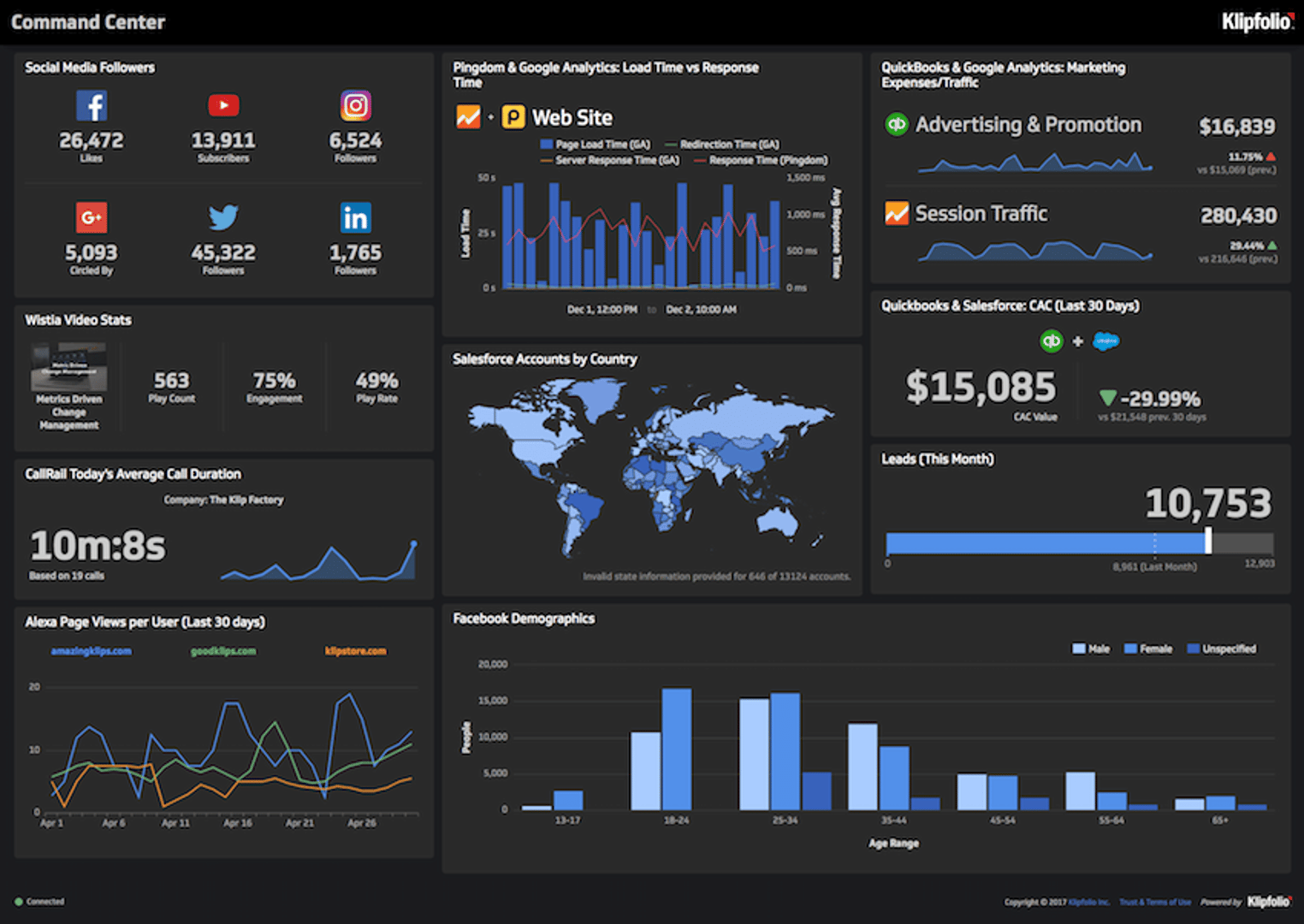
A TV dashboard is a monitor set up to show key business metrics continuously, in real time. TV dashboards evolved from office whiteboards into always-on screens that keep a team's numbers front and centre throughout the day. Many sales teams display their Salesforce dashboards on TV.
There are several reasons to set up a TV dashboard in your office: it creates transparency across the team, gives everyone a shared read on performance, and means a manager or exec can make a call without waiting for someone to pull a number.
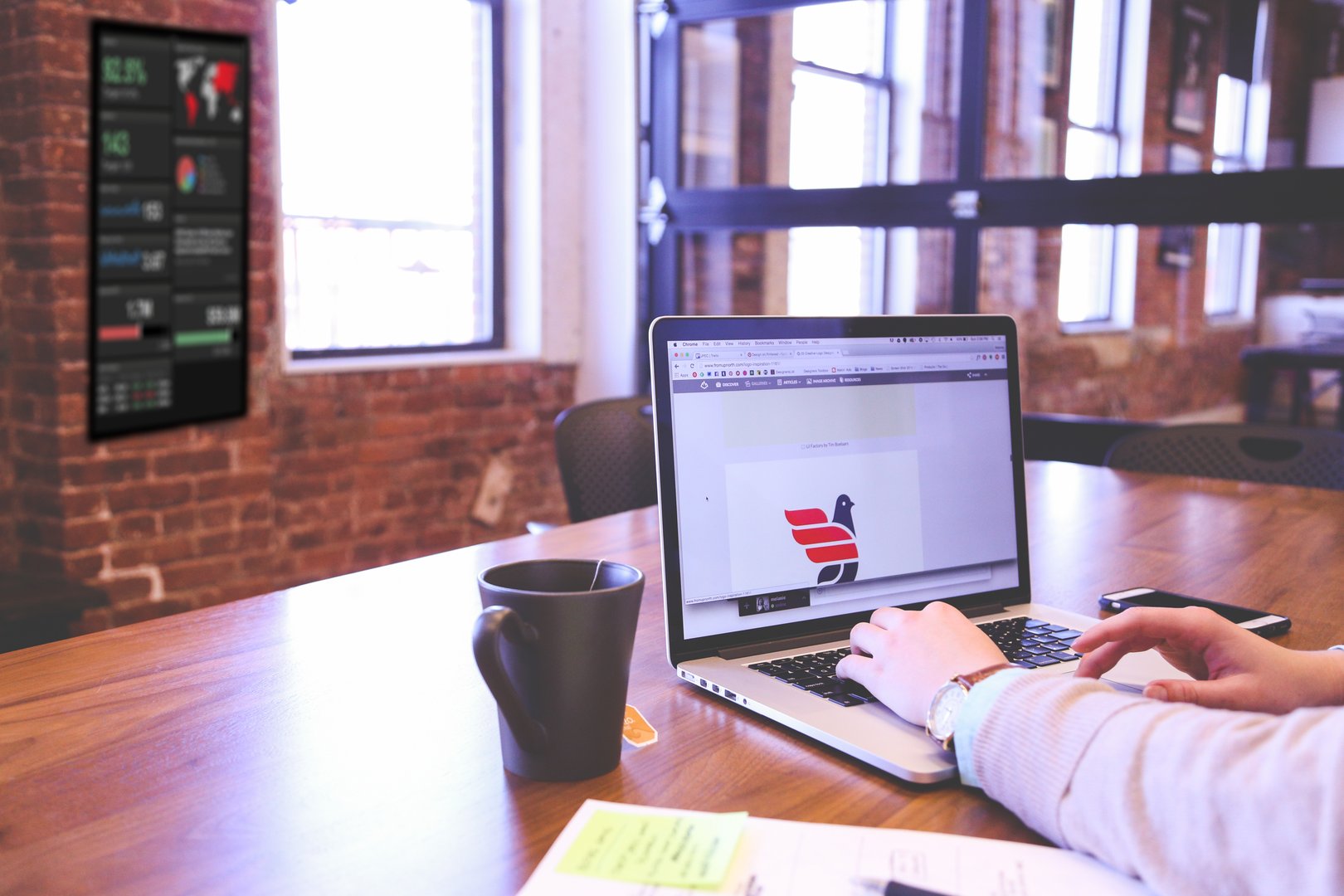
What's the best way to display a TV dashboard?
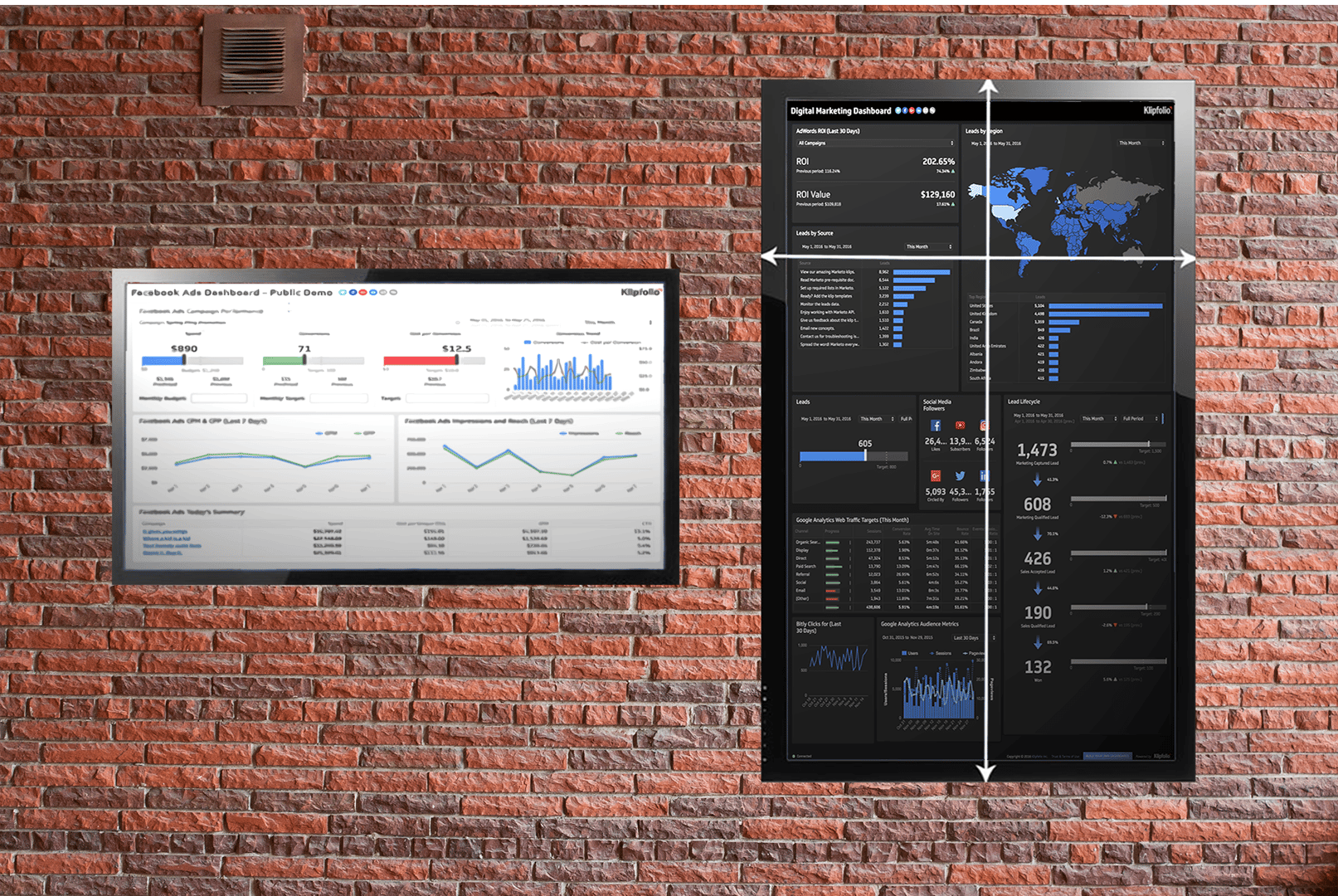
Dashboards can be displayed horizontally or vertically. Vertical display works well for longer dashboards, typically those showing more than five or six metrics. For horizontal display, limit the dashboard to a handful of the most critical metrics so each one stays large enough to read at a glance.
What's the easiest way to set up a TV dashboard?
Go cordless. Wireless HDMI devices like Rise Vision, Airtame, and Chromecast keep the setup clean. Before you pick a device, decide whether you want the dashboard to appear automatically when the screen turns on, or whether someone will connect it manually each morning. That single decision narrows your options quickly.
When might a TV dashboard not be the right fit?
If your metrics are confidential and your space gets a lot of foot traffic, including client visits or public access, a TV display may expose information you'd rather keep internal. That said, TV dashboards don't have to be staff-only. Some businesses use them deliberately to show clients a picture of performance. The question to ask is simple: would it matter if a client or competitor saw this?
Dashboard display using a web browser
For most people, a laptop is the primary work surface. Opening a dashboard in a browser lets you interact with it directly and get answers in real time, without switching tools.
Displaying dashboards on a second screen
A second monitor is one of the most practical ways to keep KPIs visible without interrupting your main workflow. You can display your dashboard in full-screen mode or open it as a published link. Either way, the numbers stay in view while you work, so you're not checking a report after the fact.
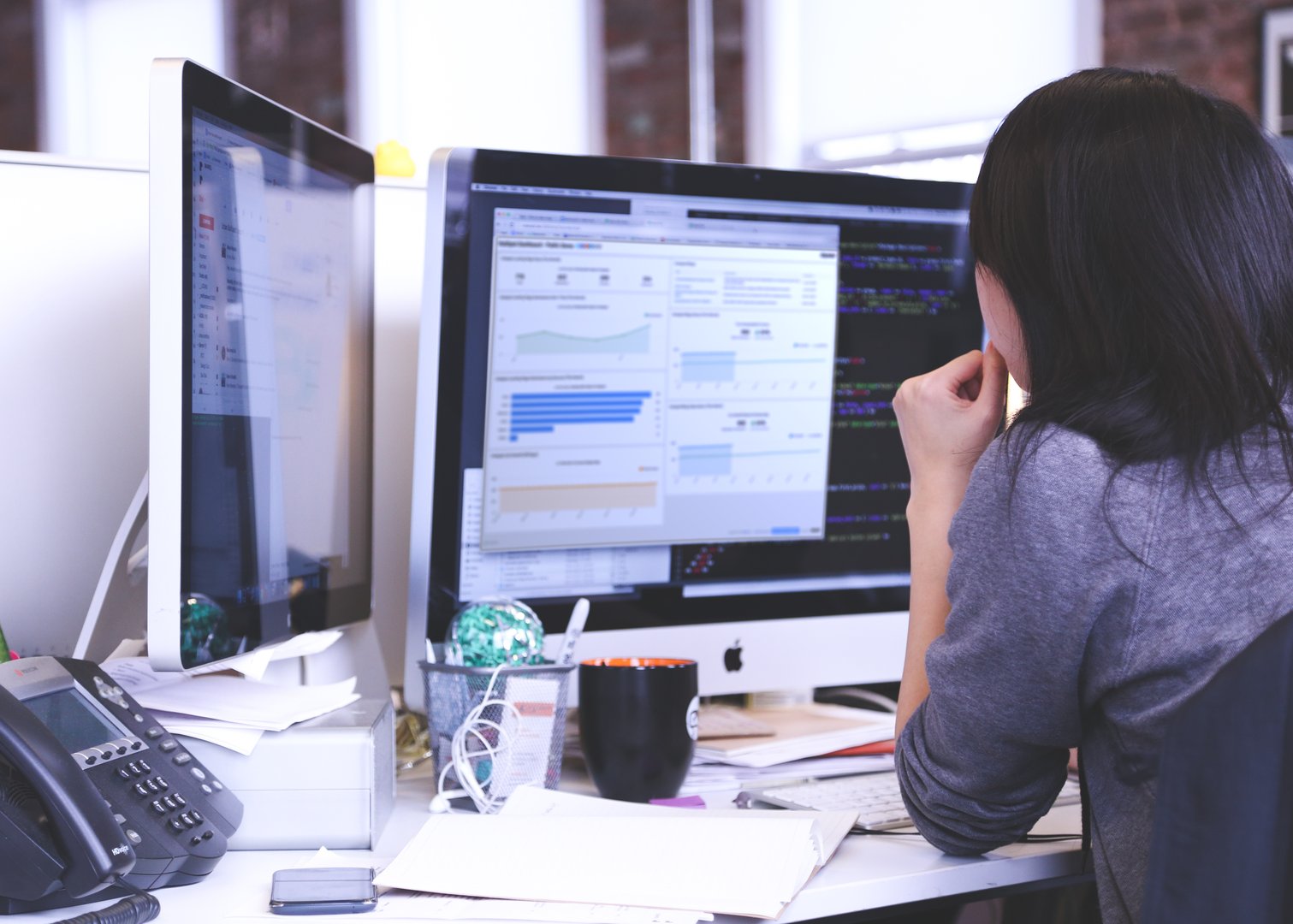
When is a personal monitor the wrong choice?
Business dashboard software works best when the data is shared. A dashboard on one person's screen only serves that person. In an open office where a metric matters to the whole team, a TV display or shared link does more. A personal monitor makes sense when the dashboard is specific to your own project, campaign, or role, and the information doesn't need to travel further.
Displaying a dashboard on a mobile device
Leaders and managers are rarely at their desks all day. The marketing manager running a campaign, the warehouse manager on the floor, the exec between meetings: all of them need numbers they can trust, wherever they are. An executive dashboard built for mobile gives each role the access they need without requiring anyone to wait for a report or track someone down.

Why a mobile app beats a mobile browser for dashboards
Logging into a dashboard through a mobile browser is slow. Tapping through a sign-in screen on a small display gets in the way of the actual information. A mobile app built for your phone or tablet removes that friction. You open it, you see what you need, and you can bring a number into a conversation without breaking stride.
When is mobile the wrong display choice?
At a desk, a desktop or TV display is almost always better. Mobile is suited to checking specific metrics on the go. Tablets sit in the middle: they show a fuller picture than a phone, but they time out when untouched, which makes them less reliable for passive, always-on display. For a screen that needs to stay on and visible throughout the day, a monitor or TV wins.
Create custom dashboards for you and your team.
Get started with KlipsAlternative dashboard displays
Not every situation calls for a live screen. Sometimes the most useful format is a document someone can read on their own schedule.
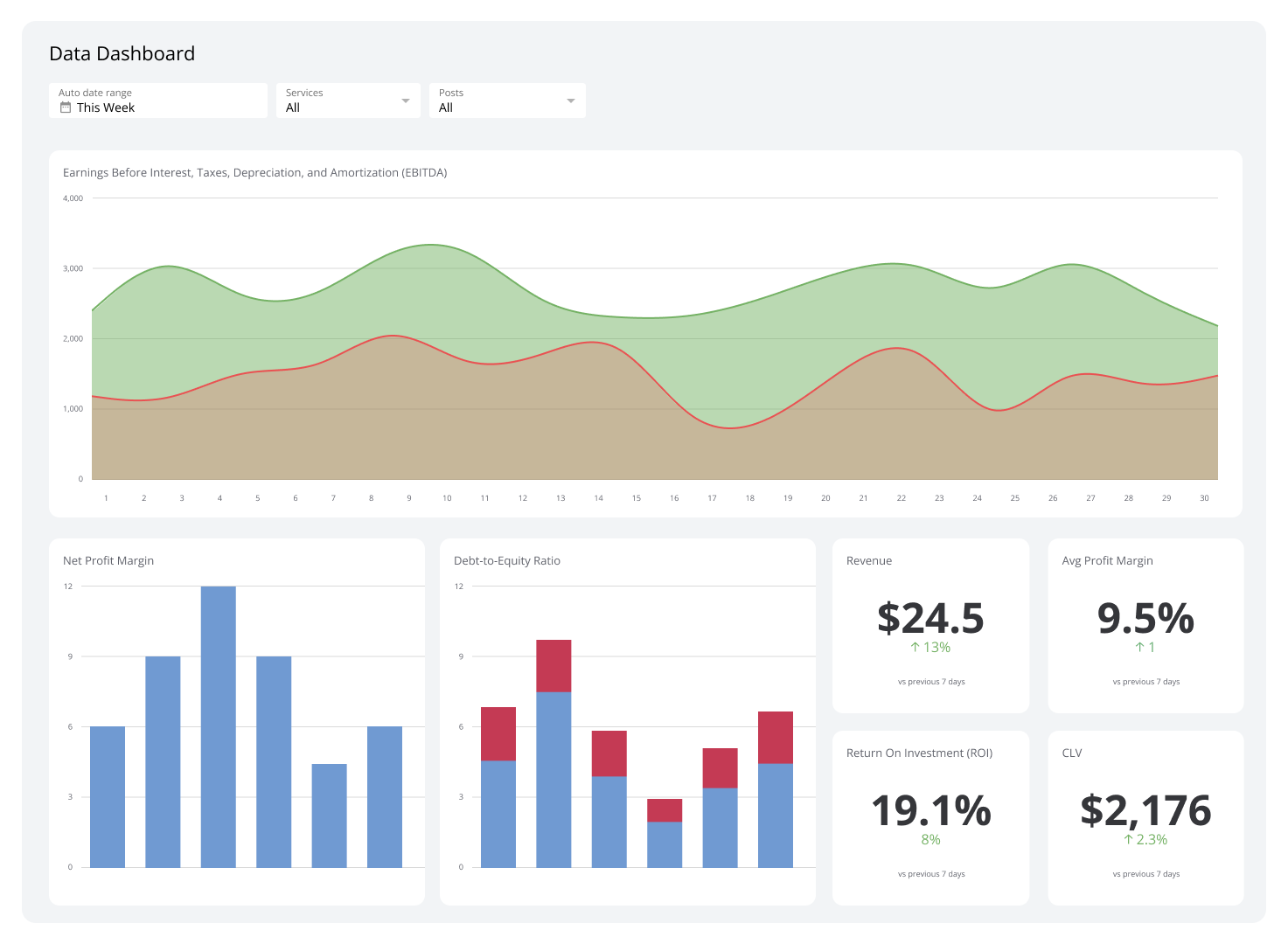
You can share a dashboard as a scheduled PDF report, a KPI presentation in a slide deck, or an image in an email. These formats work well for stakeholders who don't need real-time access but do need a reliable, consistent read on performance, without having to log in, ask someone, or piece together numbers from multiple sources.
With Klipfolio Klips, every one of these formats is available from the same dashboard. Build it once, and distribute it however your team actually works.
Published 2026-08-24


Most recent
- AUG 11Beyond simple sign-ups: how True Trials and Activation predict growth
- JUL 7Why business leaders miss important trends in their dashboards
- JUN 19The best chart for the job: Visualizing data for non-technical users
- JUN 95 tips to understand (and organize) your restaurant data
- MAY 26Think in Horizons, Not Seconds
- MAY 2010 Cloud BI Dashboard Tools for Small Businesses in 2026