Facebook Ads Impressions and Reach
Understand the difference between impressions and reach — and what each one tells you about your Facebook Ads performance.
What are Facebook Ads Impressions?
Facebook Ads Impressions measure the total number of times your ad appeared in someone's feed, timeline, or the Audience Network — including repeat views by the same person.
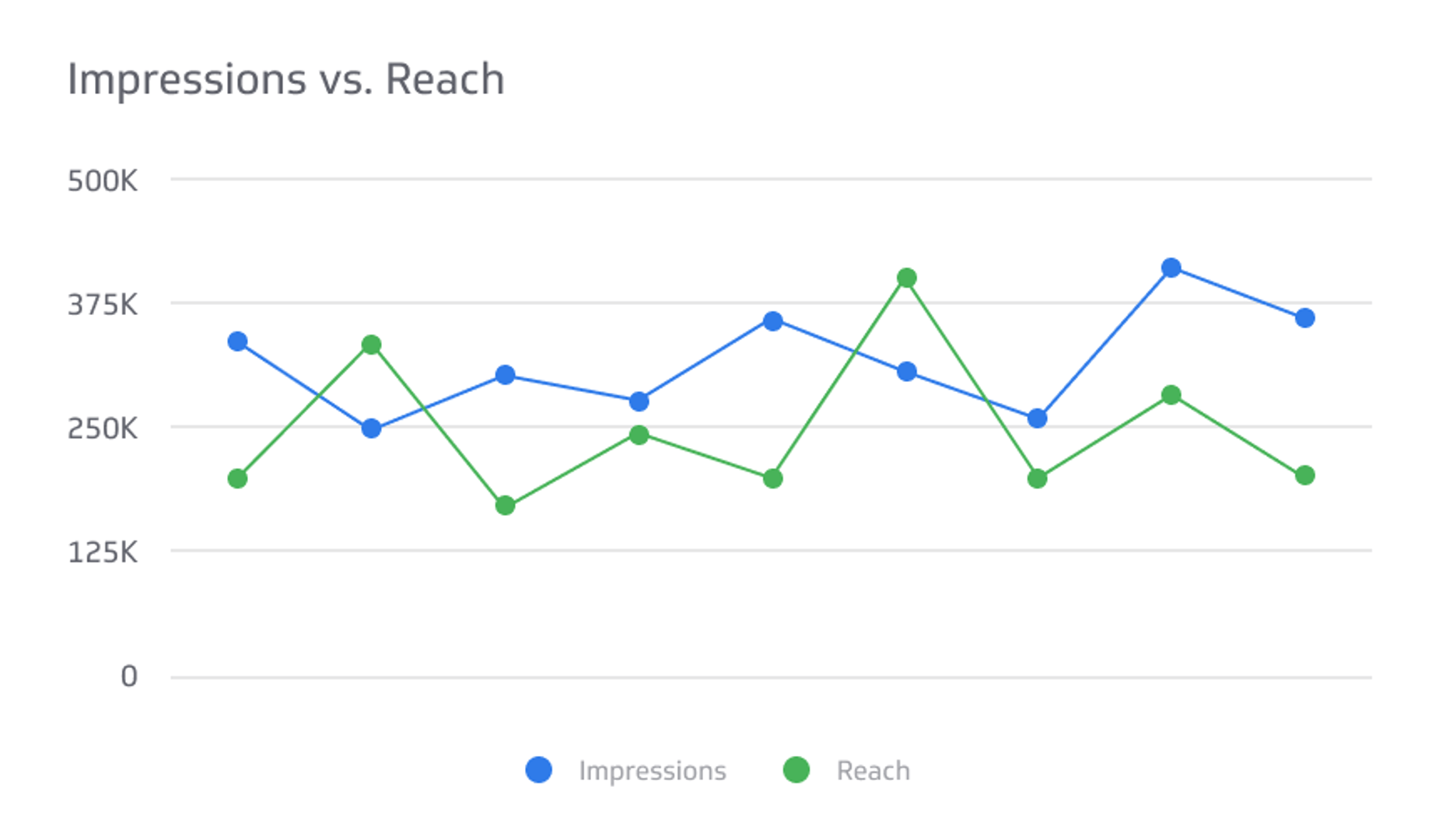
Impressions tell you how much exposure your ad is getting. When impressions and reach are close in number, your ad is likely landing on first view. When impressions run much higher than reach, the same people are seeing it repeatedly.
What is reach?
Reach is the number of unique people who saw your ad at least once during a given period.
Where impressions count every view, reach counts every viewer. It's the cleaner measure of how wide your message actually spread.
What's the difference between reach and impressions?
Impressions count total views; reach counts unique viewers. One person seeing your ad three times adds three impressions but only one to your reach.
A simple way to think about it:
- Impressions tell you how often your ad appeared in a feed
- Reach tells you how many distinct people it appeared to
- Neither metric tells you whether someone read, clicked, or engaged with your ad
Facebook Ads lets you compare impressions and reach over set time periods: 7 days, 28 days, or 12 months. Watching both together helps you understand ad frequency — how many times, on average, each person saw your ad.
A high frequency can signal ad fatigue. If reach is flat but impressions keep climbing, your audience may be tuning out. That's the kind of shift worth catching early, before budget runs out on an audience that has already stopped paying attention.
Why these metrics matter for decision-makers
Impressions and reach aren't just reporting numbers. They tell you whether your campaign is doing what you paid for.
If reach is low, your targeting may be too narrow or your budget too thin to break through. If impressions are high but clicks and conversions aren't following, the creative may need a refresh. These are decisions you can make quickly when the numbers are in front of you, and slowly or never when you're waiting for someone to pull a report or pasting figures into a spreadsheet to figure out what changed.
Knowing the numbers is only useful if you can act on them. The faster a shift in impressions or reach becomes visible, the sooner you can adjust targeting, creative, or spend.
Create custom dashboards for you and your team.
Get started with KlipsHow to track Facebook Ads Impressions and Reach
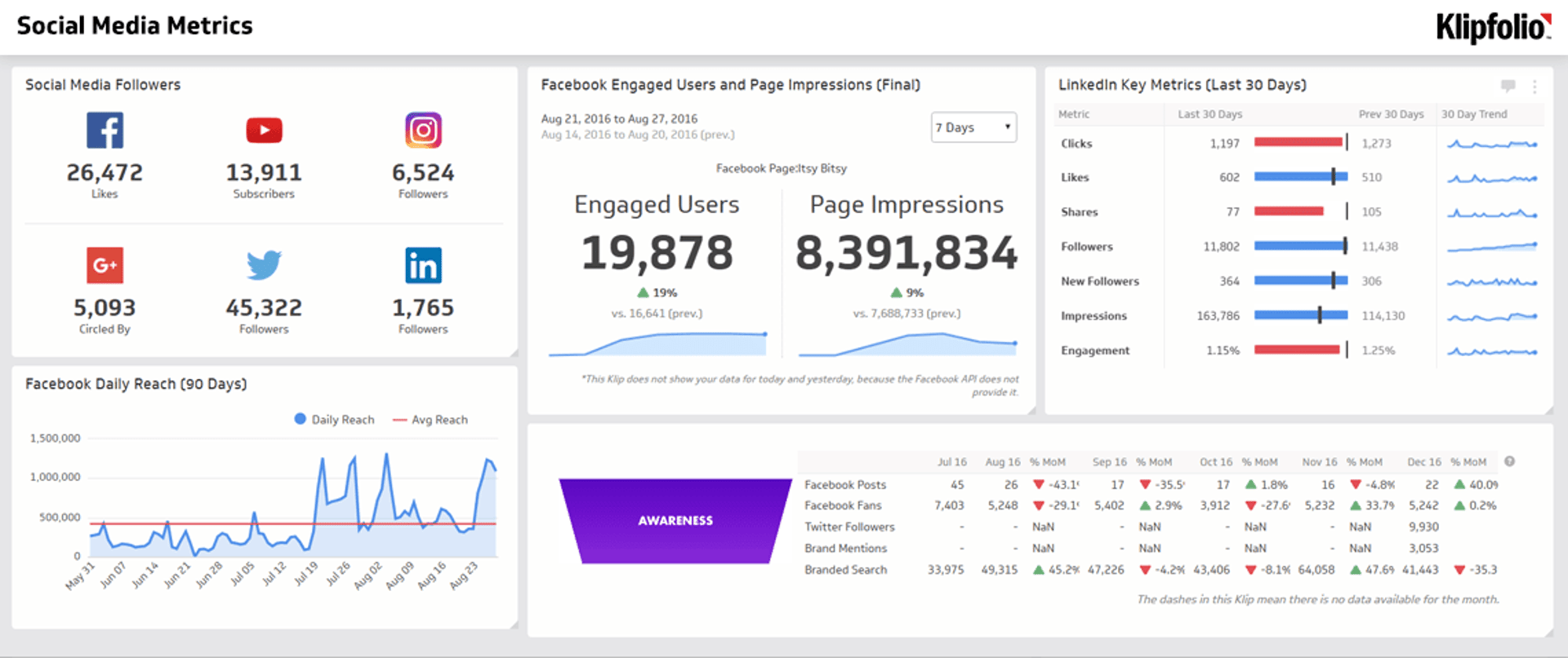
Start by setting benchmarks for your Facebook Ads campaigns. Then monitor Impressions, Reach, and other social media KPIs together on a social media dashboard so nothing gets missed between manual check-ins.
A Facebook Ads dashboard lets you see both metrics side by side, watch trends as they develop, and stay confident in your numbers without having to chase them down. When your data refreshes automatically and lives in one place, you spend less time figuring out what's happening and more time deciding what to do about it.