Track website and application performance metrics.
DevOps professionals are continuously monitoring the performance of their applications and website. While they rely on services like Pingdom and New Relic to alert them to emergencies and events, DevOps KPIs, metrics, and measures allow them to analyze what went wrong. More importantly, perhaps, they allow DevOps teams to be transparent and share metrics with other teams like customer support.
In conclusion, keeping tabs on DevOps metrics and KPIs is vital for ensuring the success and efficiency of your development and operations teams. Regularly monitoring these performance indicators empowers you to make well-informed decisions that can significantly boost your team's effectiveness.
To give you an extra helping hand with KPI analysis and implementation, we invite you to check out our rich resource on KPI templates & examples. This page is packed with diverse examples and easy-to-use templates, all geared toward helping you measure, track, and enhance your DevOps team's performance.
DevOps Metrics & KPIs
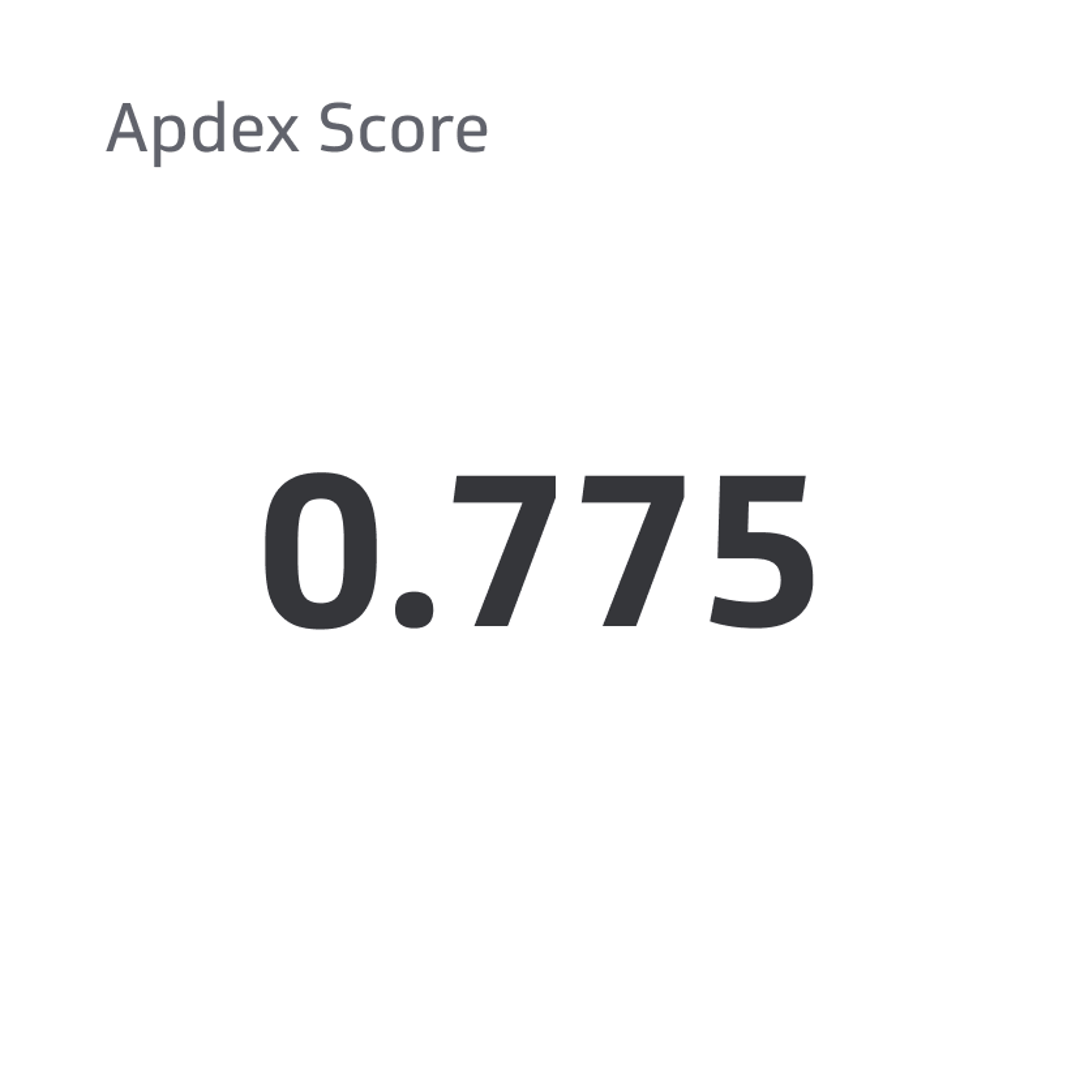
Apdex Score
Apdex is short for Application Performance Index, a widely-accepted standard for evaluating overall user satisfaction with the speed of websites and web applications.
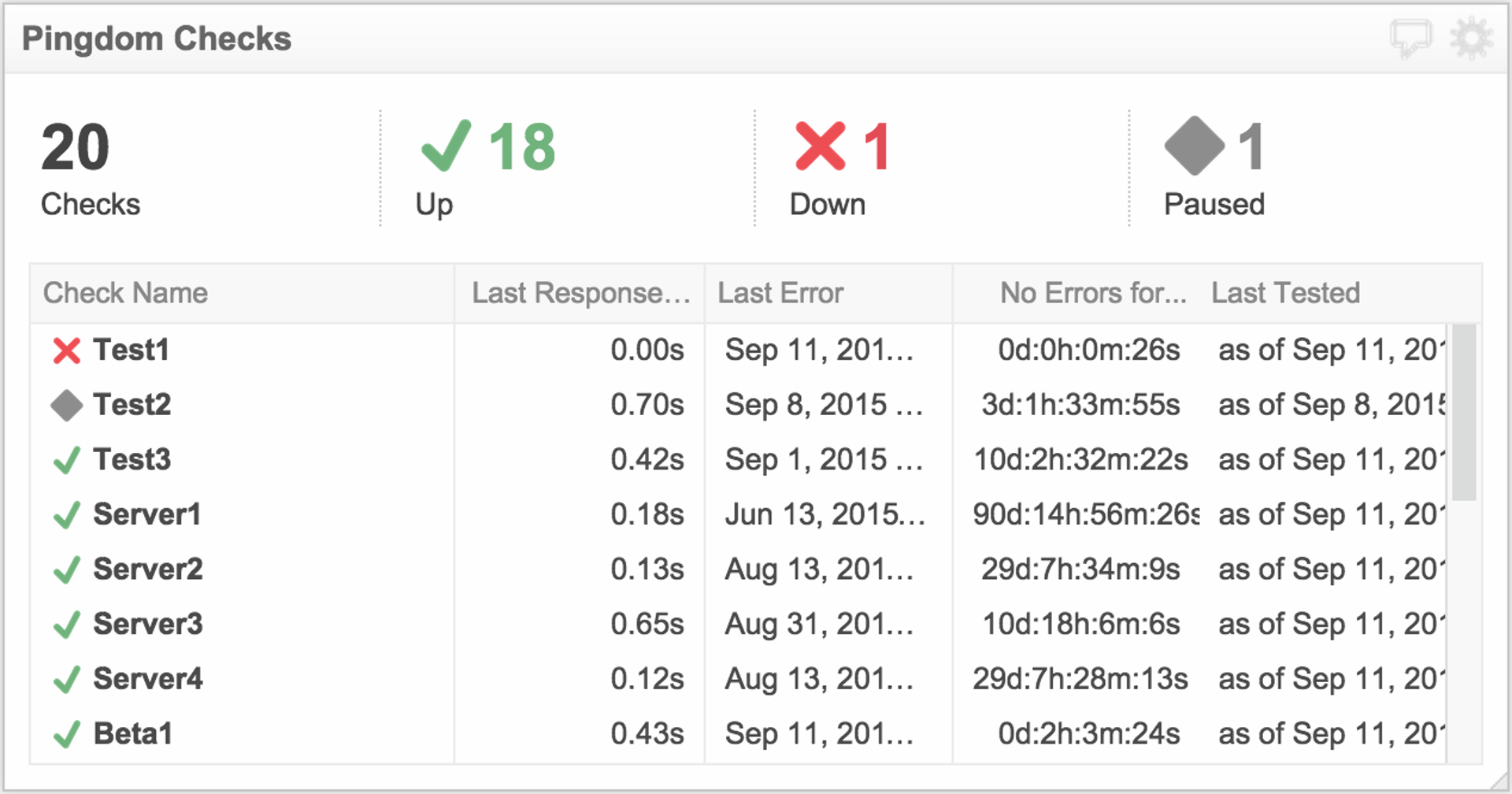
Pingdom Checks Metrics
Track server uptime and performance with Pingdom Checks metrics to ensure website reliability.
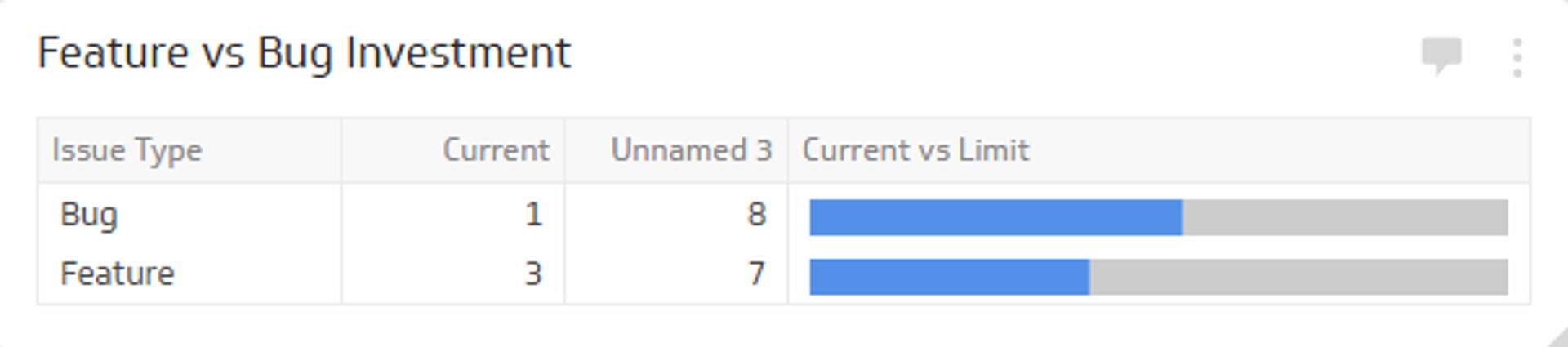
Feature vs. Bug Investment
Keep track of the number of bug and issue features
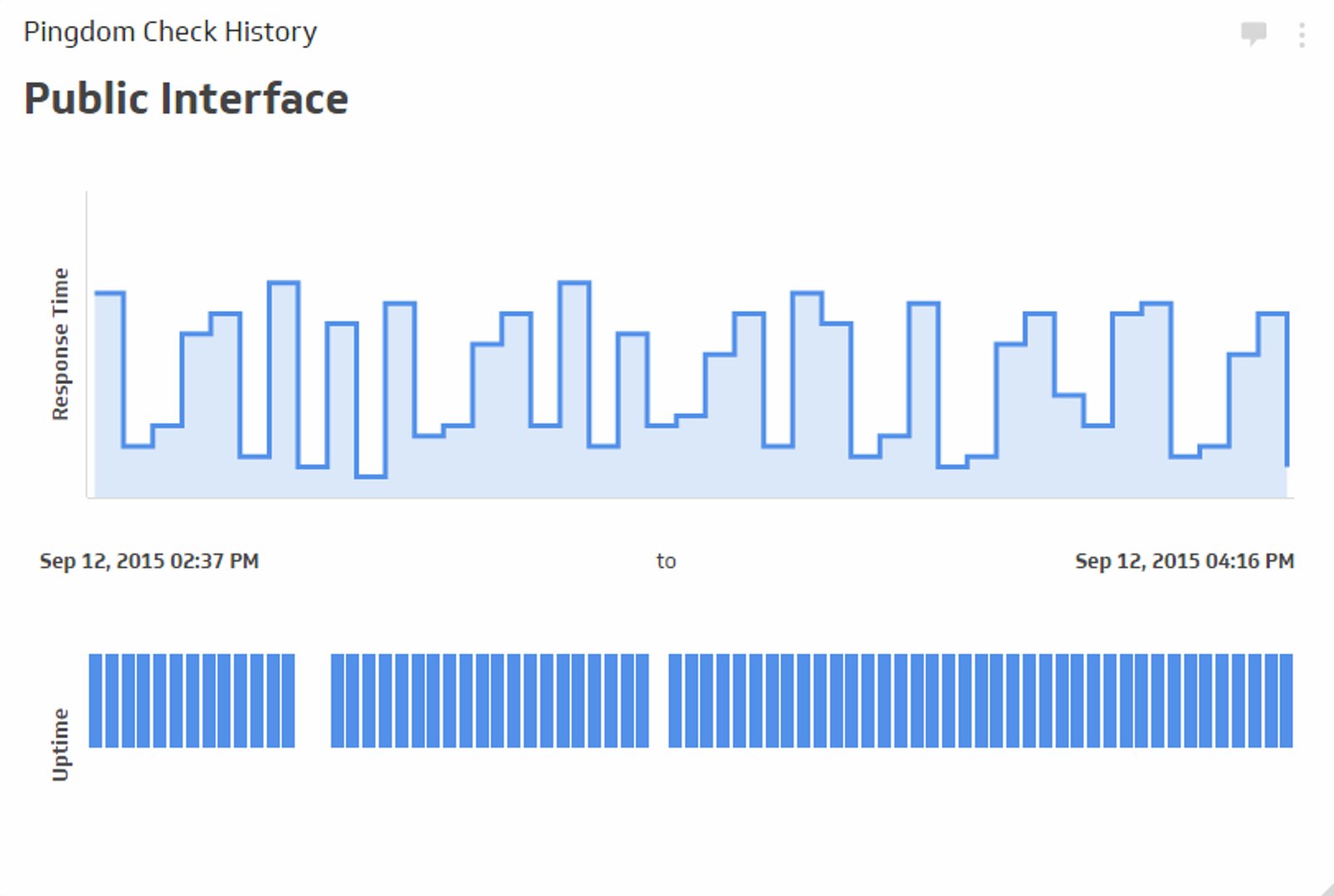
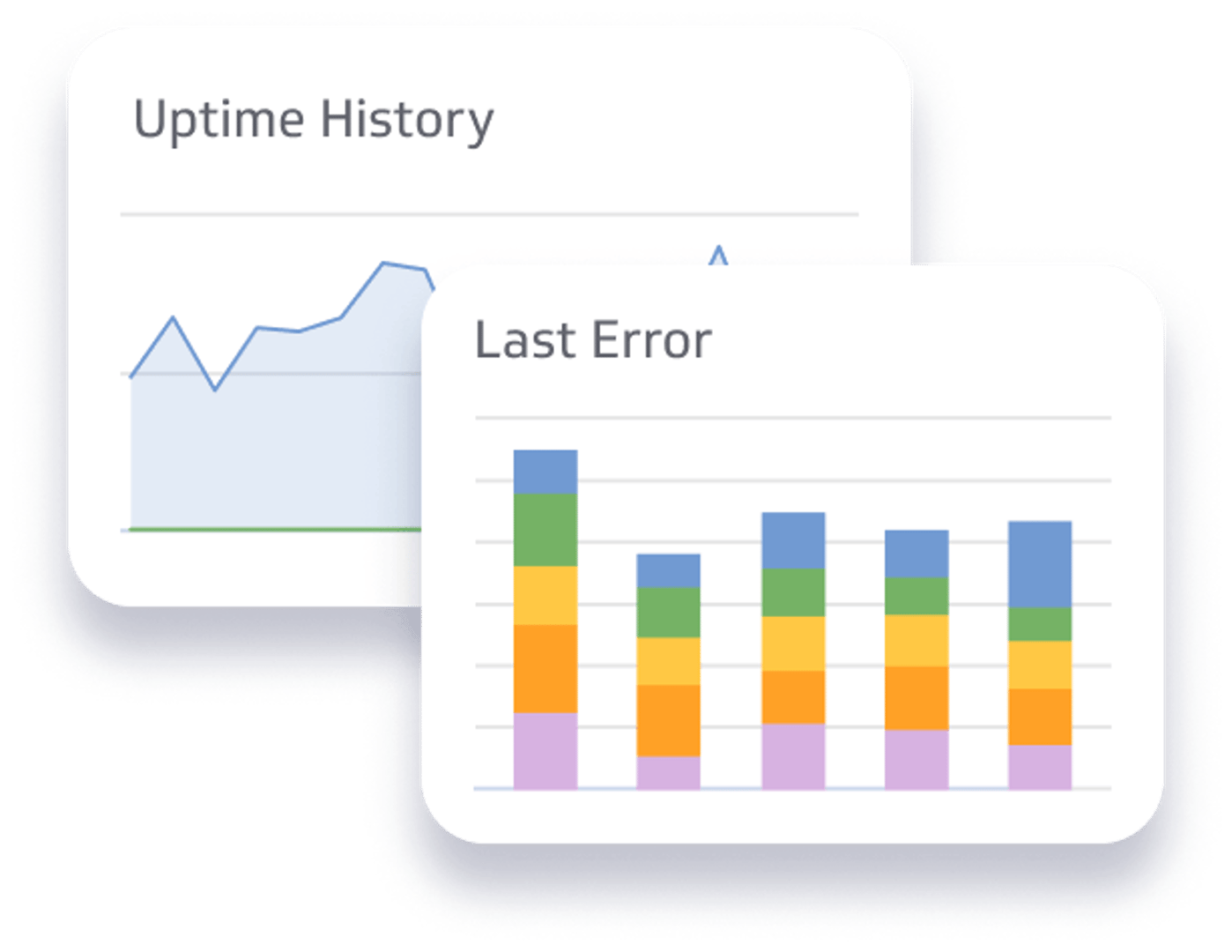
Pingdom Check History Metrics
Track the history of your website's performance and up-time with the Pingdom check history metrics
Pingdom Last Error Metric
Measure the performance of your website with the Pingdom last error metrics
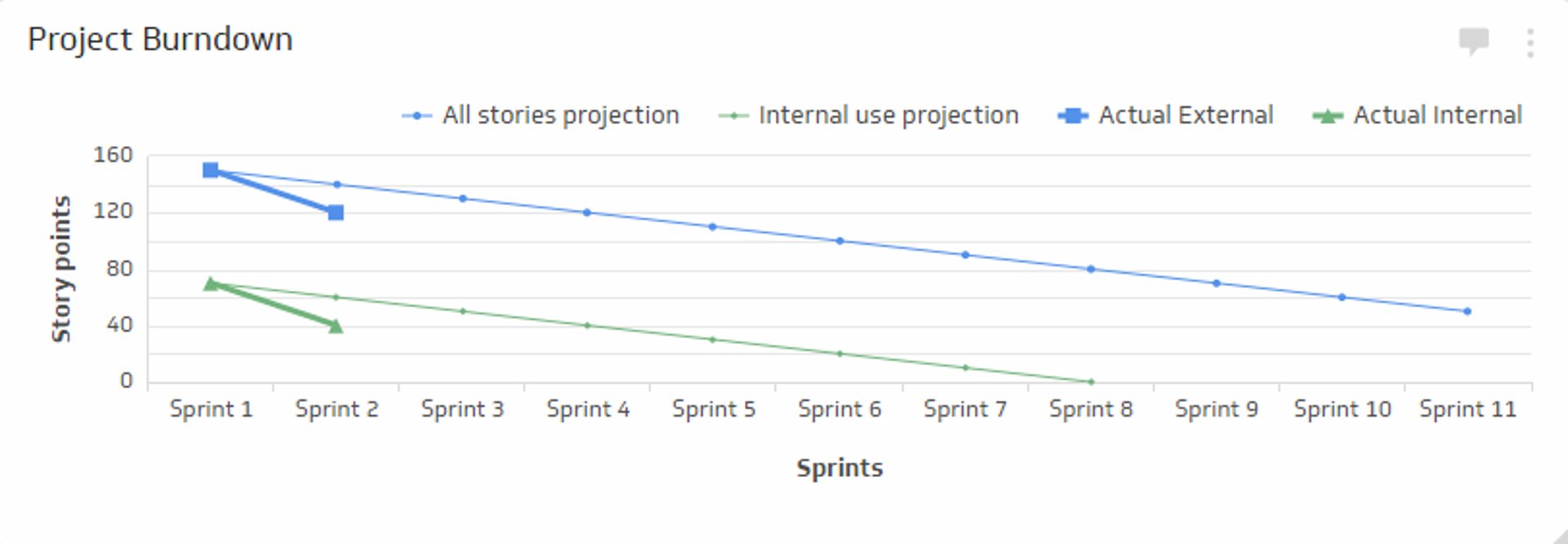
Project Burndown
Track your project projections vs. actual project sprints with the Project Burndown metric
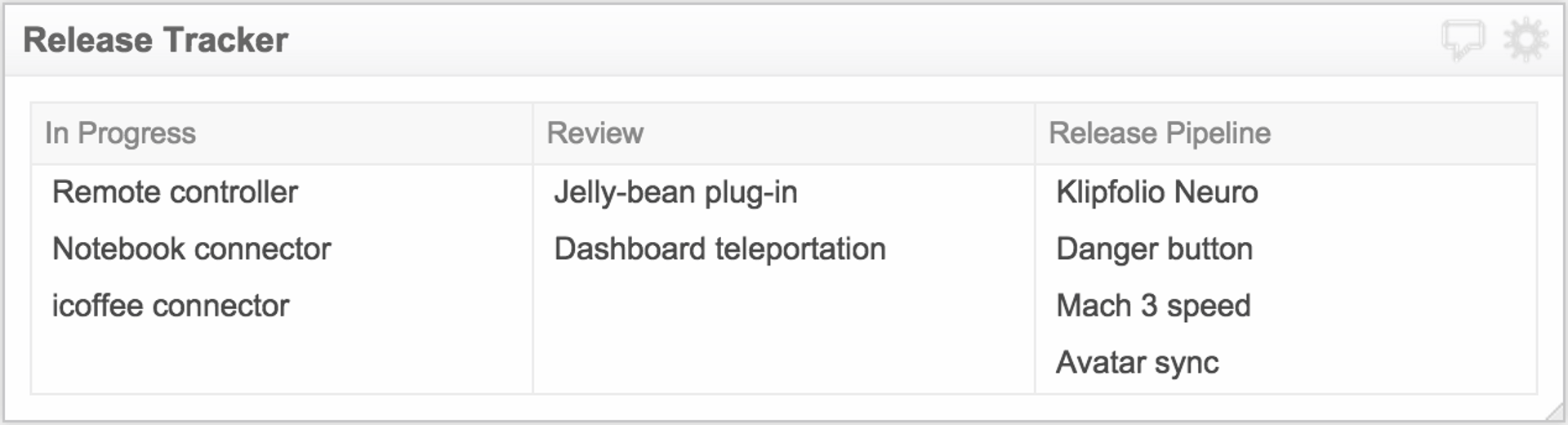
Release Tracker Metric
Keep track of DevOps releases from the pipeline, to review, to releases in progress.