Trello
Connect Trello to Klipfolio and build a real-time dashboard that tracks project status, workload, and card activity across all your boards — without manual exports.
Tracking Trello data across multiple boards and cards shouldn't require manual exports. Connect Trello to Klipfolio and get a real-time dashboard that updates automatically.
How to connect Trello to Klipfolio
Klipfolio connects to Trello using API Key authentication. You'll need your Trello API Key, API Token, and Board ID before you start.
- Log in to your Trello account and navigate to the Trello API Key page to generate your API Key.
- Accept the Trello Developer Terms, then click Show API Key and copy your Key.
- Click the hyperlinked Token beneath your key, then click Allow and copy your Token.
- To find your Board ID, open the board in Trello and copy the ID from the URL:
trello.com/b/yourBoardID/BoardName.
View the step-by-step setup guide
Top reasons to use Klipfolio for Trello dashboards
Real-time visibility across all your boards. Klipfolio pulls live Trello data so your dashboard always reflects what's actually happening — no manual refreshes needed.
Centralized project reporting. Combine Trello data with other tools (time tracking, CRM, finance) in one dashboard so your team sees the full picture.
Flexible visualizations. Use charts, tables, gauges, and colour-coded indicators to make project status and workload instantly readable.
Easy sharing. Distribute dashboards via TV mode, public links, scheduled email reports, or embedded views — so everyone stays aligned without digging into Trello directly.
From Trello to dashboard: what Klipfolio adds
| What you do in Trello | What Klipfolio adds |
|---|---|
| Check individual boards manually | One dashboard that surfaces data across all boards |
| Export card data as CSV for reporting | Automated dashboards that update on your schedule |
| Share board links with your team | Branded, distributable dashboards with role-based access |
| View activity inside Trello only | Combine Trello with other data sources in a single view |
Stop switching between boards to piece together project status. Start reporting on Trello data the way your team actually needs it.
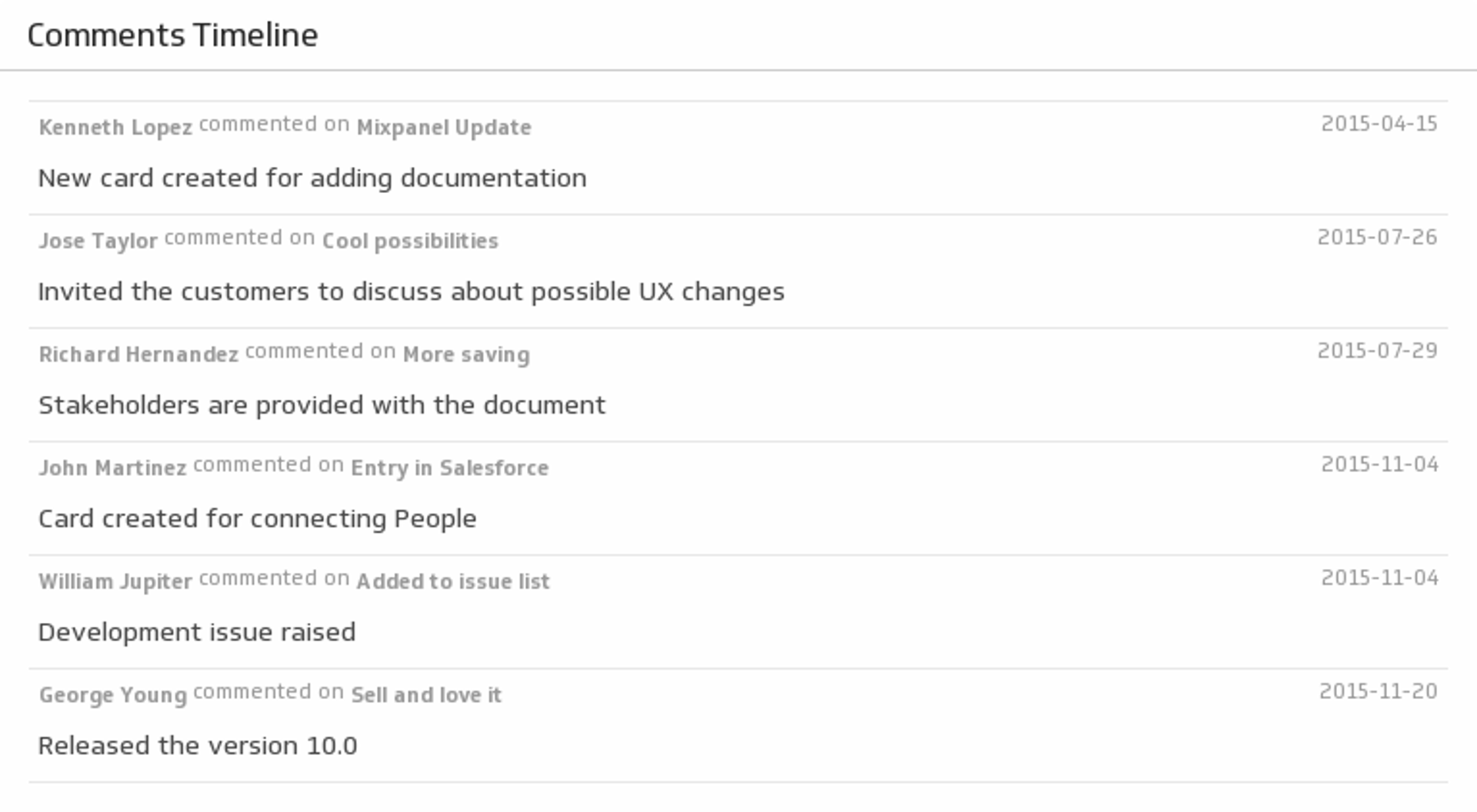
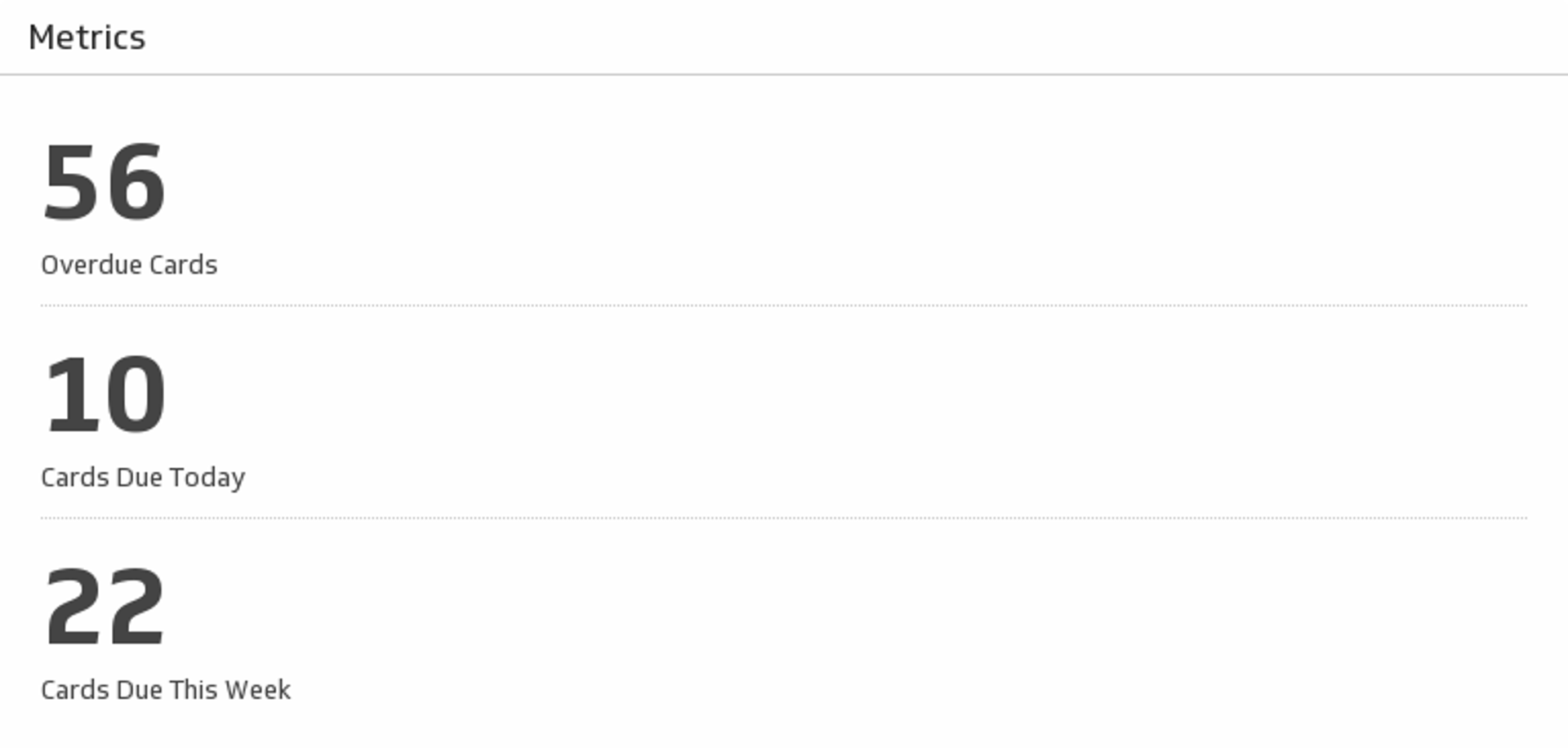
Use pre-built Trello metrics
Assemble a Trello dashboard by selecting pre-built metrics from the Klip Gallery.