Stripe
Stripe is a payment platform used by businesses worldwide to accept and manage online payments. Connect Stripe to Klipfolio to build real-time dashboards that track sales, balances, subscriptions, and customers — without manual exports.
Tracking Stripe payment data across exports and spreadsheets wastes time you could spend growing revenue. Connect Stripe to Klipfolio and get a live dashboard that shows sales, balances, customers, and subscriptions — all in one place.
How to connect Stripe to Klipfolio
Klipfolio connects to Stripe using OAuth. The setup takes about four steps.
- In the left navigation sidebar, click the 3-dot menu beside Data Sources and select + New data source.
- On the Where is your data? page, select Stripe.
- Choose a pre-built data source or click Create a custom Stripe data source for a tailored query.
- Click Connect an account, enter your Stripe credentials, and authorize access. If you've connected before, select your existing connection from the drop-down and click Continue.
View the step-by-step setup guide
Top reasons to use Klipfolio for Stripe dashboards
See all your payment data in real time. Klipfolio refreshes your Stripe data as frequently as every minute, so your revenue figures are never stale.
Combine Stripe with other data sources. Blend payment data with CRM, marketing, or support metrics to see the full picture of your business performance.
Distribute dashboards to your whole team. Share via public links, scheduled PDF emails, TV mode, or embedded views — no Stripe account access required for viewers.
Build without writing code. Pre-built Stripe data sources and 100+ Excel-like functions let you model and visualize your data without developer help.
Customize every detail. Adjust layouts, apply custom themes, and use HTML or iFrames to match your brand or reporting style.
What Klipfolio adds to your Stripe workflow
| What you do in Stripe | What Klipfolio adds |
|---|---|
| Export transactions as CSV for review | Automated dashboards that update in real time |
| Check the Stripe dashboard one metric at a time | A single view combining payments, subscriptions, and balances |
| Share screenshots or static reports with stakeholders | Live, shareable dashboards accessible from any device |
| Manually reconcile data from multiple sources | Blended data from Stripe, your CRM, and other tools in one Klip |
Stop exporting data manually. Start monitoring your Stripe metrics in real time with a Klipfolio dashboard.
Use pre-built Stripe metrics
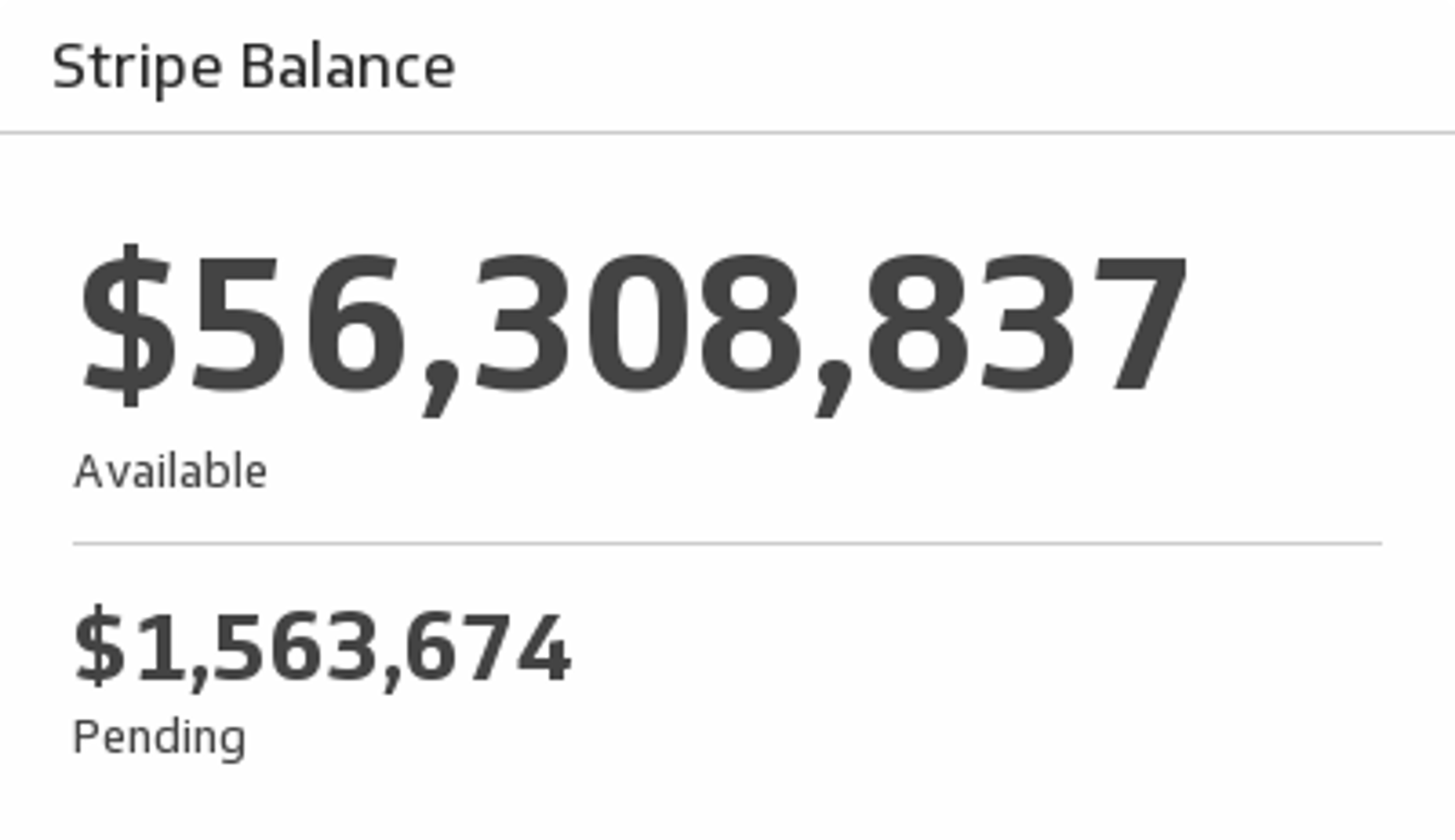
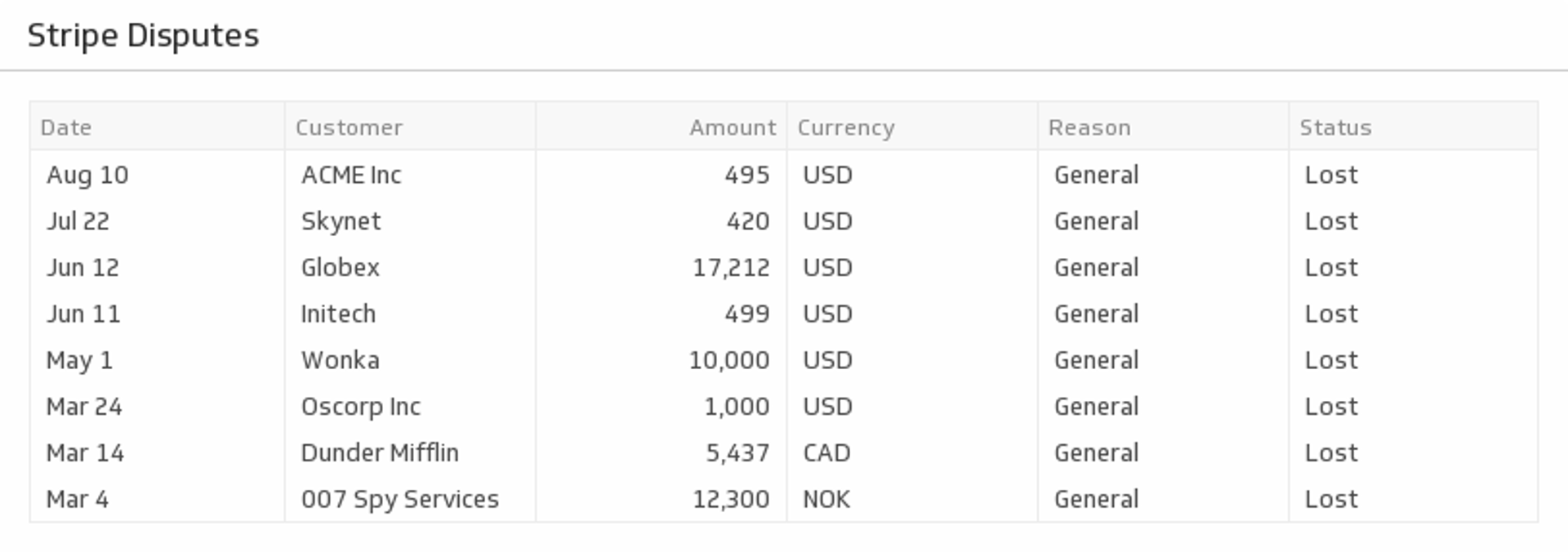
Assemble a Stripe dashboard by selecting pre-built metrics from the Klip Gallery.