Weather
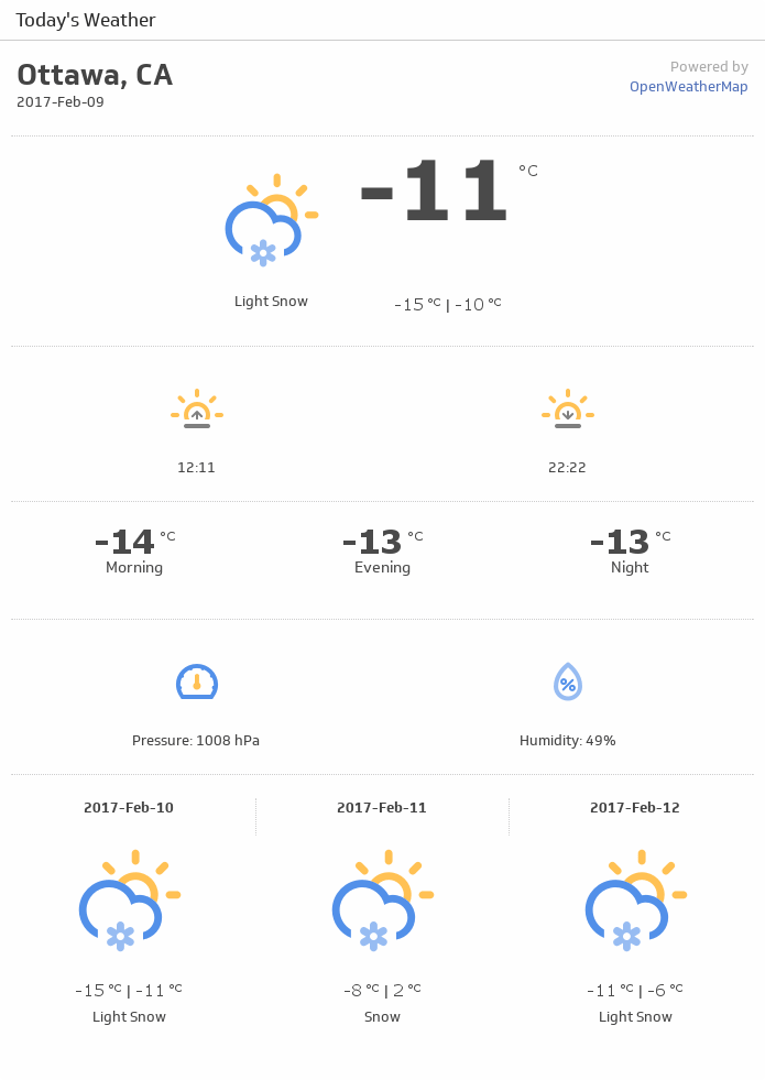
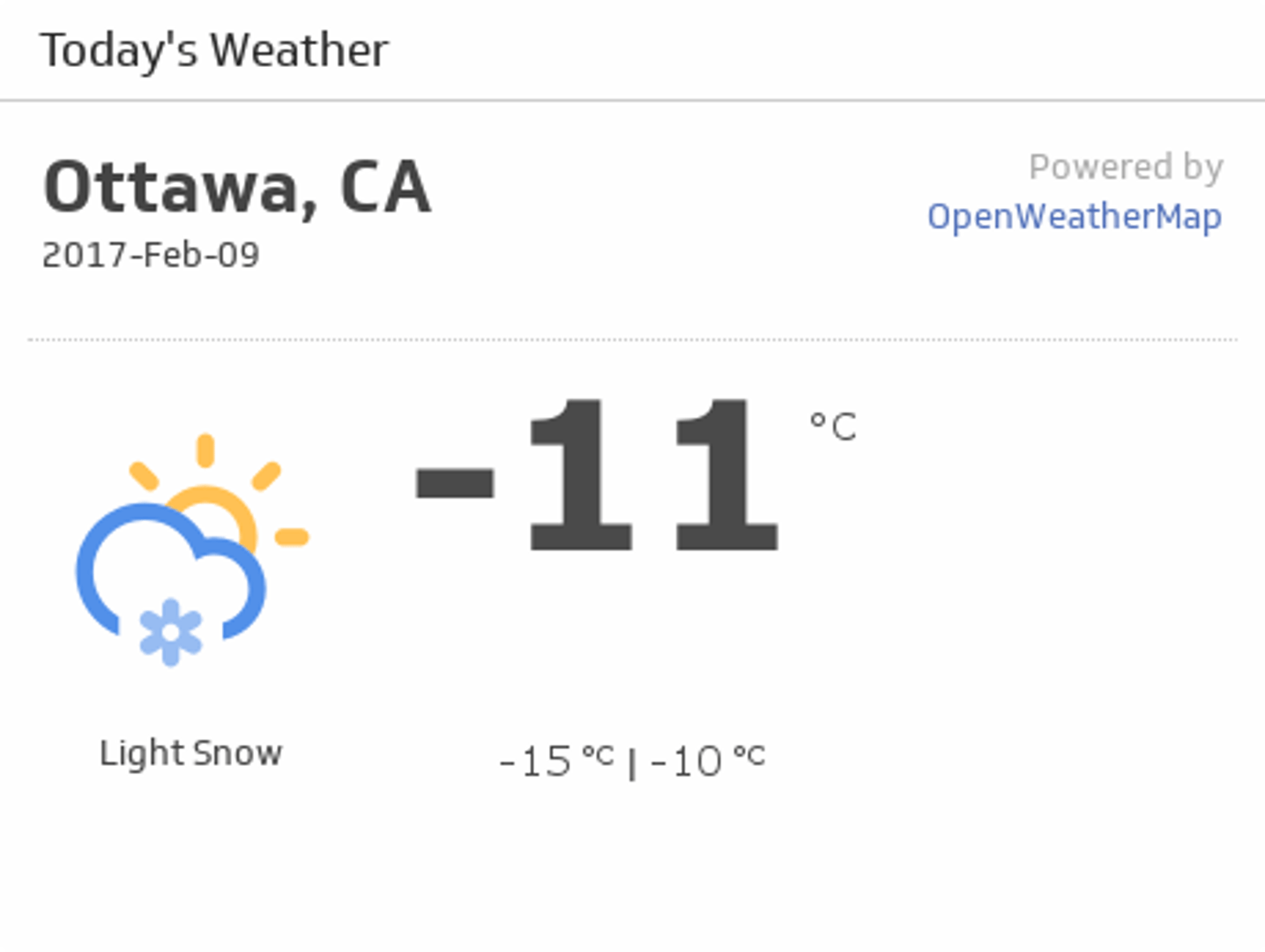
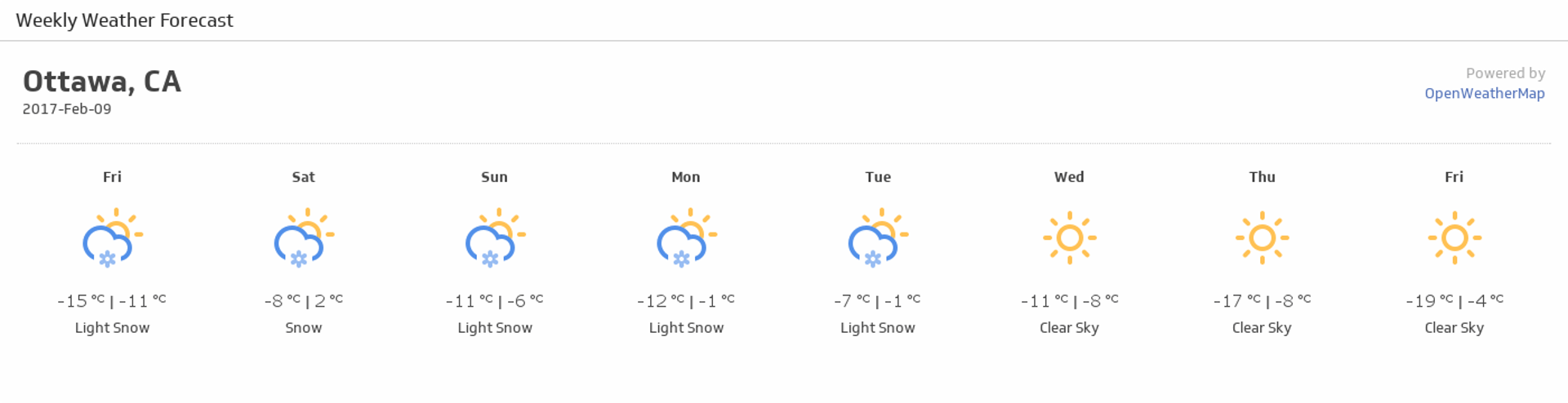
Connect weather data to Klipfolio Klips and monitor local and international forecasts on a live dashboard. Pull current conditions and multi-day forecasts from the OpenWeatherMap API, combine them with other data sources, and share your dashboard your way.
Manually tracking weather conditions across locations wastes time and creates gaps in your reporting. Connect weather data to Klipfolio Klips and get live forecasts on a dashboard that updates automatically.
How to connect weather data in Klipfolio
Klipfolio connects to the OpenWeatherMap API using your location and preferred unit of measurement. You can identify your location by city name, city name and country code, city ID, zip code, or geographic coordinates.
- Navigate to the Service Connectors page and choose Weather from the list.
- Select a pre-built data source or click Create a custom Weather data source to build from scratch.
- Enter your Location and select your unit of measurement from the Date Format drop-down.
- Click Get data, confirm the results, then click Continue.
- Name your data source, set a refresh schedule, and click Save.
View the step-by-step setup guide
Top reasons to use Klipfolio for weather dashboards
Before choosing a tool, here's what sets Klipfolio apart for weather reporting.
Real-time local and international forecasts. Pull current conditions and multi-day forecasts for any city or region directly into your dashboard, refreshed as often as every minute.
Pre-built Klips to get started fast. Browse ready-made weather visualizations in the Klip Gallery and add them to your dashboard in minutes, no setup expertise required.
Full customization when you need it. Use the Klip Editor to combine weather data with other sources, apply Excel-like formulas, and build layouts that match your exact reporting needs.
Flexible distribution. Share your weather dashboard via public link, embedded view, scheduled PDF, or TV mode, so the right people always have access.
What Klipfolio adds to your weather data
| What you do manually | What Klipfolio adds |
|---|---|
| Export weather data from a third-party site | Automated dashboard connected directly to the OpenWeatherMap API |
| Check forecasts across multiple tabs or apps | One centralized view covering all your locations |
| Rebuild reports when conditions change | Live Klips that refresh automatically on your chosen schedule |
Stop checking weather manually. Start monitoring every location from a single, live dashboard.
Use pre-built Weather metrics
Assemble a Weather dashboard by selecting pre-built metrics from the Klip Gallery.