Google Calendar
Connect Google Calendar to Klipfolio to build live dashboards that track daily events, meeting load, and team availability — without manual exports or spreadsheet work.
Stop manually checking your calendar to piece together how your week looks. Connect Google Calendar to Klipfolio and get a live dashboard that shows your daily events and meeting load at a glance.
Learn how to connect to Google Calendar with Klipfolio
How to build a Google Calendar dashboard
- Start the data source creation process to connect data sources like your Google Calendar account.
- Decide what matters most to you and your team — daily event counts, average meeting duration, or free-time blocks.
- Load your data into pre-built metrics or build a custom API query to pull exactly what you need.
- Design your dashboard: customize visualizations, adjust colours, and add indicators to highlight what's important.
Why use Klipfolio for Google Calendar dashboards
See your schedule in one place: Pull calendar data alongside other tools — project trackers, communication apps, or time management software — so you get a complete picture of how your time is spent.
Track meeting load over time: Monitor average time in meetings by day or week to spot patterns and protect focused work time.
Share with your team: Distribute your dashboard via TV mode, public links, or scheduled email reports so everyone stays aligned on availability and workload.
Customize without limits: Use Klipfolio's flexible layout and formula tools to build views that reflect how your team actually works.
What Klipfolio adds to Google Calendar
| What you do in Google Calendar | What Klipfolio adds |
|---|---|
| Manually review events day by day | Live dashboard showing events and meeting time across any date range |
| Check individual calendars for availability | Consolidated view across team members or projects |
| Export data to a spreadsheet for analysis | Automated metrics that update on a set refresh schedule |
| Build manual reports on time spent in meetings | Visual charts and indicators that track meeting load automatically |
Stop exporting and start automating.
Use pre-built Google Calendar metrics
Assemble a Google Calendar dashboard by selecting pre-built metrics from the Klip Gallery.
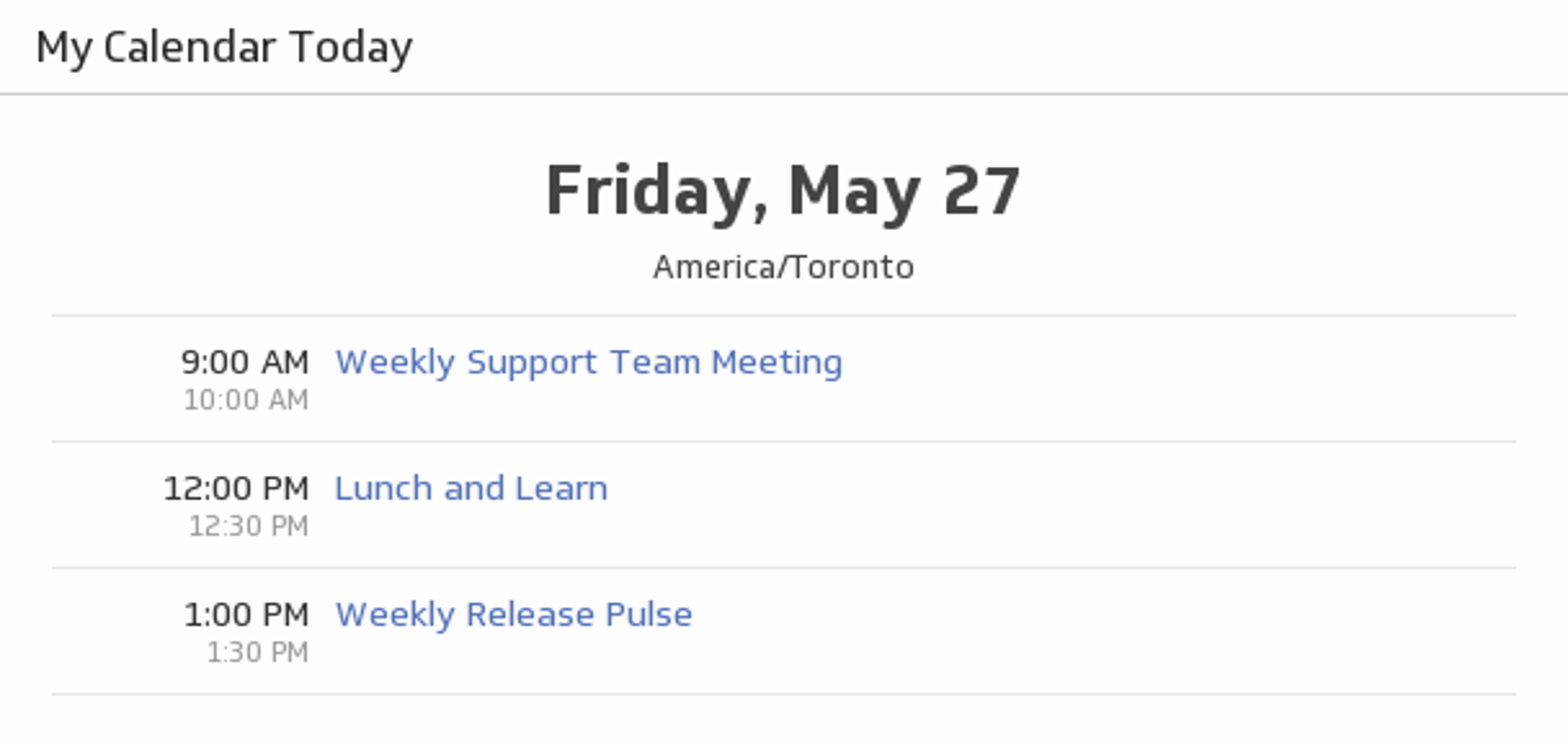
My Calendar Today
See what Google Calendar events you have today and never miss a meeting.
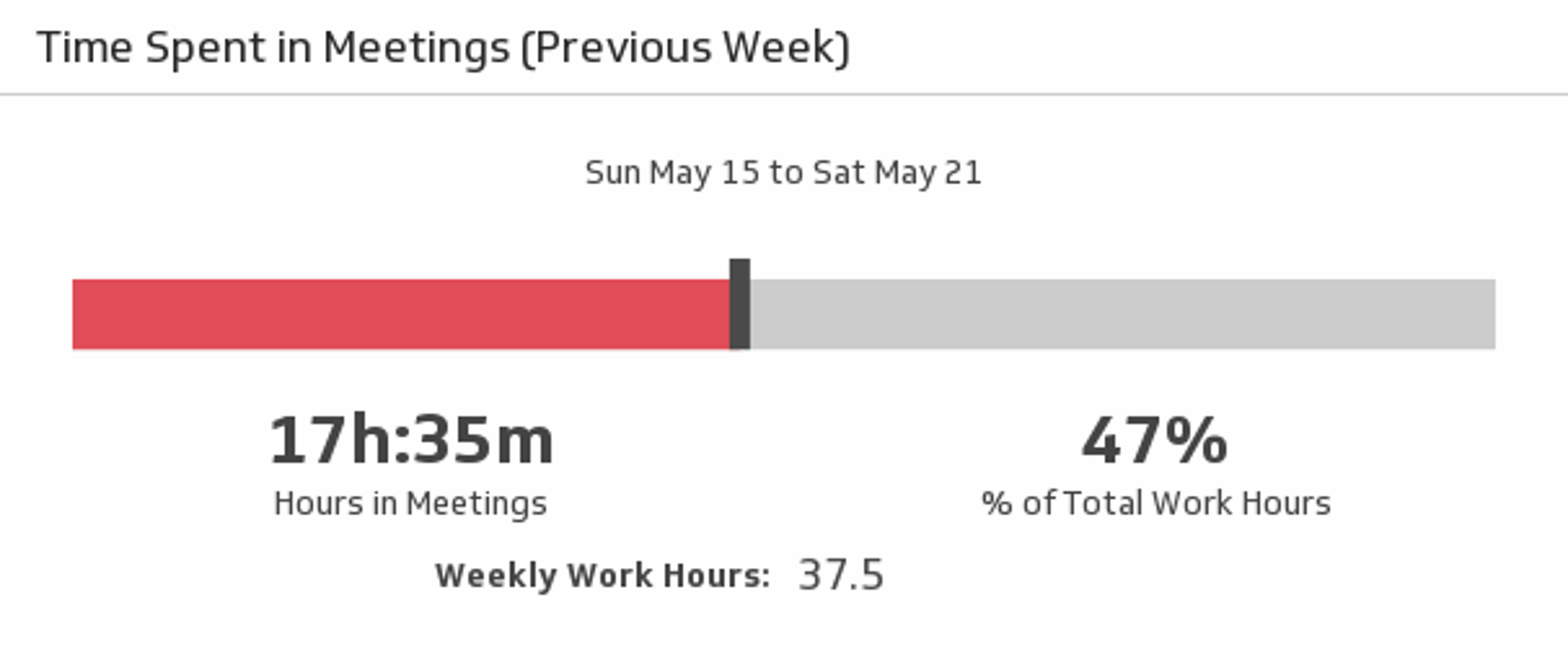
UsesTime Spent in Meetings (Previous Week)
Meetings can take up a lot of your time. Track just how much of your week was spent in meetings, in both hours and percentage of total work hours, with this Google Calendar metric.
Uses