Manually exporting Facebook insights is slow and easy to get wrong. Connect Facebook to Klipfolio and build dashboards that pull page metrics, engagement data, and ad performance automatically — then combine them with your other marketing channels for a complete view.
Custom Facebook dashboards
Tracking Facebook performance across posts, pages, and ads shouldn't mean exporting CSVs and stitching together spreadsheets. Connect your Facebook data to Klipfolio and build dashboards that update automatically, so your team always sees the numbers that matter.
Klipfolio connects to Facebook business pages (not personal profiles). Facebook requires all business pages to be linked to an authentic personal account for administrative access. To add users to a business page, see Facebook's help article on managing page roles.
How to connect Facebook and build a dashboard
- In the left navigation sidebar, click the 3-dot menu beside Data Sources and select + New data source.
- On the Where is your data? page, select Facebook.
- Choose a pre-built data source or click Create a custom Facebook data source.
- Click Connect an account, enter your Facebook credentials, and allow Klipfolio access. If you've connected before, select your existing connection from the drop-down.
- Select your Facebook Company Page from the drop-down list and click Get data.
View the step-by-step setup guide
Top reasons to use Klipfolio for Facebook dashboards
Combine Facebook with your other marketing data. Pull in Facebook Ads, Google Analytics 4, HubSpot, and more to see the full picture in one place, without switching between platforms.
Start fast with pre-built dashboards. Use a ready-made Facebook Engagement Dashboard to surface engagement rates, top-performing posts, and page trends in minutes.
Build exactly what you need. Use Facebook's Graph API or use pre-built metrics to query the precise data your team tracks, then visualize it with 30+ chart types.
Share dashboards your way. Display Facebook metrics on office TVs, embed dashboards in internal tools, or send scheduled PDF reports, all from the same dashboard.
Keep data fresh automatically. Scheduled refreshes mean your team always sees current numbers without anyone manually pulling a report.
What Klipfolio adds to your Facebook workflow
| What you do in Facebook | What Klipfolio adds |
|---|---|
| Export page insights as CSV | Automated dashboards that update on a schedule |
| View metrics one page at a time | Combined view across pages, ads, and other channels |
| Screenshot results for reports | Shareable dashboards and scheduled PDF exports |
| Check the native Facebook dashboard | Custom visualizations built around your team's KPIs |
Stop copying numbers out of Facebook. Start tracking the metrics that drive decisions.
View the step-by-step setup guide
Explore a Facebook dashboard example
See what's possible with a live Facebook dashboard example, or watch how to use the Connector Gallery to build a dynamic dashboard with the KPIs you want.
Use pre-built Facebook metrics
Assemble a Facebook dashboard by selecting pre-built metrics from the Klip Gallery.
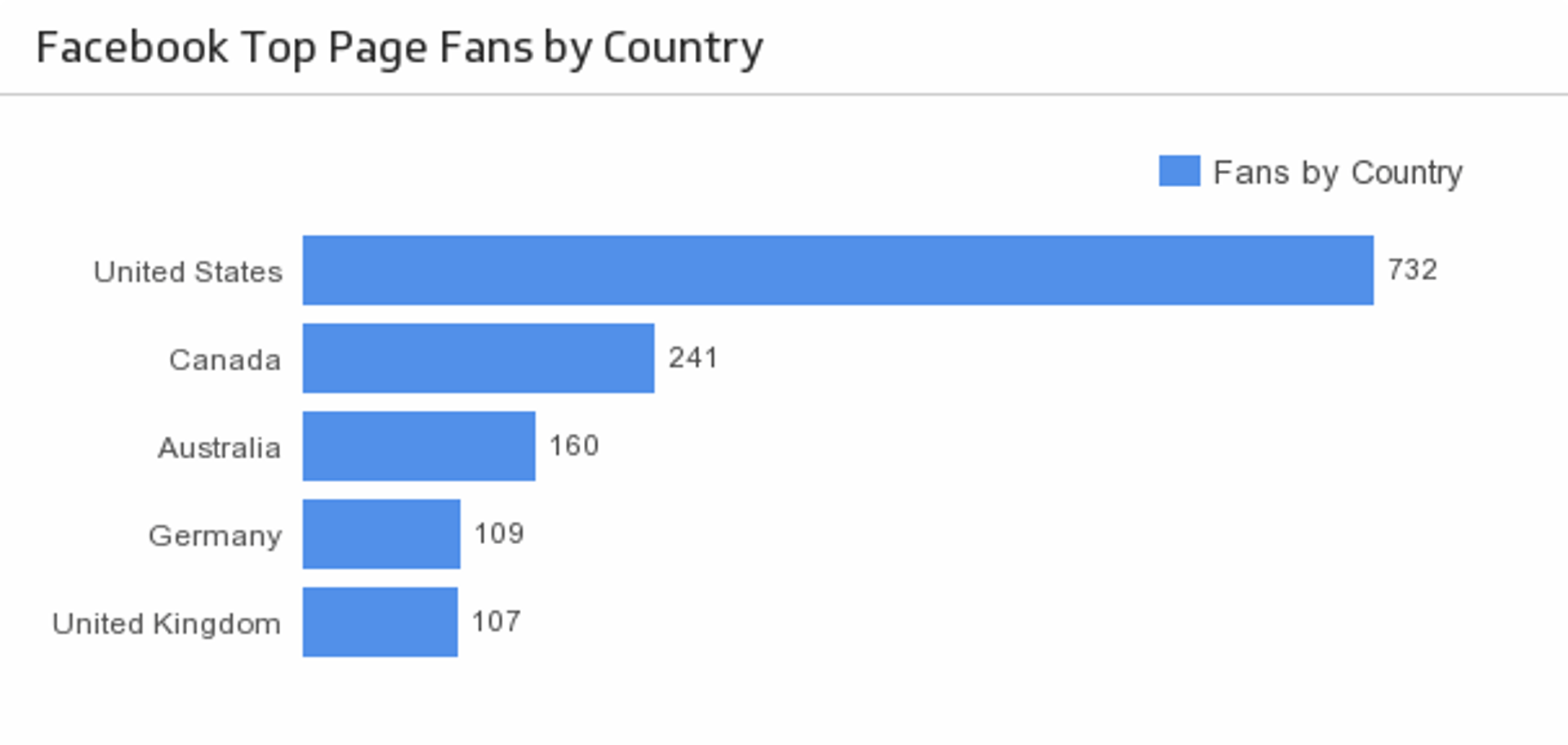
Fans by Country
Discover the top five countries that your Facebook fans are from.
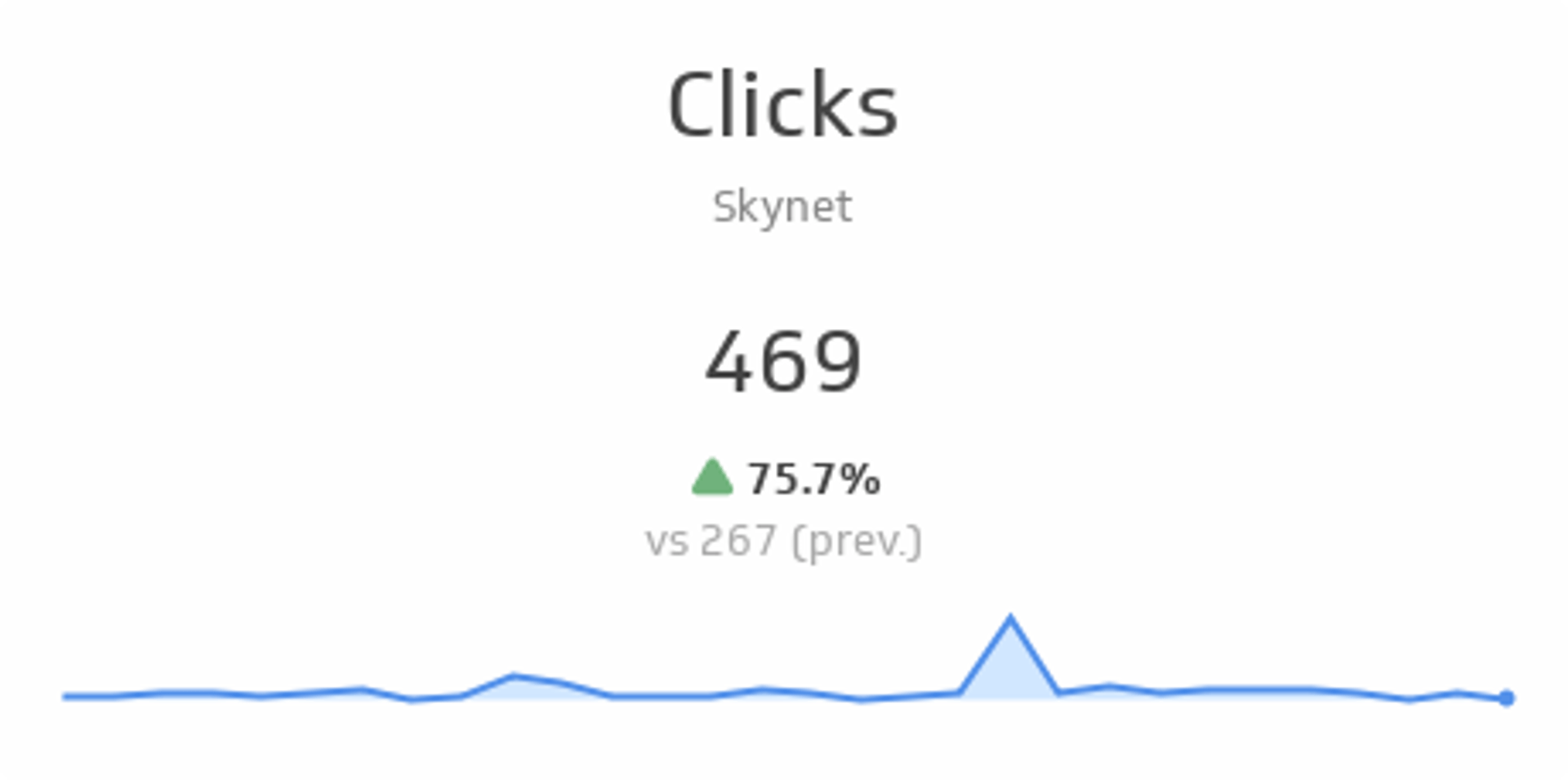
UsesClicks
See total clicks over the past 30 days and compare it to the previous 30 days. The sparkline shows the trend over the past 30 days.
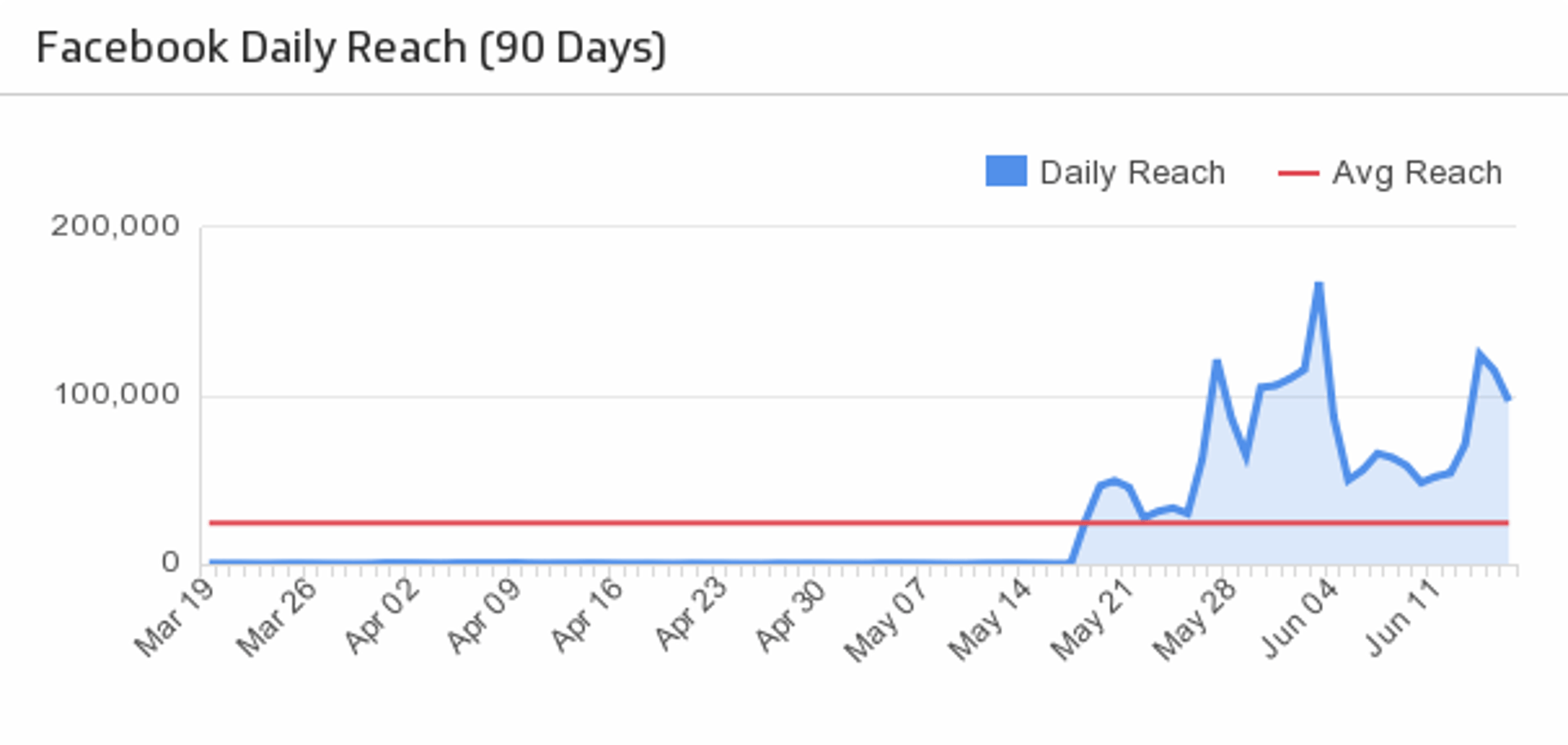
UsesDaily Reach
Track the number of people who have seen posts from your Facebook company page.
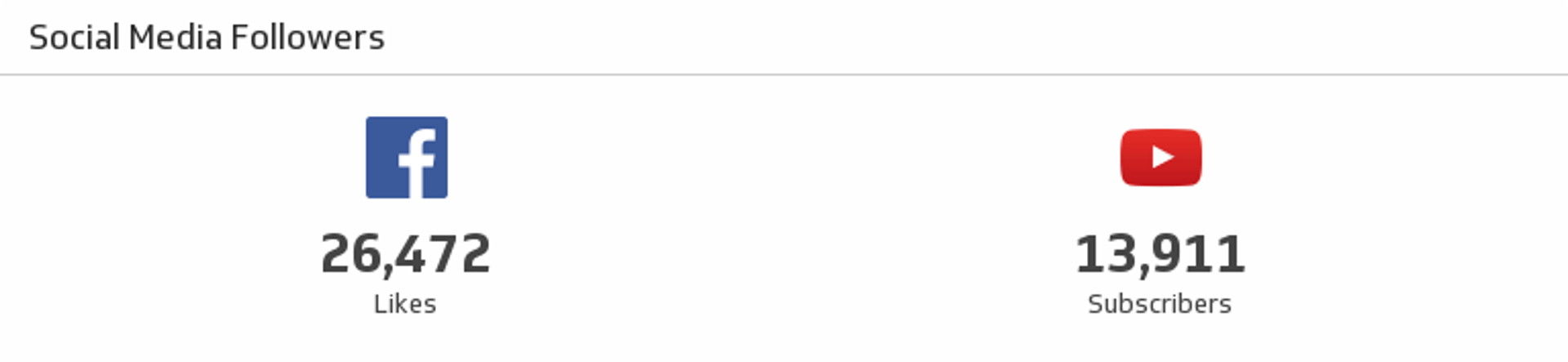
UsesFacebook and YouTube Social Media Followers
See where you stand on Facebook and YouTube in a single Klip.
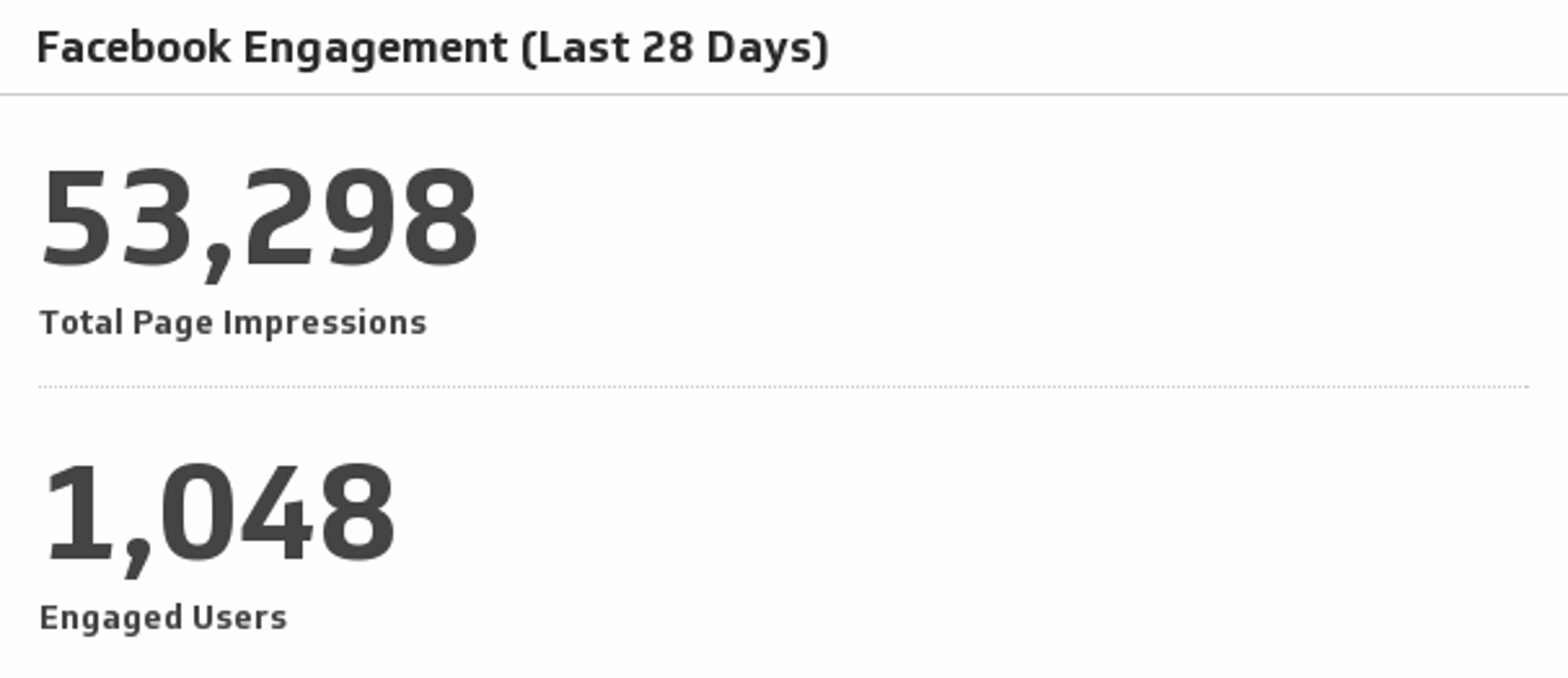
UsesFacebook Engagement
Monitor total page impressions and engaged users over the past 30 days.
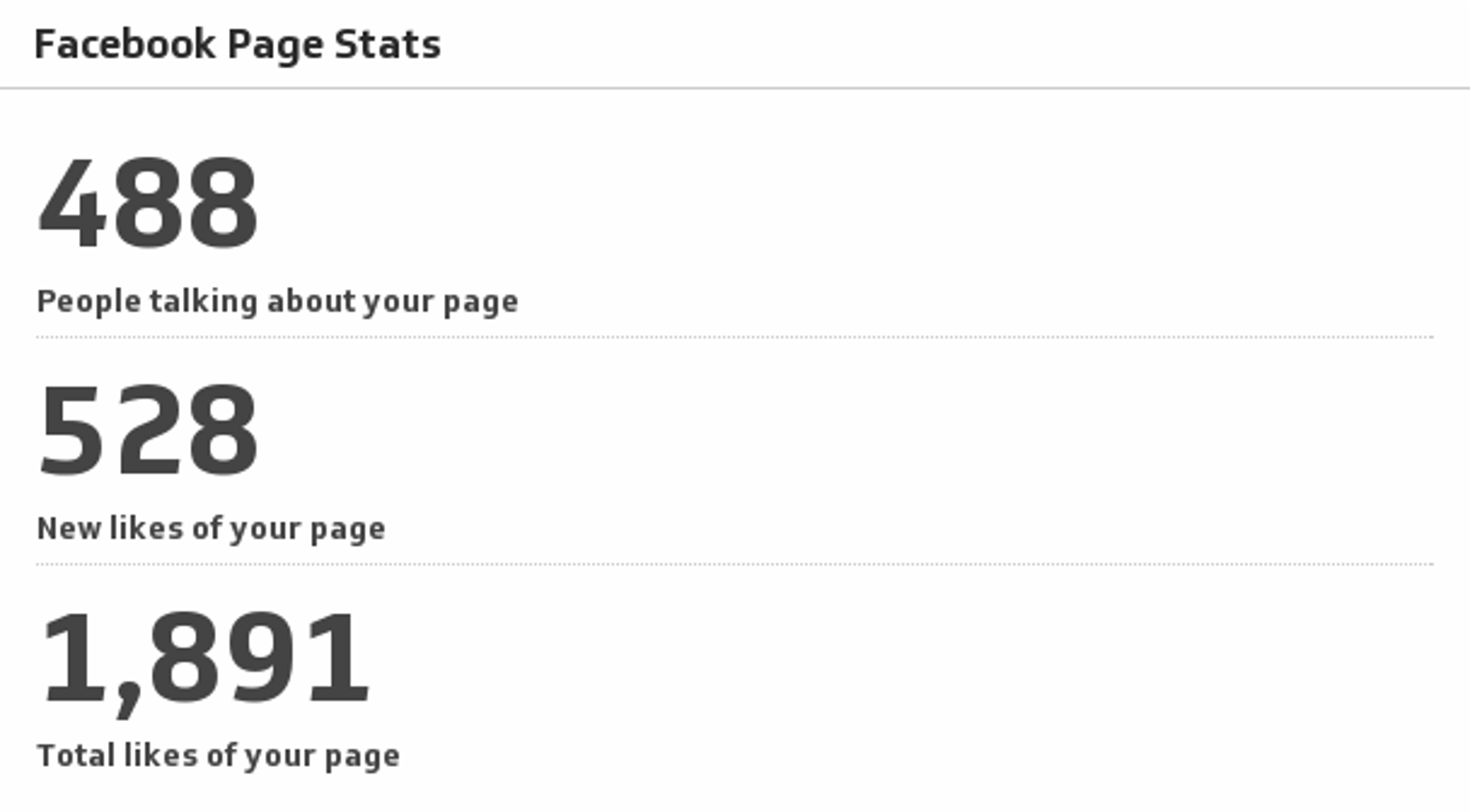
UsesFacebook Page Stats
Always know where you stand on Facebook by monitoring the key metrics of your company page.
UsesPage Likes
Every Facebook page owner’s first stop is to find out how many people liked their page. And that includes you! See your total Facebook likes and compare it to the last seven days.
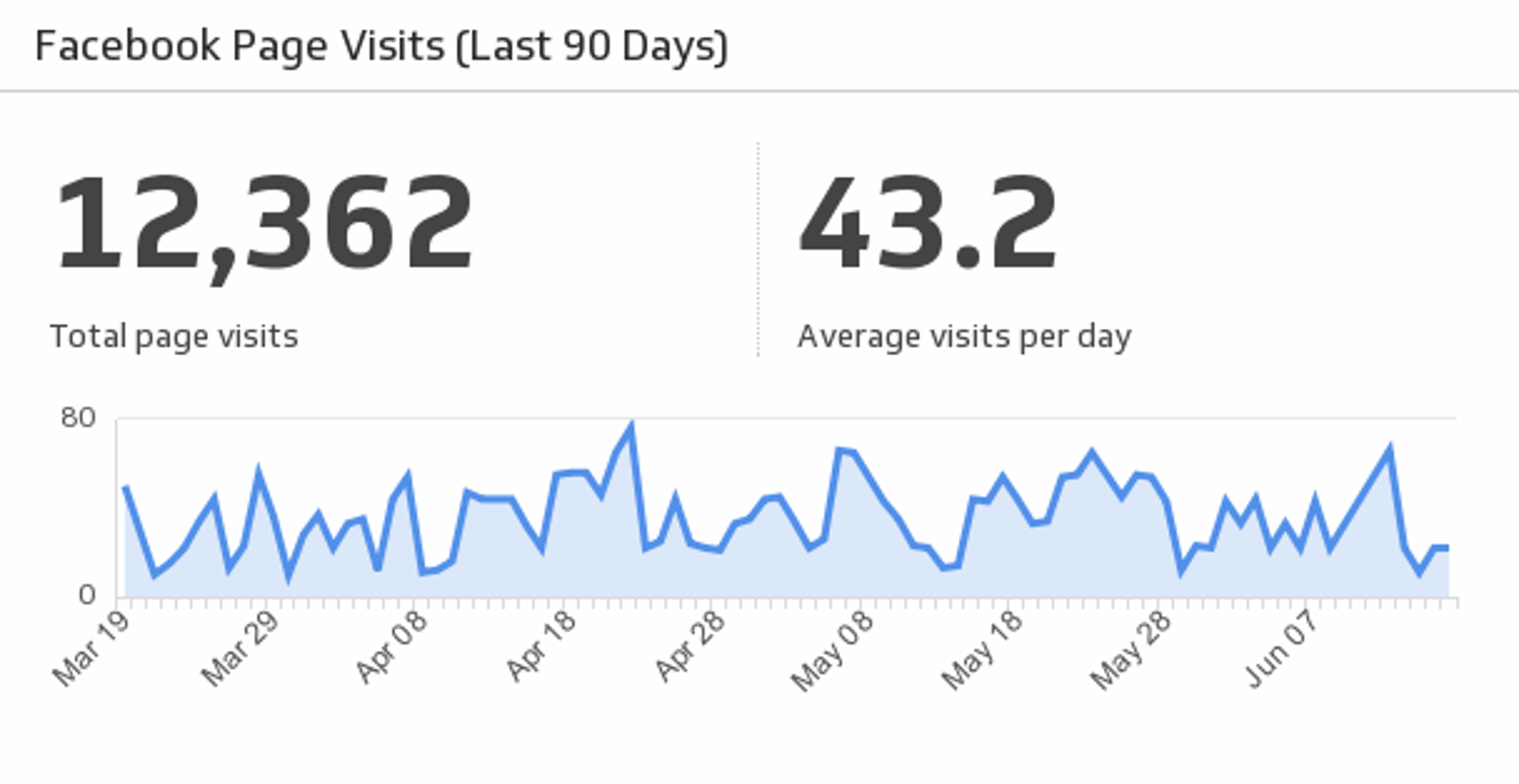
UsesPage Visits
Discover total and average page visits by monitoring your Facebook company page traffic over the past 90 days.
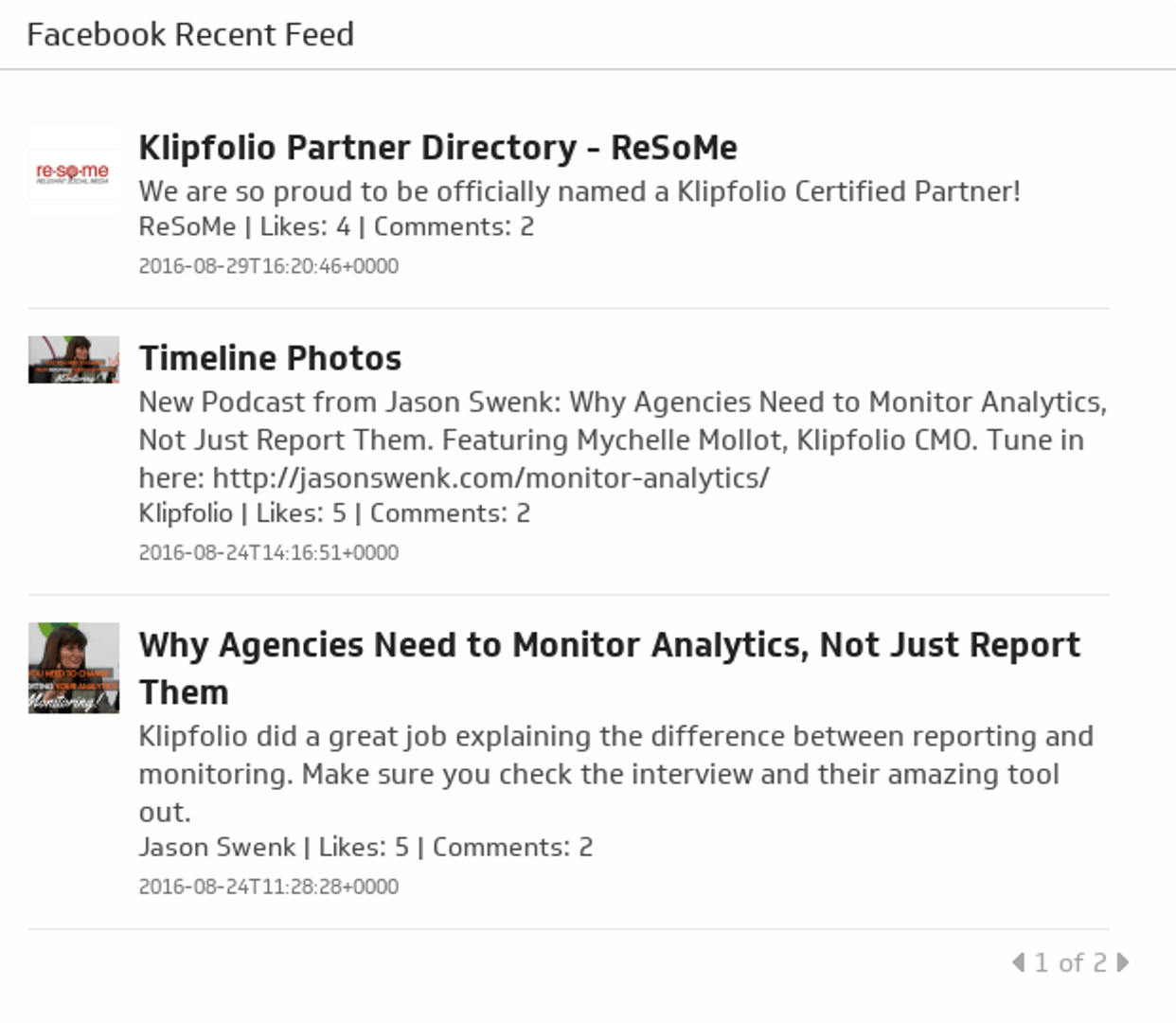
UsesRecent Posts
A stream of your 25 most recent Facebook posts.
Uses