Basecamp
Connect Basecamp to Klipfolio and build a real-time dashboard for your projects, deadlines, and team activity. Works with Basecamp 2 and Basecamp 3.
Tracking too many projects across too many tabs is how deadlines get missed. Connect Basecamp to Klipfolio and pull your project data into a live dashboard that keeps your whole team aligned.
How to connect Basecamp to Klipfolio
Klipfolio supports both Basecamp 2 and Basecamp 3. The steps below cover the most common setup path using pre-built Klips from the Connector Gallery.
- Open the Connector Gallery in your Klipfolio account.
- Search for Basecamp and select a pre-built Klip.
- Use the drop-down menu to Select a token or Create a new token.
- If creating a new token, enter your Basecamp username and password, then click Sign In.
- Click Yes, I'll allow access to authorize the connection.
- Select your Basecamp Account ID and Project ID from the drop-down menus.
- Click Add Klip to add the visualization to your dashboard.
For detailed setup instructions, view the step-by-step setup guide for Basecamp 2 or Basecamp 3.
Why use Klipfolio for Basecamp dashboards
Klipfolio goes beyond what Basecamp shows you by default. Here's what you gain:
Real-time project visibility: See active projects, upcoming deadlines, and task status update automatically — no manual exports required.
Cross-project reporting: Pull data from multiple Basecamp projects into a single dashboard so nothing falls through the cracks.
Team alignment at a glance: Share dashboards via TV mode, public links, or scheduled email reports so every stakeholder sees the same picture.
Custom metrics: Build your own data queries using the Connector Gallery to track the specific project signals that matter to your team.
Flexible distribution: Control who sees what with granular roles and permissions, or embed dashboards directly into the tools your team already uses.
Basecamp reporting: before and after Klipfolio
| What you do in Basecamp | What Klipfolio adds |
|---|---|
| Check each project individually for status updates | One dashboard showing all projects in real time |
| Manually compile deadline and task data | Automated Klips that refresh on a schedule |
| Share project updates in messages or threads | Distribute live dashboards by email, TV mode, or public link |
| Rely on Basecamp's built-in views | Customize layouts and visualizations to match your reporting needs |
Stop switching between projects to piece together the full picture. Start with a Basecamp dashboard that updates automatically — view the setup guide and get connected in minutes.
Use pre-built Basecamp metrics
Assemble a Basecamp dashboard by selecting pre-built metrics from the Klip Gallery.
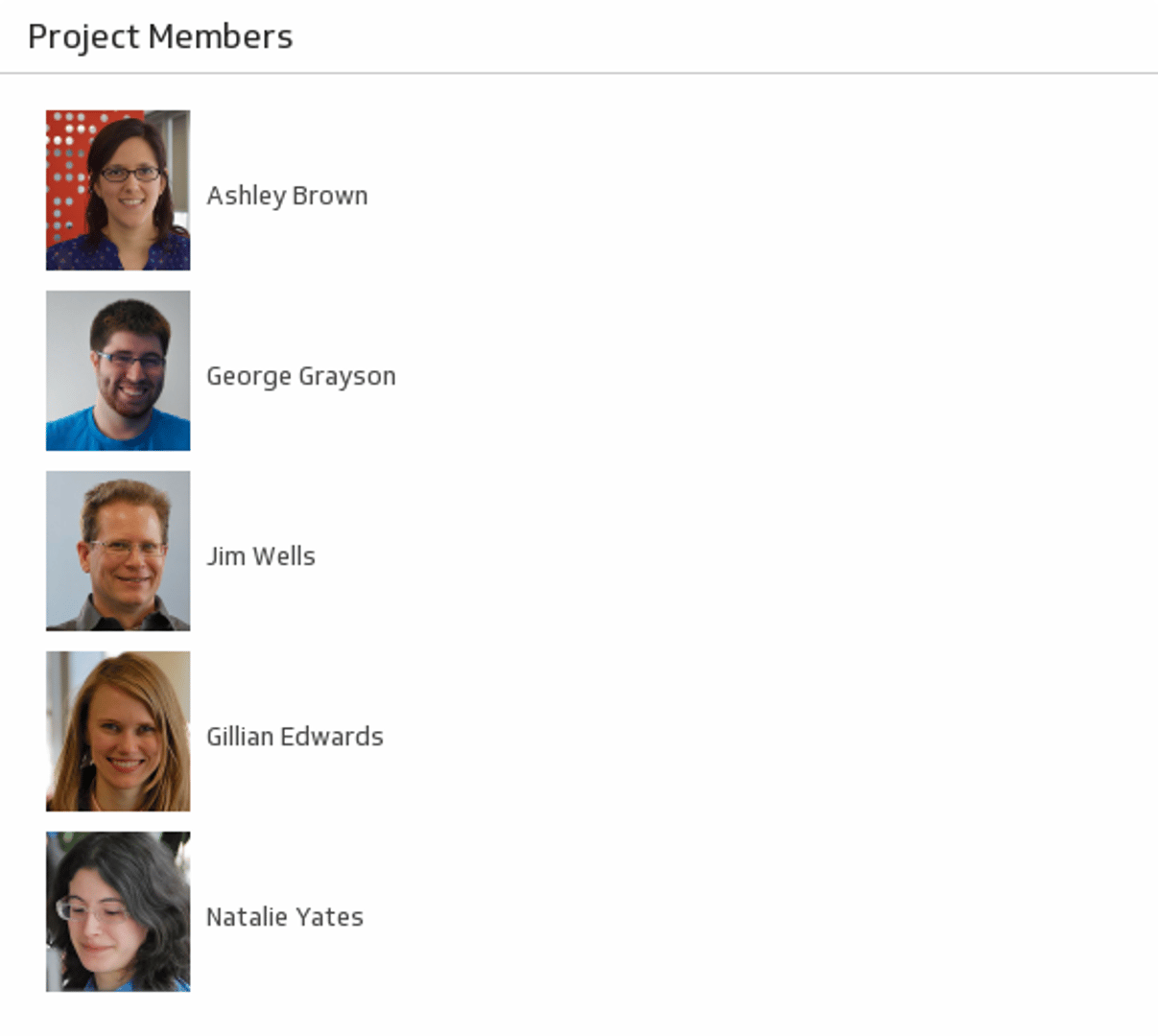
Project Members
Let your team shine by displaying a list of members on your dashboard.
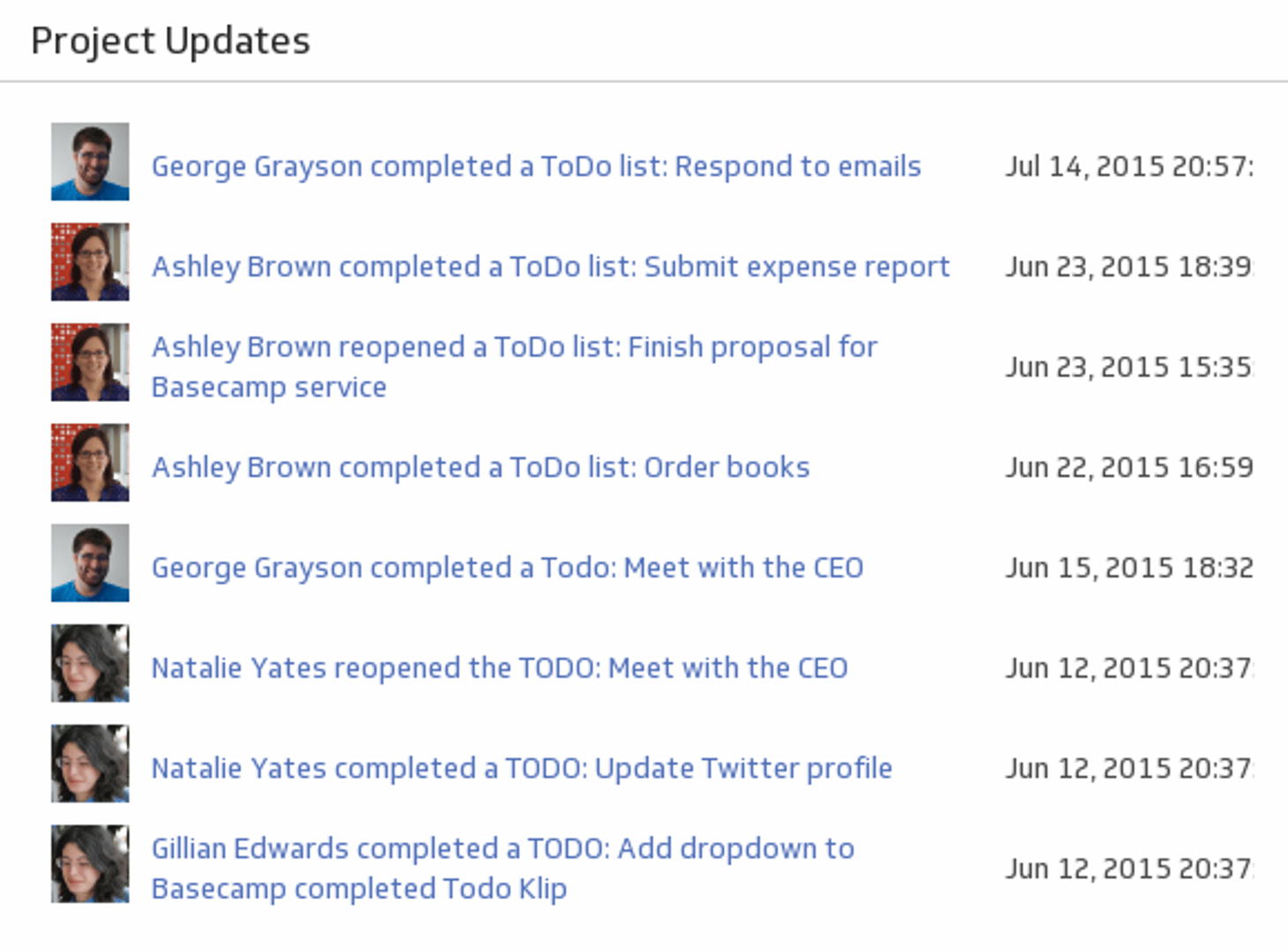
UsesProject Updates
Monitor your team's activity with a real-time list of updates.
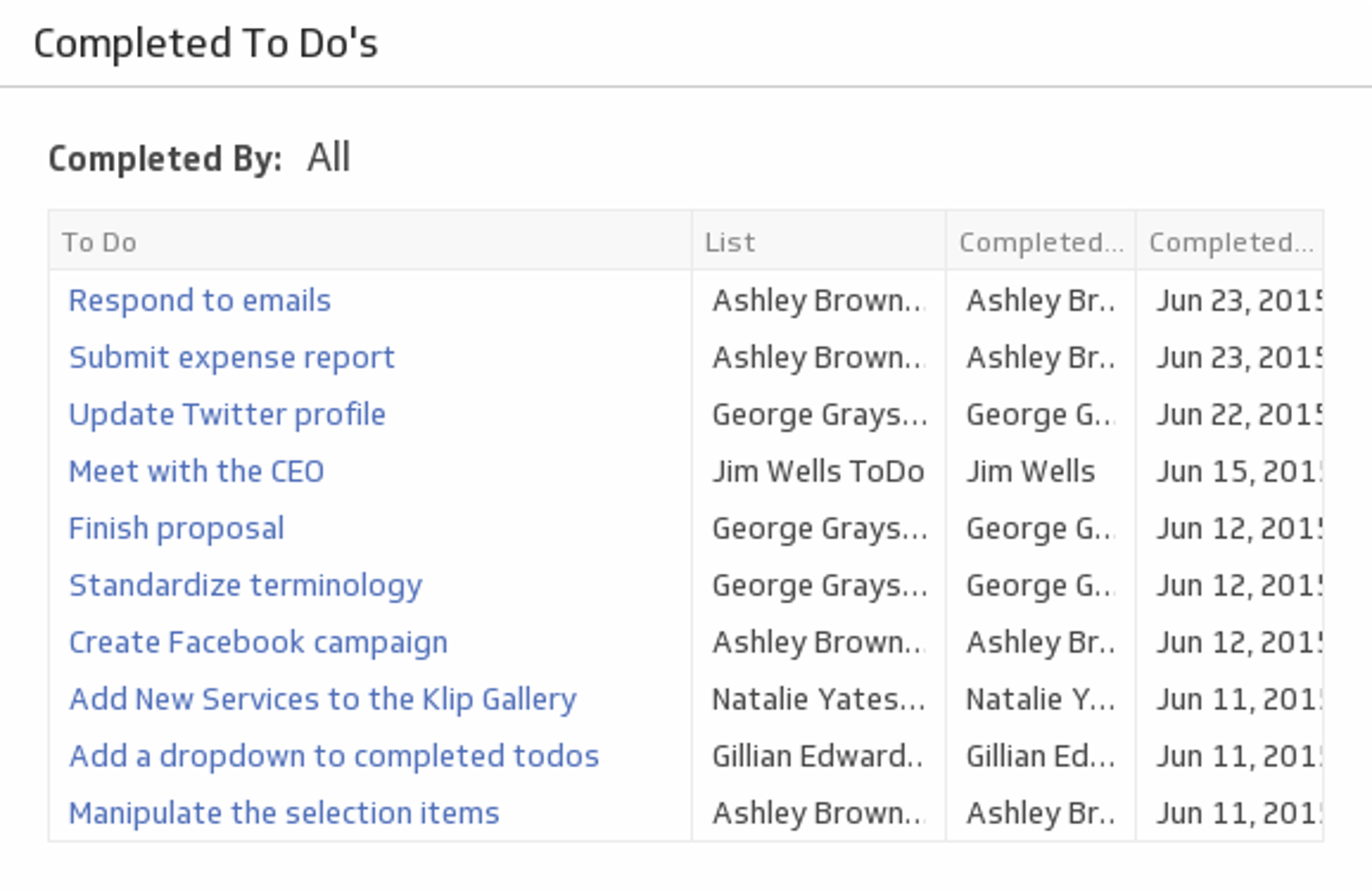
UsesCompleted To Dos
See a list of tasks each team member has completed using a handy drop down menu.
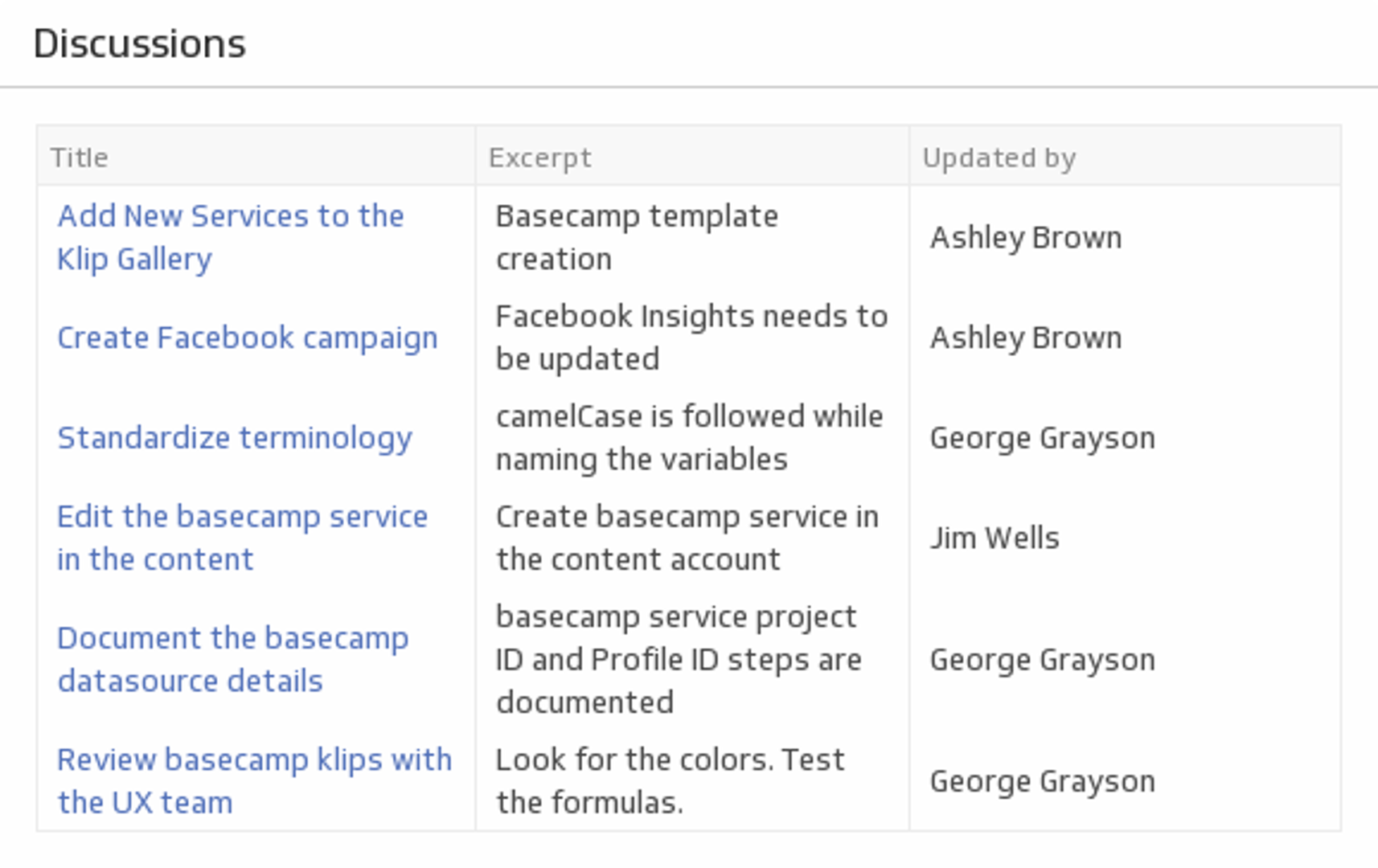
UsesDiscussions
Stay on top of your Basecamp team discussions.
Uses